
Bitdefender Mobile Security for Android
What Is Bitdefender Mobile Security?
Your phone holds your banking apps, your photos, your private messages, and probably a few passwords you’d rather not think about. Bitdefender Mobile Security — from Bitdefender, the security company that’s been fighting malware on desktops for over two decades — exists to protect all of that without turning your phone into a sluggish mess.
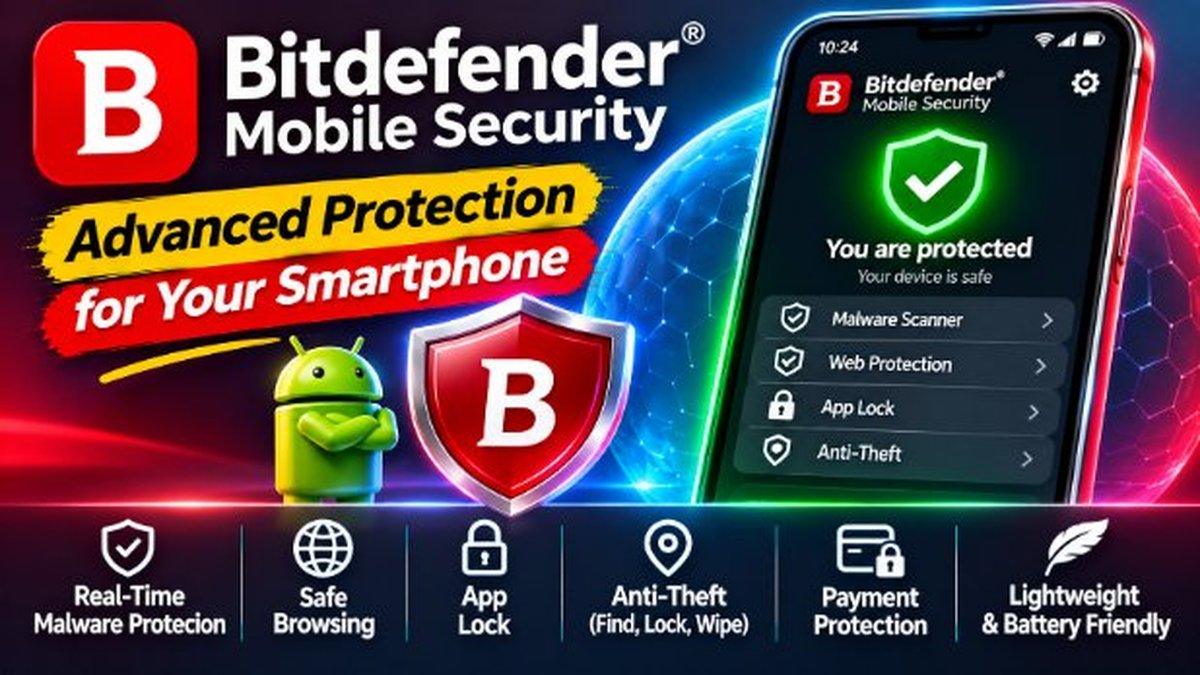
It’s one of the highest-rated antivirus apps on Android, and the reason is refreshingly simple: it stays out of your way. Real-time scanning catches malware before it installs. Web protection blocks phishing links in your browser and your messages. And the whole thing runs light enough that you’ll forget it’s there — no lag, no battery drain drama.
Who’s it for? Honestly, everyone. You don’t need to be a security expert to benefit. If you install apps outside the Play Store, click links in SMS messages, or use public Wi-Fi, you’re exactly the person this app was built for. And if you manage a parent’s or grandparent’s phone — the people scammers target most — installing it for them is one of the kindest tech favors you can do.
Key Features
Real-time scanning is the core of the app. Every app you install gets checked against Bitdefender’s malware database before it can do any damage. It also scans on demand, so you can run a full check whenever something feels off. The scanning happens quietly in the background — you won’t notice it until it blocks something nasty.
Web protection guards you where most attacks actually happen: the browser and your messages. Phishing links — the fake bank login pages, the “you’ve won a prize” texts — get blocked before they load. Given how many scams arrive through SMS and WhatsApp these days, this feature alone earns the app its place on your phone.
App lock adds a second layer for your sensitive apps. Lock your banking app, your gallery, or your messages behind a PIN or fingerprint, so even if someone borrows your phone while the screen is on, they can’t get into what matters. It’s simple, and it works.
Anti-theft tools round out the package. If your phone goes missing, you can locate it, lock it, or wipe it remotely. Losing a phone is bad enough; losing everything on it is worse.
Through all of this, the app stays remarkably light. Security apps have a reputation for hogging resources, but Bitdefender’s engine is built to sip battery, not drain it. Scans run when your phone is idle, definitions update silently, and you’ll rarely see the app unless it has something worth telling you.
Why Bitdefender Stands Out
Plenty of antivirus apps exist for Android. What sets Bitdefender apart is restraint. It doesn’t bombard you with scary warnings to upsell you. It doesn’t slow your phone to a crawl. It doesn’t ask for permissions it doesn’t need.
The detection engine is the same one that powers Bitdefender’s desktop products, which consistently rank among the best in independent lab tests. You’re getting enterprise-grade protection in a package that respects your phone’s resources — and your attention.
Compare that to the free antivirus apps stuffed with ads and “boosters” that do nothing. Bitdefender feels like a tool, not a trap. That’s rarer than it should be in this category.
Is Bitdefender Mobile Security Free?
The app is free to install and includes core protection features. There’s also a premium tier that opens up the full feature set — things like the complete web protection and advanced anti-theft tools. Check the Play Store listing for current pricing, since plans and trial offers change over time.
How to Download Bitdefender Mobile Security
Getting started takes about two minutes. Install the app from the Play Store link below, grant the permissions it asks for (it needs them to scan apps and monitor web traffic — that’s the whole job), and run your first scan. After that, it handles itself.
One tip: enable the app lock for your banking and payment apps right away. It’s the feature you’ll appreciate most on day one.
Pair it with safe habits — like using WhatsApp’s built-in security features — and keeping your device running smoothly with our performance tips, and your phone becomes a much harder target.