
Spotify for Android
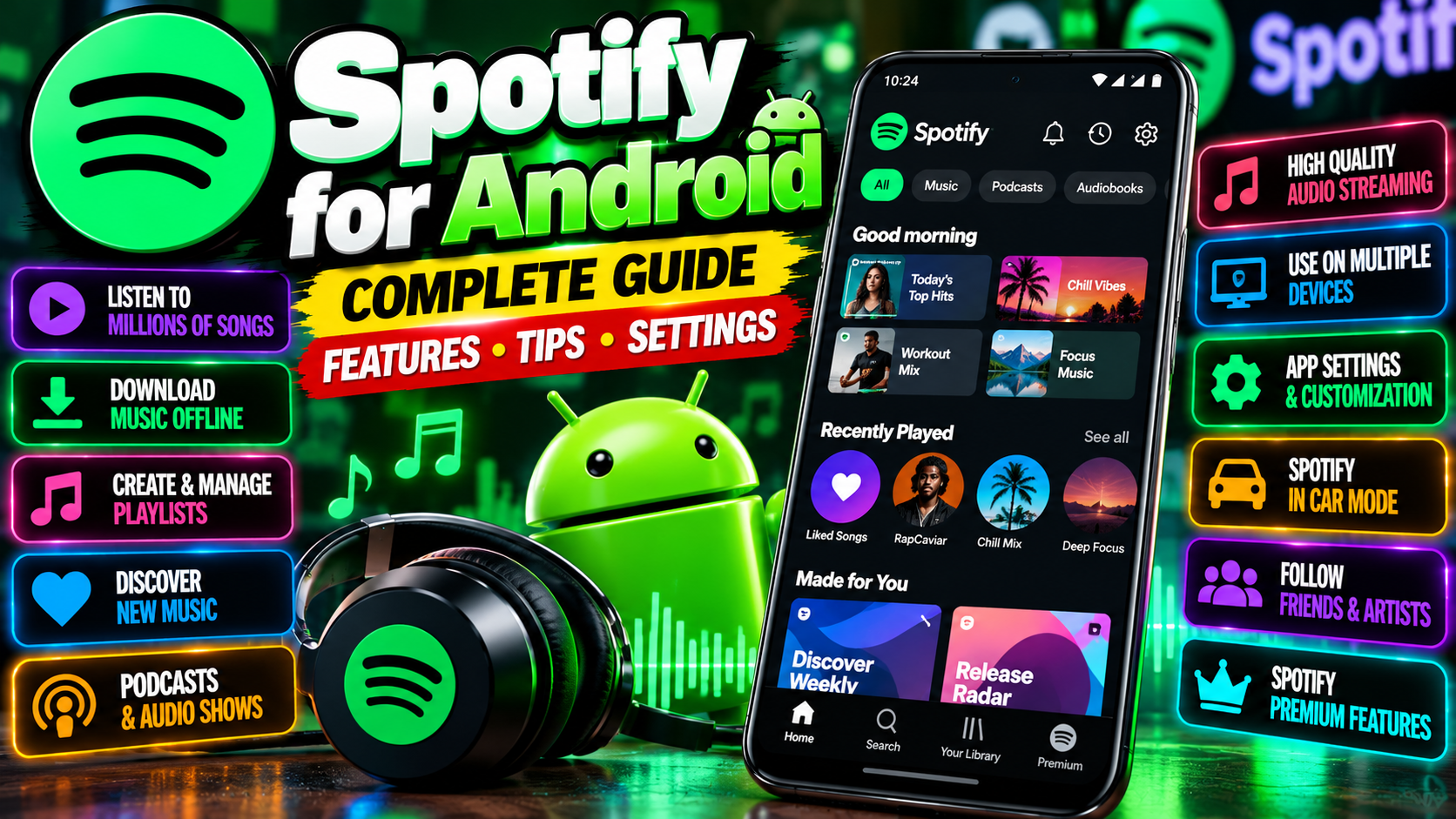
What is Spotify?
Spotify is the world’s most popular music streaming app, made by Spotify AB. Instead of buying songs one by one, you get on-demand access to millions of tracks, albums, and playlists — plus podcasts and audiobooks — all inside one app. It runs on Android, iOS, desktop, smart TVs, and just about everything else with a screen or speaker.
Free vs Premium: the real difference
Spotify’s free tier is genuinely usable, which is rare these days. On Android, though, it comes with strings attached:
- Free: shuffle-only playback on mobile, audio ads every few songs, no offline downloads, limited skips per hour.
- Premium: play any song on demand, zero ads, unlimited skips, offline downloads, and higher audio quality.
On desktop and tablet, the free tier is more generous — you can pick specific songs there. It’s the mobile app where the limits bite.
Key features worth knowing
- Playlists for everything — make your own, follow friends’, or dive into Spotify’s editorial playlists for every mood and genre.
- Discover Weekly and Release Radar — personalized playlists that surface new music based on what you actually listen to. These are scary good once the algorithm learns your taste.
- Offline downloads (Premium) — save albums and playlists for flights, commutes, or anywhere with patchy data.
- Spotify Connect — start music on your phone and hand it off to a speaker, TV, or laptop without missing a beat.
- Wrapped — the yearly listening roundup that takes over social media every December. Fun, shareable, and weirdly addictive.
Podcasts and more than music
Spotify isn’t just songs anymore. It’s one of the biggest podcast platforms around, with video podcasts, charts, and exclusive shows. There’s also a growing audiobook catalog. If you bounce between music and talk content, having it all in one app is genuinely convenient.
Who is it best for?
Music lovers who want everything in one place. Playlist builders. Commuters who need offline downloads. Anyone who’s tired of managing MP3 files like it’s 2009. If you mostly listen on desktop, the free tier might honestly be enough for you.
Getting the most out of it
A few habits that make Spotify dramatically better:
- Follow artists you like — you’ll get notified about new releases instead of discovering them months late.
- Download on Wi-Fi only — flip on the “download using cellular” toggle only if you mean it. Your data plan will thank you.
- Try collaborative playlists — friends can add songs to a shared playlist. Great for parties, road trips, and settling arguments about music taste.
- Use the sleep timer — buried in the playback menu, perfect for falling asleep to podcasts without waking up at 3 AM to true crime.
- Check your privacy settings — Friend Activity broadcasts what you’re playing. Fun with friends, awkward with guilty pleasures. You can hide both.
The honest downsides
The free mobile experience is the main complaint — shuffle-only mode can feel like the app is ignoring you, and the ads interrupt at the worst moments. Premium fixes all of it, but it’s a monthly cost that adds up, and prices have crept upward over the years. Also, if you’re an audiophile chasing the absolute highest fidelity, Spotify’s top quality tier lags behind some competitors. For most ears, though, it’s plenty.
Developer: Spotify AB