
WA Contacts Extractor: The Tiny App That Tames WhatsApp Number Chaos
What Is WA Contacts Extractor?
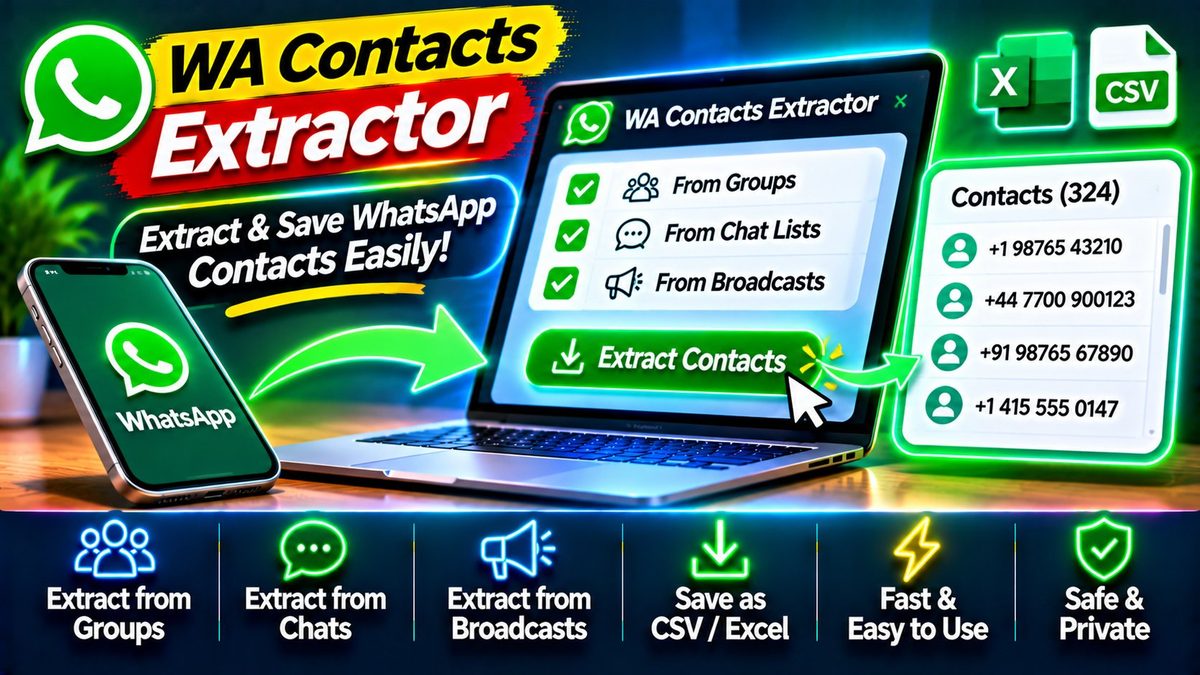
Be honest: how many unsaved numbers are sitting in your WhatsApp chats right now? The delivery guy. That client from March. The plumber whose name you never caught. WA Contacts Extractor — from developer Aticmatic, and one of the highest-rated new Android apps of its kind — exists for exactly this mess.
It turns visible unsaved WhatsApp numbers into an organized contact list, without retyping each one by hand. The concept is simple. The app is built specifically for WhatsApp and WhatsApp Business: it reads the unsaved numbers visible in your chats and converts them into proper contacts you can save, organize, and actually use.
Who needs this? Anyone who does business over WhatsApp — freelancers, shop owners, salespeople — plus anyone whose chat list has become an archaeological dig of forgotten numbers. If you’ve ever scrolled through months of chats looking for “that one number,” you already understand the problem.
Key Features
Unsaved number detection is the whole point. The app scans your WhatsApp and WhatsApp Business chats for phone numbers that aren’t in your contacts yet, and presents them in a clean list. No more manual hunting through conversations.
One-tap saving turns a found number into a real contact. Add a name, save it, done. What used to take a minute of copy-paste per number takes seconds — and across dozens of numbers, that adds up fast.
Organized contact lists let you manage what you’ve extracted. Instead of a pile of anonymous digits, you get a structured list you can work through: name them, save the keepers, ignore the rest.
WhatsApp Business support matters for anyone running a shop or service. Business chats accumulate customer numbers constantly, and this app treats them as first-class citizens — not an afterthought.
Export options let you take your extracted contacts with you. Building a customer list for follow-ups or marketing? Export turns chat chaos into a usable database.
Lightweight and focused — the app does one job and does it well. No bloated feature list, no confusing menus. Open it, extract, save, move on.
Why WA Contacts Extractor Stands Out
It’s solving a problem most people didn’t know had a solution. Everyone with a busy WhatsApp knows the pain of lost numbers; almost nobody knew an app could fix it. That specificity is its strength — it’s not a generic “contacts manager” but a tool built for one exact workflow.
The alternative is the manual grind: open chat, long-press number, copy, open contacts, paste, type name, save. Repeat fifty times. Or worse — just never doing it, and losing touch with people who mattered. An app that collapses that into a few taps earns its place.
For small business owners, it’s quietly transformative. Every unsaved customer number is a lost follow-up, a lost repeat sale. Turning chat history into a contact list turns conversations into a customer base.
A word on privacy, since the app reads your chats: only grant permissions you’re comfortable with, and check what the app accesses in its Play Store listing. The extraction happens for your own chats, on your own device — but as with any app that touches messaging data, it’s worth understanding what you’re allowing before you allow it.
Is WA Contacts Extractor Free?
The app is available on the Play Store — check the listing for current pricing and any premium features, since pricing details can change over time.
How to Download WA Contacts Extractor
Install from the official Play Store link below. When you first open it, grant the permissions it needs to read your WhatsApp chats (that’s how it finds the numbers), then let it scan. Review the list it finds, name the contacts worth keeping, and save them.
One tip: do your first extraction sooner rather than later, while you still remember who the mystery numbers belong to. A number from last week is easy to identify; a number from last year is a guessing game.
If WhatsApp is central to your work, our WhatsApp guide covers the app itself in depth — and for keeping all your business tools running smoothly, our performance tips help on every device you own.
Download: WA Contacts Extractor (official link)