
YouTube for Android
What is the YouTube app?
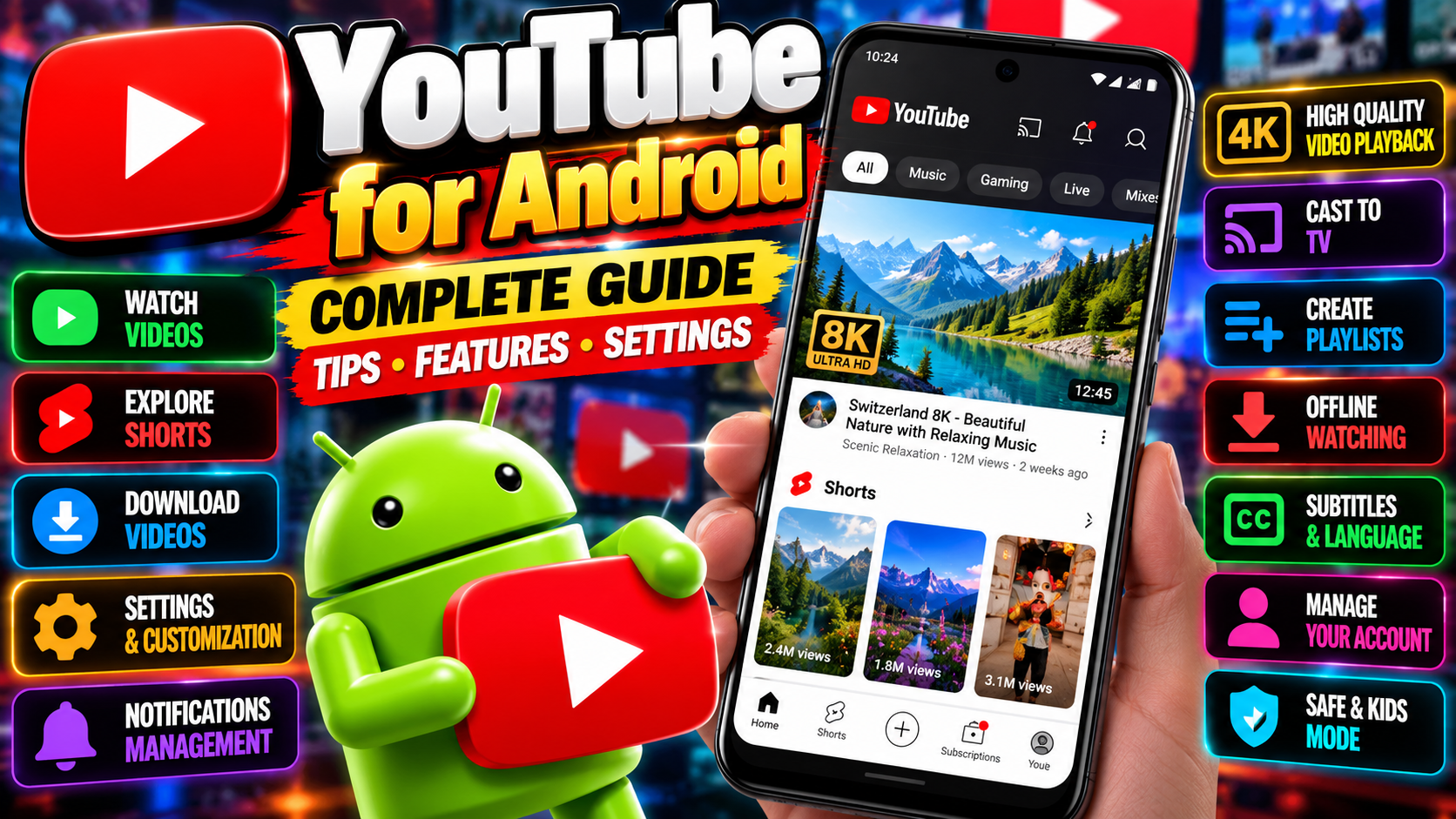
It’s YouTube — the video platform you already know — in app form. Watch billions of videos, from ten-second Shorts to three-hour documentaries, all tuned to what you like by one of the smartest recommendation systems on the internet. The Android app is how most of the world watches YouTube, and it’s free.
Core features
- Watch anything — music videos, tutorials, vlogs, live streams, news, gaming. If it exists on video, it’s probably here.
- Subscriptions and notifications — follow channels and get pinged when they upload. Your subscription feed is chronological, mercifully.
- Chromecast and casting — fling videos to your TV with two taps.
- Comments and community — for better or worse, the comment section is half the experience.
- Your library — history, watch later, liked videos, and your own playlists, all synced across devices.
YouTube Shorts
Shorts are YouTube’s answer to TikTok: vertical videos under three minutes, in an endless swipeable feed. The creation tools are built in — trim, captions, music, effects — so you can film and publish without leaving the app. For viewers, it’s a dangerously good time sink. For creators, it’s currently one of the fastest ways to grow a channel from zero.
What Premium adds
The free app is fully usable, but YouTube Premium removes the friction:
- No ads — pre-rolls, mid-rolls, banners. Gone.
- Background play — keep audio going with the screen off or while using other apps. Huge for music and podcasts.
- Offline downloads — save videos for planes, subways, and dead zones.
- YouTube Music Premium included — Google’s music streaming service comes bundled, which makes the subscription easier to justify if you’d pay for music anyway.
YouTube Music tie-in
Worth a note on its own: the YouTube Music app shares your account, and its catalog includes official tracks plus remixes, covers, and live versions you’d never find on other streaming services. If you’re deep in Google’s ecosystem, the pairing is hard to beat.
Who is it best for?
Everyone, honestly. Students learning skills, parents keeping kids entertained (use YouTube Kids for the little ones), creators building an audience, or anyone killing time in a queue. It’s the default video app on Android for a reason.
If you want to create, not just watch
The app isn’t only for viewers. Tap the plus button and you can upload videos straight from your phone — trim, add a title and description, pick a thumbnail, and publish. Shorts get their own creation flow with music, text overlays, and filters built in.
Serious about growing? Install the separate YouTube Studio app (also free) for analytics, comment management, and monetization tracking. And yes — channels can earn money through the YouTube Partner Program once they meet the eligibility requirements, which is exactly why so many creators start on Shorts: the growth curve is steep if your content lands.
The honest downsides
Ads on the free tier have gotten longer and more frequent — two unskippable pre-rolls is now normal, which tests anyone’s patience. The app is also a battery and data hog if you watch a lot on mobile data; download on Wi-Fi when you can. And the recommendation algorithm is a little too good at keeping you watching — set a bedtime reminder in the app settings. Your sleep schedule will thank you.
Official site: youtube.com