
12 Best AI Apps for Android and iPhone in 2026
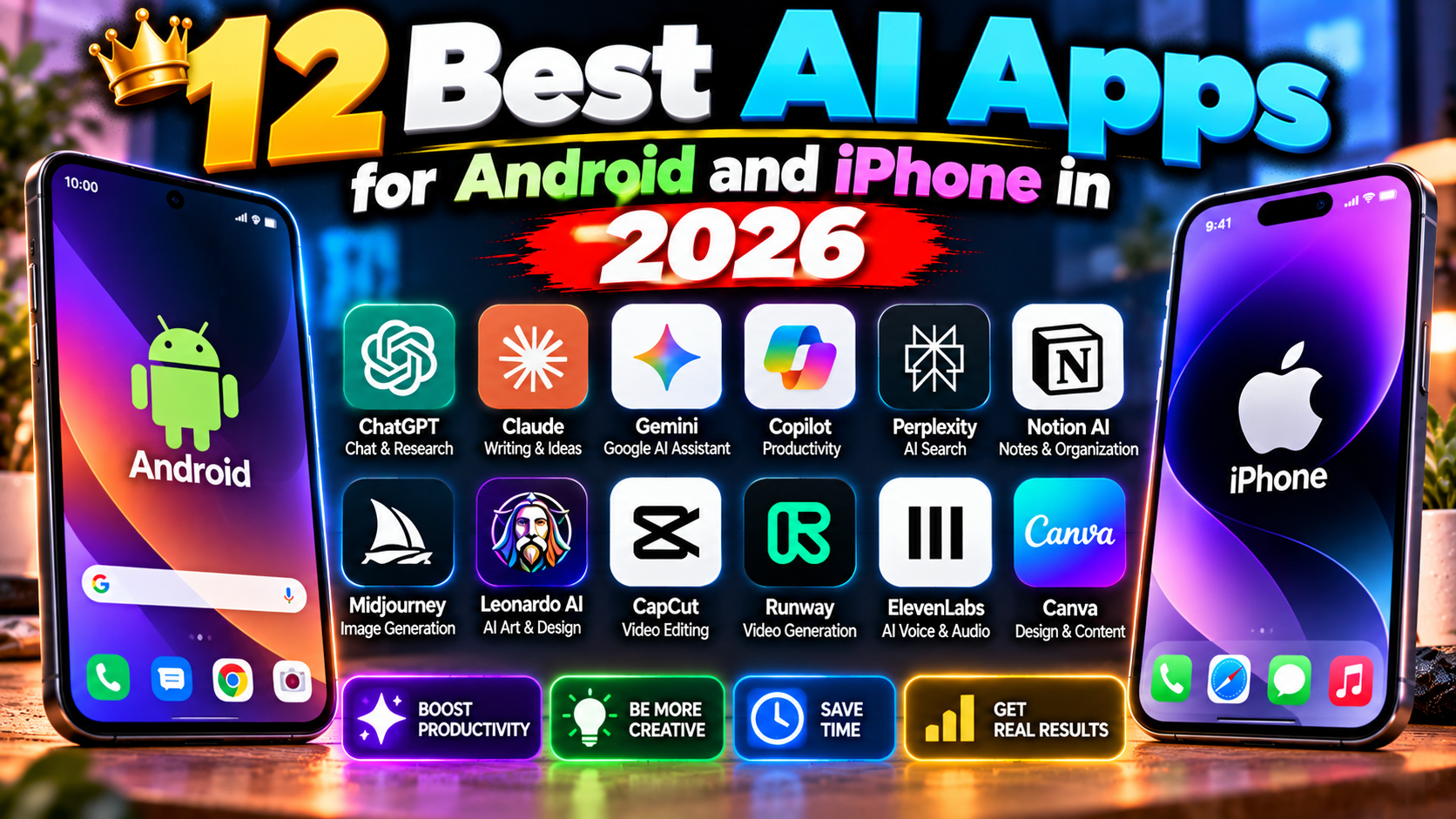
Your phone is already an AI device — you just might not be using the best parts. Beyond the built-in assistants, there’s a thriving ecosystem of AI apps that genuinely earn their home-screen space. Dozens of contenders, narrowed down to twelve keepers for both Android and iPhone.
Assistants & Chat
1. ChatGPT app: voice mode alone justifies the install — natural conversation with an AI that remembers context. The free tier is generous.
2. Gemini app (Android): deeply integrated with your Google apps — “summarize my last email from Sarah” just works. iPhone users get it inside the Google app.
3. Microsoft Copilot app: GPT-powered with a generous free tier and image generation built in. The sleeper pick most people overlook.
Photo & Video
4. Google Photos (Magic Editor): already on your phone, now with AI editing that removes objects, unblurs faces, and reimagines skies. Check what you have before downloading anything.
5. CapCut: AI auto-captions, background removal, effects — the complete short-form video studio, free. Hard to beat at any price.
6. Remini: AI photo enhancer that rescues blurry old photos shockingly well. The free tier has limits but the results impress.
Audio & Language
7. Google Translate (camera + conversation): point your camera at any text, get instant translation overlaid. The conversation mode translates bilingual chats live. Traveling without this is a choice.
8. Otter.ai: records and transcribes meetings, lectures, interviews — with speaker identification and summaries. Students and professionals swear by it.
9. Speechify: turns any article or document into natural-sounding audio. Your reading list, as a podcast.
Productivity & Life
10. Notion: notes, docs, and projects with AI that summarizes, drafts, and organizes. The free plan covers most personal use.
11. Perplexity app: AI search with citations, in your pocket. Faster than Googling for “just tell me the answer” questions.
12. Duolingo (AI features): the language app’s AI conversation practice is the closest thing to a patient native speaker on demand. Roleplay ordering food, job interviews, small talk — genuinely useful.
What to Skip
Avoid the flood of “AI” apps that are just a chatbot wrapper with a subscription — if an app’s entire function is “ask AI things,” your browser does that free. Also skip AI apps demanding excessive permissions (why does a wallpaper app need your contacts?). Stick to apps from known developers on the official Play Store and App Store — sideloaded “AI” APKs are a malware theme park.
The Permission Check (Do This Today)
AI apps are hungry for data — microphones, photos, contacts, location. Some need it legitimately (a transcription app needs your mic); some are just harvesting. Go through your AI apps right now: Settings → Apps → Permissions, and revoke anything that doesn’t match the app’s job. A voice recorder doesn’t need your contacts. A wallpaper app doesn’t need your location. This takes five minutes and it’s the single highest-leverage privacy habit on your phone. Also prefer apps with on-device processing where possible — Apple’s and Google’s built-in AI features process locally, which means your data never leaves your phone. When an app offers “cloud” vs “on-device” modes, on-device is the privacy pick every time.
The Built-in Ones You’re Ignoring
Before downloading anything: check your phone’s built-in AI. Circle to Search (Android), Live Voicemail transcripts (iPhone), on-device translation, photo cleanup — flagship phones in 2026 ship with AI features most owners never open. Spend 20 minutes in your Settings’ AI or intelligence section. You might already own half this list. Audit your built-ins before downloading anything new — the best AI app is often the one already installed. More app picks in our Android apps section and AI tools.
Related Reading
Keep exploring: 5 Best Free File Manager Android Apps in 2026, 10 Hidden Android Settings That Make Your Phone Feel Brand New, and 5 Free Photo Editing Apps for Android That Beat Paid Ones.