
12 Best Free AI Tools in 2026 No Credit Card Required
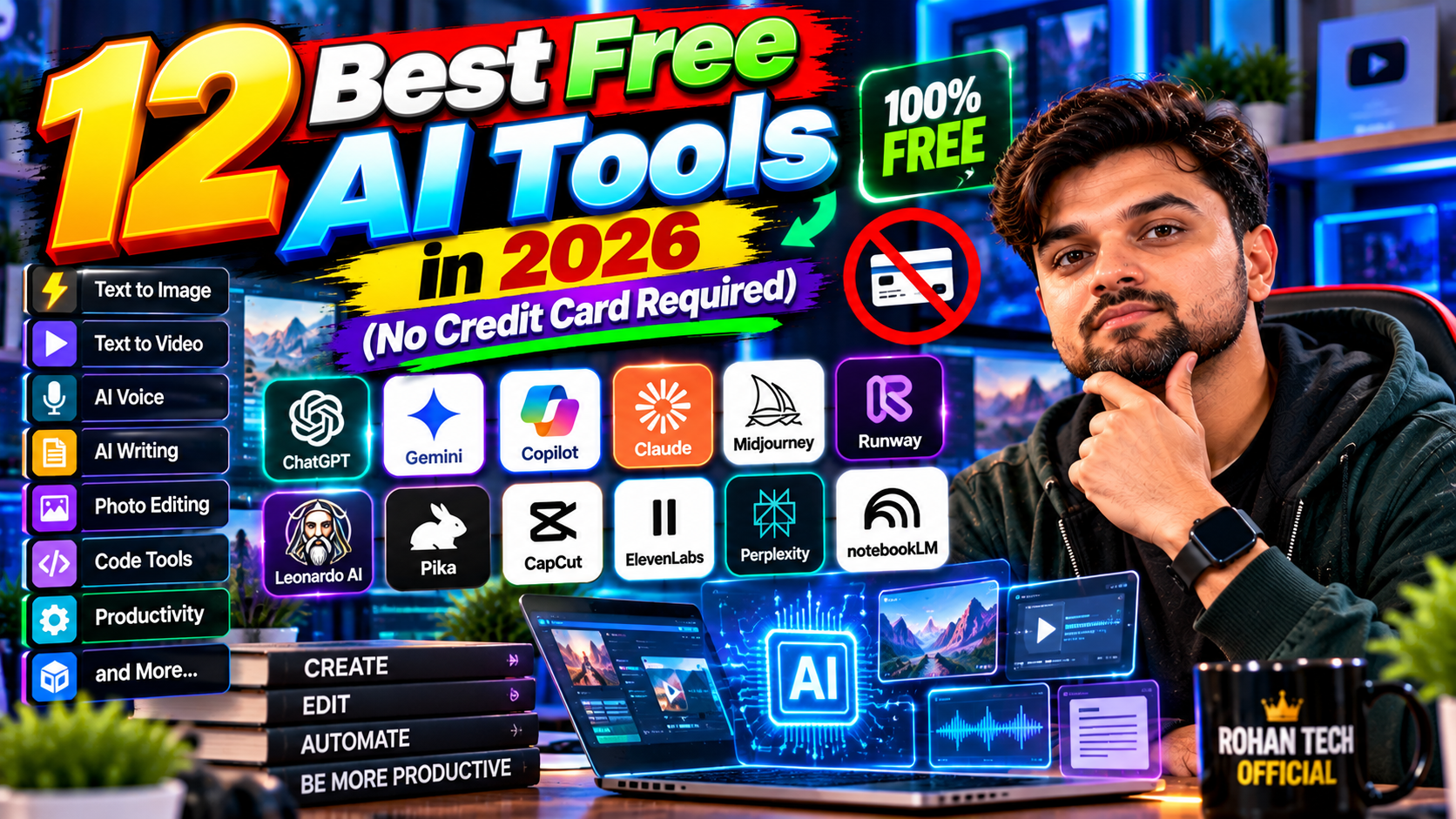
“Free AI tools” lists are usually garbage — 30 tools where 25 are 7-day trials requiring your credit card. This list is different. Every tool here has a genuinely useful free tier: no credit card required, no 3-day trial trap, no “free*” with an asterisk the size of a paragraph. Twelve tools, all actually free to use.
Chat & Writing
1. ChatGPT (free tier): the default AI assistant — writing, questions, brainstorming, coding help. The free tier handles 90% of everyday needs.
2. Gemini (free): Google’s AI, deeply integrated with Gmail and Docs. If you live in Google’s world, this is the convenient choice.
3. Claude (free tier): the best free option for long writing and careful analysis. Generous enough for real work, not just demos.
Images & Video
4. Microsoft Designer: DALL-E powered image generation, free with a Microsoft account. Thumbnails, headers, social graphics — done.
5. Ideogram (free tier): the best free option when your image needs readable text — logos, posters, memes. Text rendering is where most free generators fall apart; this one holds up.
6. CapCut (free): AI video editing with auto-captions, background removal, and effects. The free tier is shockingly complete — it’s genuinely strange how much they give away.
Audio & Voice
7. ElevenLabs (free tier): limited characters monthly, but enough to test the most human-like AI voices available. Good for short projects.
8. Suno (free tier): generate actual songs from text prompts. The free credits renew, and the results are wild — in the best way.
Productivity & Research
9. Notion (free + AI trial): the free plan is generous; the AI add-on has trial credits. Great for organizing everything in one place.
10. Perplexity (free tier): AI search with real citations. The go-to for “I need to understand X quickly” — faster than wading through ten tabs.
11. NotebookLM (free): upload your documents, chat with them. Google’s most underrated free AI tool, and it’s not close.
Bonus
12. Your phone’s built-in AI: Gemini on Android, Apple Intelligence on iPhone — transcription, writing help, photo cleanup, already in your pocket, already paid for. Check what’s there before downloading anything new.
My Free AI Starter Kit (If I Had to Pick 3)
Twelve tools is overwhelming, so here’s the minimalist starter kit worth giving a friend. One chatbot: ChatGPT or Gemini — pick whichever interface you prefer; they cover writing, questions, coding help, brainstorming. This handles 60% of AI needs alone. One visual tool: Microsoft Designer for images — thumbnails, social graphics, presentation visuals. One research tool: Perplexity — because “AI that cites sources” changes how you learn things. That’s it. Three bookmarks, zero dollars, 90% of the value. Add others only when you hit a specific wall: need voiceovers? Then try ElevenLabs. Making videos? Then CapCut. The mistake is installing twelve tools on day one and using none of them well. Master three, expand when needed — that’s how free tools stay useful instead of becoming clutter.
How to Not Get Trapped
Three rules for free AI tools: (1) if it demands a credit card for a “free trial,” it’s not free — skip it. (2) Check what happens to your data — free tools funded by data harvesting aren’t free, you’re the product. Stick to reputable companies. (3) Free tiers change; the generous free plan today might shrink tomorrow. Enjoy them while they last, and don’t build a business on a free tier without a backup plan. A little skepticism now saves a lot of migration pain later.
Start with three: a chatbot (ChatGPT or Gemini), an image tool (Designer), and Perplexity for research. That trio covers 80% of what most people need AI for — at the unbeatable price of zero. Deeper dives on each category live in our AI tools section, with how-to guides in tutorials.
Related Reading
Keep exploring: Best AI Writing Tools in 2026: AI Writers for Content, Blogs & More, 5 Free AI Image Generators Compared: Which Makes the Best Pictures?, and 10 AI Productivity Hacks That Save Me 5 Hours a Week.