
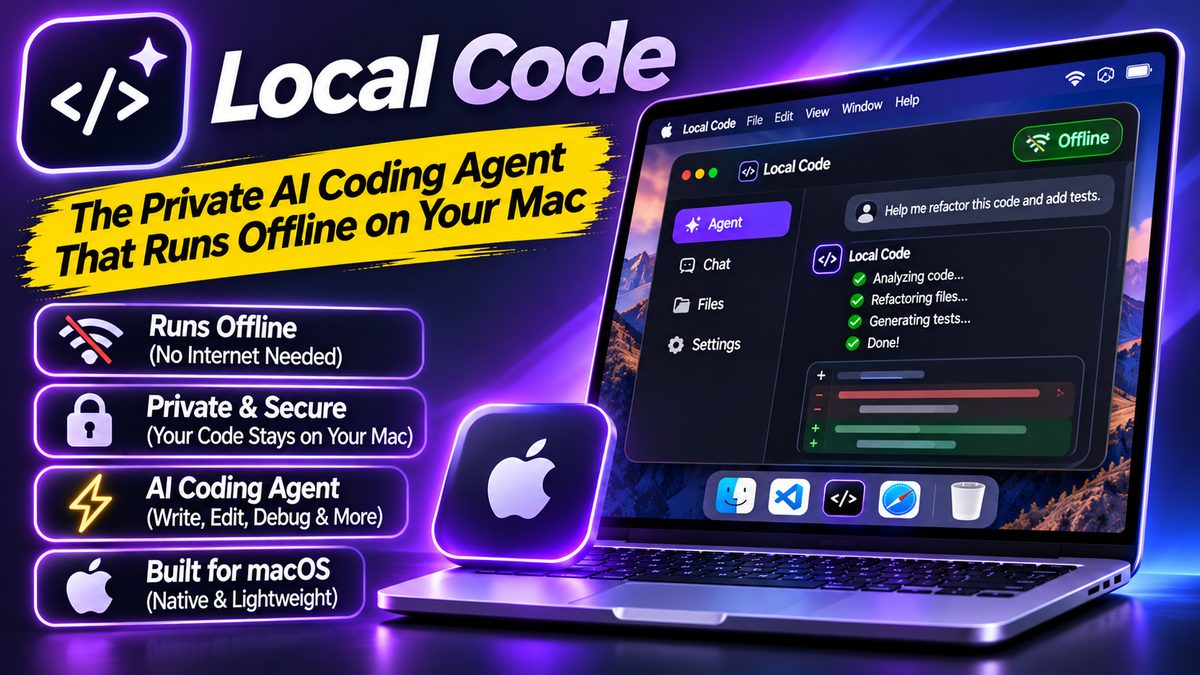
Local Code: The Private AI Coding Agent That Runs Offline on Your Mac
What Is Local Code?
Every popular AI coding assistant has the same dirty secret: your code leaves your machine. It travels to someone’s cloud, gets processed God-knows-where, and you just have to trust the privacy policy. Local Code throws that model out — it’s a private AI coding agent that runs entirely on your Mac, offline.
It’s built by the Draw Things team — the folks behind the popular on-device image generation app — so they know a thing or two about squeezing serious AI performance out of Apple silicon. And it’s live on the macOS App Store right now.
Why Offline Matters
Think about what you feed a coding assistant: proprietary code, API keys in config files, unreleased product logic, client work under NDA. Sending all of that to a cloud API is a risk most developers accept because there was no alternative. Local Code is the alternative.
Because everything runs on your Mac, your code never leaves the machine. No network calls, no logging, no “we may use your data to improve our models” fine print. For freelancers with client NDAs, teams with compliance requirements, or anyone working on stealth projects, that’s not a nice-to-have — it’s the whole point.
What Can It Do?
Local Code is a full coding agent, not a autocomplete toy. It writes code, edits files, refactors, debugs, and generates tests — the same agentic loop you’d get from cloud tools, just running locally. Tell it to refactor a module and add tests, and it analyzes, rewrites, and verifies without phoning home.
The trade-off is honest and worth stating: local models can’t match the raw capability of the biggest cloud models. You’re trading peak intelligence for total privacy. For many developers — especially on Apple silicon Macs with plenty of unified memory — that’s a trade worth making.
Who Should Try It?
Mac developers who care about privacy, work under NDAs, or just like the idea of an AI assistant that works on a plane. It’s also a natural fit if you liked the local-first philosophy in our Sentient OS breakdown — same idea, applied to coding.
The local AI wave is building fast — several new tools this week run models on your own hardware. Local Code is one of the most practical of the bunch, because it solves a problem every developer actually has. Grab it from the Mac App Store and see how it feels to code with nobody watching.