
Cx File Explorer for Android
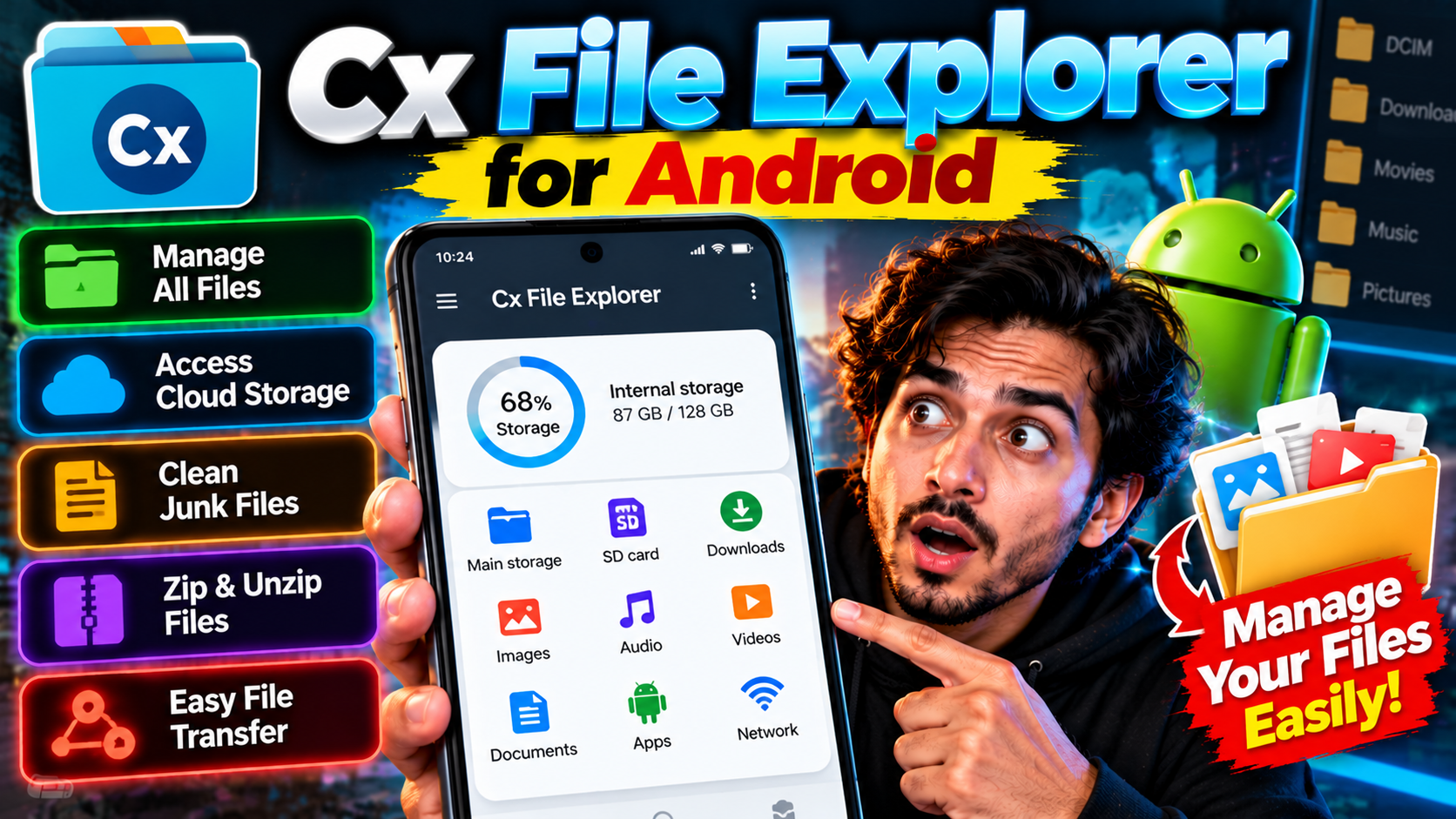
Cx File Explorer is the file manager for people who find the default one too basic. Clean Material Design interface, no ads, and genuinely powerful features: browse local storage, manage your installed apps, and analyze what’s eating your space with visual charts that make the culprits obvious. It also connects to cloud storage — Google Drive, Dropbox, OneDrive — and network locations via FTP, SMB, and WebDAV, so your NAS or home server shows up right alongside your phone’s folders. The storage analyzer is the standout: a visual breakdown of your space so you can spot 3GB of forgotten downloads in seconds. There’s also a recycle bin, so deleted files aren’t gone forever if you change your mind. Lightweight, fast, and free without nagging. If Files by Google feels too simple, this is the upgrade.
Key features
- Clean, ad-free file browsing with Material Design
- Visual storage analysis to find space hogs
- Cloud storage and NAS/network access (FTP, SMB, WebDAV)
- Recycle bin, app manager, and archive support