
Microsoft SwiftKey for Android
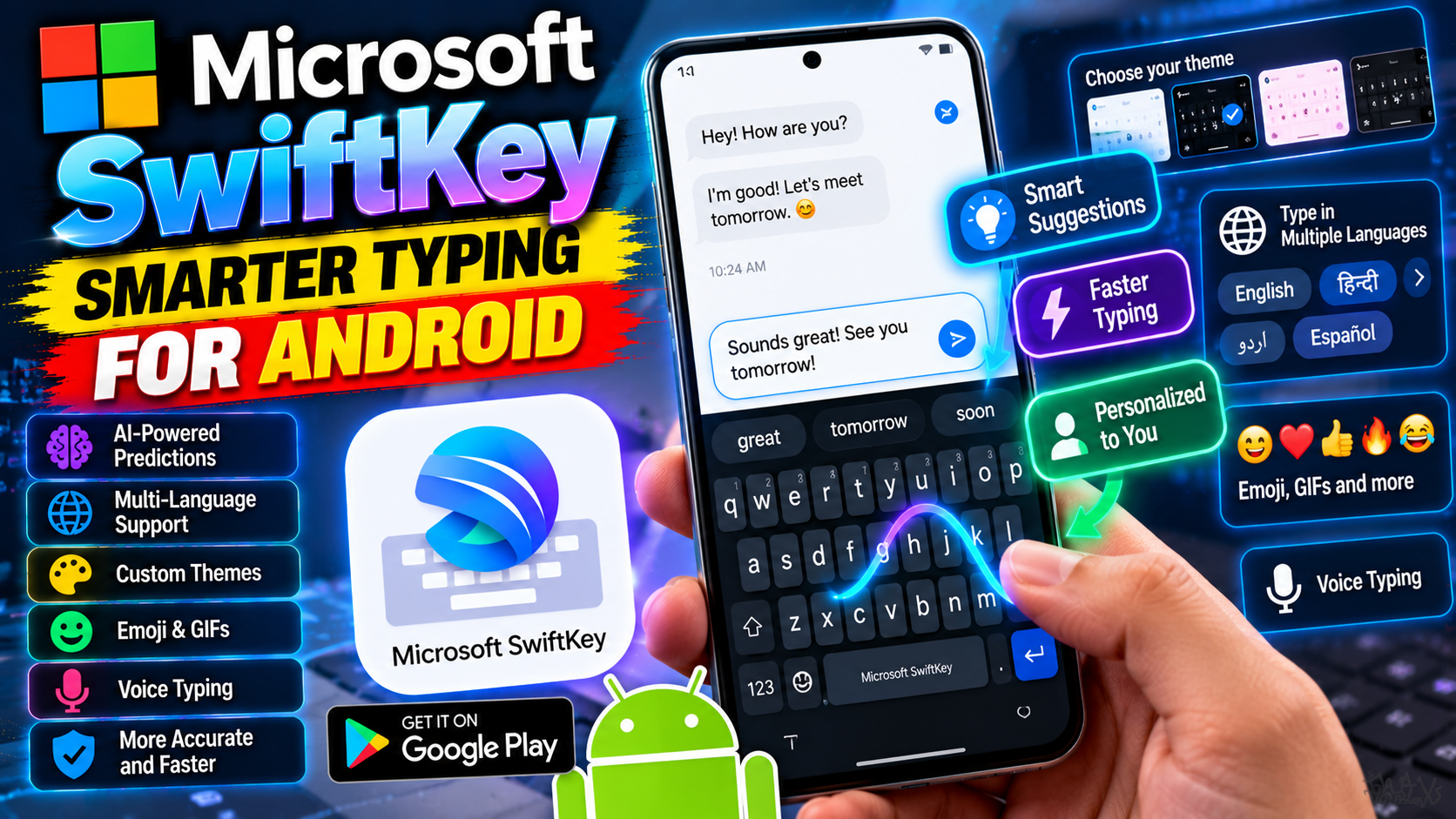
SwiftKey built its reputation on predictions that actually predict — it learns your writing style, slang, and nicknames, then suggests your next word before you’ve thought of it. The autocorrect is among the best on Android, and it handles multiple languages simultaneously without manual switching, which bilingual users will appreciate. Microsoft’s ownership brought useful extras: the Translator built right into the keyboard, clipboard sync with your Windows PC, and hundreds of free themes to make it yours. Flow typing (SwiftKey’s glide input) is smooth and forgiving. If Gboard’s predictions annoy you, or you just want a keyboard that learns how you actually write instead of how a dictionary thinks you should, SwiftKey is the alternative worth trying. It’s free, with no premium tier locking features away.
Key features
- Industry-leading next-word prediction that learns your style
- Type in multiple languages simultaneously, no switching
- Built-in Microsoft Translator
- Clipboard sync with Windows and hundreds of free themes