Best PC Software in 2026: Essential Window Apps for productivity, Security & More
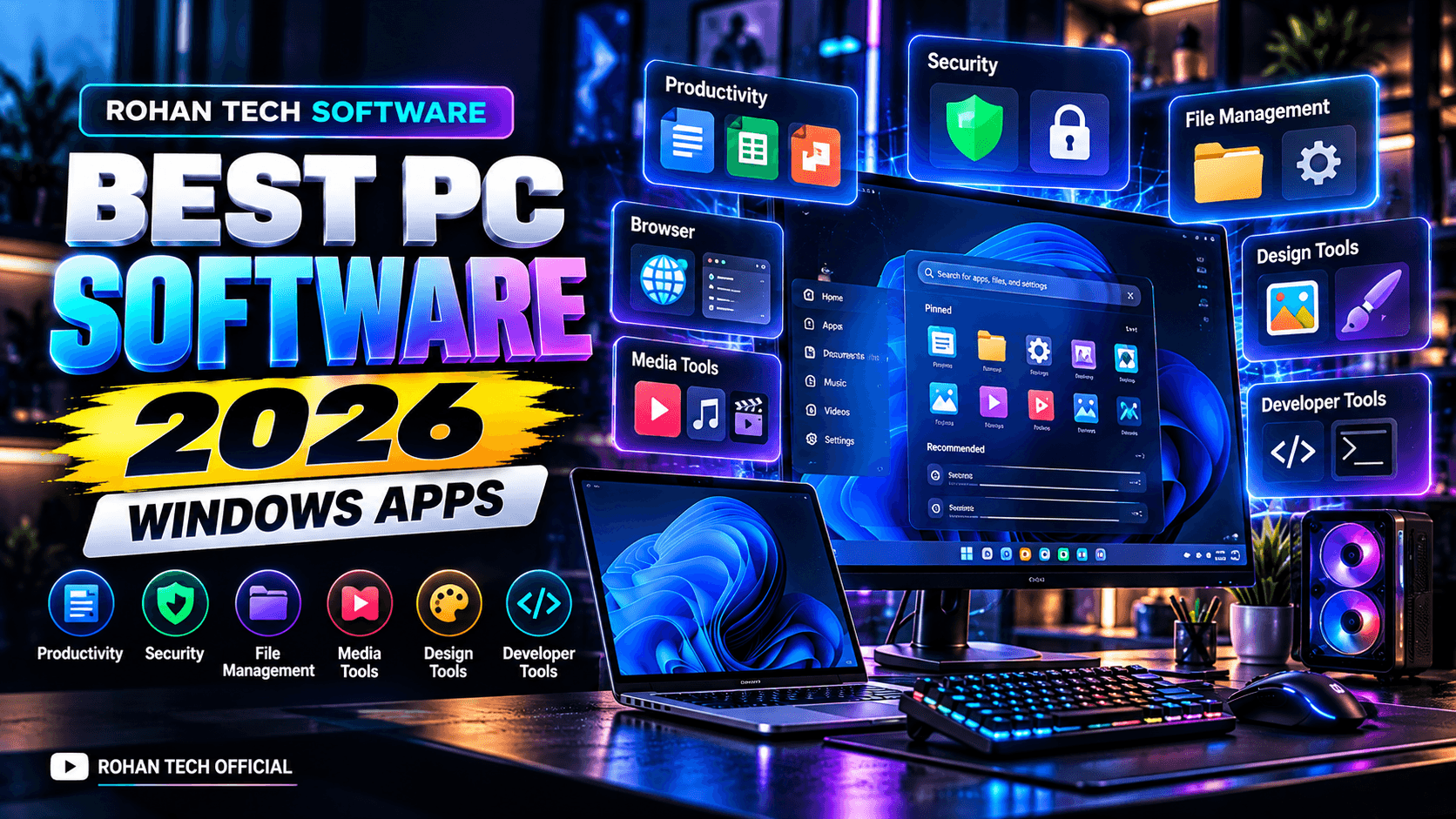
A Window Pc becomes much more useful when it has the right software installed. Whether
You use your computer for work, study, content creation, programing entertainment or
Everyday tasks, the right applications can make common jobs faster and easier.
In 2026 windows continues to receive new AI-powered experiences, productivity
Improvement, security updates and interface changes. Microsoft says Windows 11 follows and
Annual feature -update cycle alongside monthly security update.
Here are some most useful PC Software categories to explore in 2026
- Productivity Software
Productivity software is essential for students, professionals and businesses.
These applications can help with documents, spreadsheet presentation, notes,
communication and project organization.
Modern windows experiences are also adding AI-powered functionality. Microsoft’s 2026
Capabilities and AI-related monitoring features.
Useful for:
- Documents
- Spreadsheet
- Presentations
- Notes
- Project management
- Business Work
- Education
- File Compression & Archive Software
Large files are easier to store and transfer when they are compressed into archives.
One of the established options in this category is 7-zip. Its official site lists support for formats
Including 7z, ZIP, TAR , GZIP and WIM, along with AES-256 encryption for 7z and ZIP archives 7-zip
The Current 7-zip release listed by its official website is 26.03 released September 3, 2026
Useful for:
- ZIP files
- 7z archives
- Extracting downloaded file
- Large file compression
- File backups
- Archive management
- Internet Browers
A web browser is one of the most important applications on any PC.
Different browsers offer different combinations of speed, synchronization, privacy controls,
Extensions and account integration.
When choosing a browser, consider:
- Performance
- Extension support
- Password management
- Cross-device synchronization
- Memory usage
- Compatibility with websites
Keeping your browser updated is also important because modern browsers regularity receive security improvements.
- Security Software
PC security Should be part of every window user’s software setup.
Window itself includes bulit-in security capabilities, while additional security applications can provide different tools depending on the user’s needs.
Instead of installing multiple overlapping security programs, users should understand what protection is already provided by window and what additional functionality they actually need.
Regular Window updates remain important. Microsoft releases monthly security updates for supported windows versions
- Media & Video Software
For users who watch videos, manage media libraries or cerate content, media software can become and essential part of a PC.
This Category includes:
- Media Players
- Video editors
- Screen recorders
- Audio editors
- Video Converters
- Streaming tools
Content creators may need more advanced software for editing, effects, subtitles, audio processing and exporting.
- Graphics & Design Software
Design software is useful for photographers, graphic designers, Youtubers, marketers and website owner.
Common task include:
- Thumbnail design
- Photo editing
- Logo creation
- Social-media graphics
- Image optimization
- UI design
- Marketing materials
For ROHAN TECH OFFICIAL, this category can be particularly useful for creating technology
Thumbnails, featured images and promotional graphics.
- Developer & Programming Tools
Developers need specialized software for writing, testing and managing code.
Important categories include:
- Code editors
- Integrated development environments
- Git tools
- Terminal applications
- Database tools
- API testing tools
- Local development environments
AI-assisted development is also becoming increasingly integrated into software-development
Workflows, making AI coding tools an important companion category for modern developers.
- File Management Utilities
Window File Explorer Handles everyday file management, but specialized utilities can provide additional functionality.
Useful features may include:
- Advanced file search
- Bulk file operations
- Duplicate -fie detection
- Batch renaming
- Folder comparison
- File preview
- Storage analysis
Window 11’s recent update have also introduced impartments to file Explorer, including faster Home loading and improved file-thumbnail presentation
- Window Utilities
Utility software can help users maintain, organize and troubleshoot their computer.
Examples include tools for:
- Disk management
- System information
- Backup
- File recovery
- Network diagnostics
- Hardware Monitoring
- Clipboard management
However users should be careful with utilities that claim to dramatically improve PC performance. Avoid installing unnecessary software simply because it promises a large performance boost.
- What’s new in window 11 in 2026?
Window 11 continues to evolve throughout 2026
Microsoft’s September 2026 update documentation lists improvements to window search, file Explorer, virtual desktops, Task Manager and other system components . It also describes new window experiences including Administrator protection and improvements to window sharing
Microsoft also documents AI-powered window experiences, including an Agent in settings and new capabilities related to AI workloads and accessibility.
One important detail is that Windows 11 version 26H1 is designed for select new hardware and is not an in-place upgrade for existing 24H2 or 25H2 PCs. Microsoft says existing devices continue to follow their applicable servicing paths.
Once important details that Window 11 version 26H1 is designed for select new hardware and is not in-place upgrade for existing 24H2 or 25H2 PCs. Microsoft says existing devices continue to follow their explicatable servicing paths.