5 Free AI Tools That Actually Save You Time Every Day
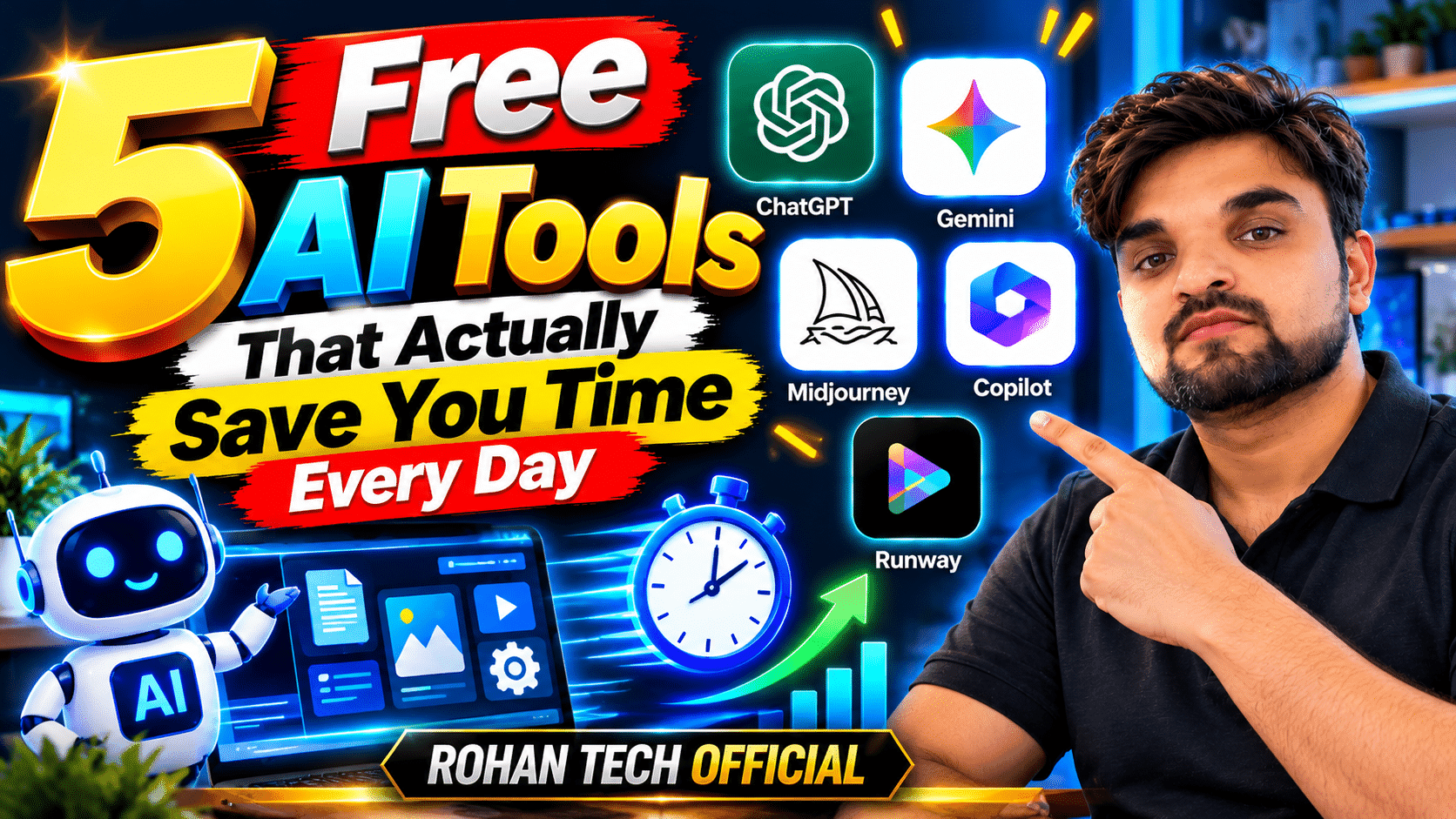
There are thousands of AI tools out there now, and honestly, most of them aren’t worth your time. But a handful have genuinely earned a permanent spot in my daily routine — the kind of free AI tools where you notice the hours they give back. Every one of these has a free plan that’s actually useful, not a crippled demo. Here’s my shortlist.
1. ChatGPT — The All-Rounder
Still the best starting point. I use it every morning to plan my day, draft emails, outline articles, and brainstorm ideas. The free tier is surprisingly capable for everyday writing, coding help, and answering questions.
Pro tip: The more specific your prompt, the better the output. “Write a polite follow-up email to a client who hasn’t replied in a week, keep it under 100 words” beats “write an email” every time.
Try it: chatgpt.com
2. Claude — For Writing That Sounds Like You
When something needs to read well — a blog post, an important email, a long explanation — I reach for Claude. It’s widely considered the most natural-sounding AI for writing and editing, and the free tier handles long documents without breaking a sweat.
Try it: claude.ai
3. Google Gemini — Best If You Live in Google Apps
Gemini’s free tier is arguably the most generous of the bunch, and its killer feature is integration: it can draft in Google Docs, analyze data in Sheets, and summarize your Gmail without you leaving the tab. If your work life runs on Google Workspace, this one slots in so naturally you’ll forget it’s AI. Explore more in our AI tools section.
Try it: gemini.google.com
4. Perplexity — Research Without the Tab Hell
You know that research spiral — twenty tabs open, half of them useless? Perplexity is an AI search engine that reads the web for you and answers with proper citations. I use it for fact-checking and quick research. It’s replaced traditional search for about half of my lookups.
Try it: perplexity.ai
5. Canva AI — Design Without Being a Designer
Not everyone needs Photoshop. Canva’s AI features generate thumbnails, social posts, presentations, and graphics from a text description — and the free plan is genuinely usable. I make blog featured images and social graphics here in minutes.
Try it: canva.com
How I Actually Use Them Together
Here’s my real workflow: Perplexity for research, ChatGPT or Claude for drafting (Claude when the writing needs polish), Gemini when I’m working inside Google Docs, and Canva AI for the visuals. Total cost: zero. Total time saved: easily an hour or two a day.
One honest caveat: free plans come with limits — usage caps, slower speeds at peak times, restricted features. They’re more than enough to start, and you’ll know quickly if a tool earns a paid upgrade. Start free, upgrade only the ones you can’t live without.