
How to Start a YouTube Channel in 2026: The Complete Beginner’s Guide
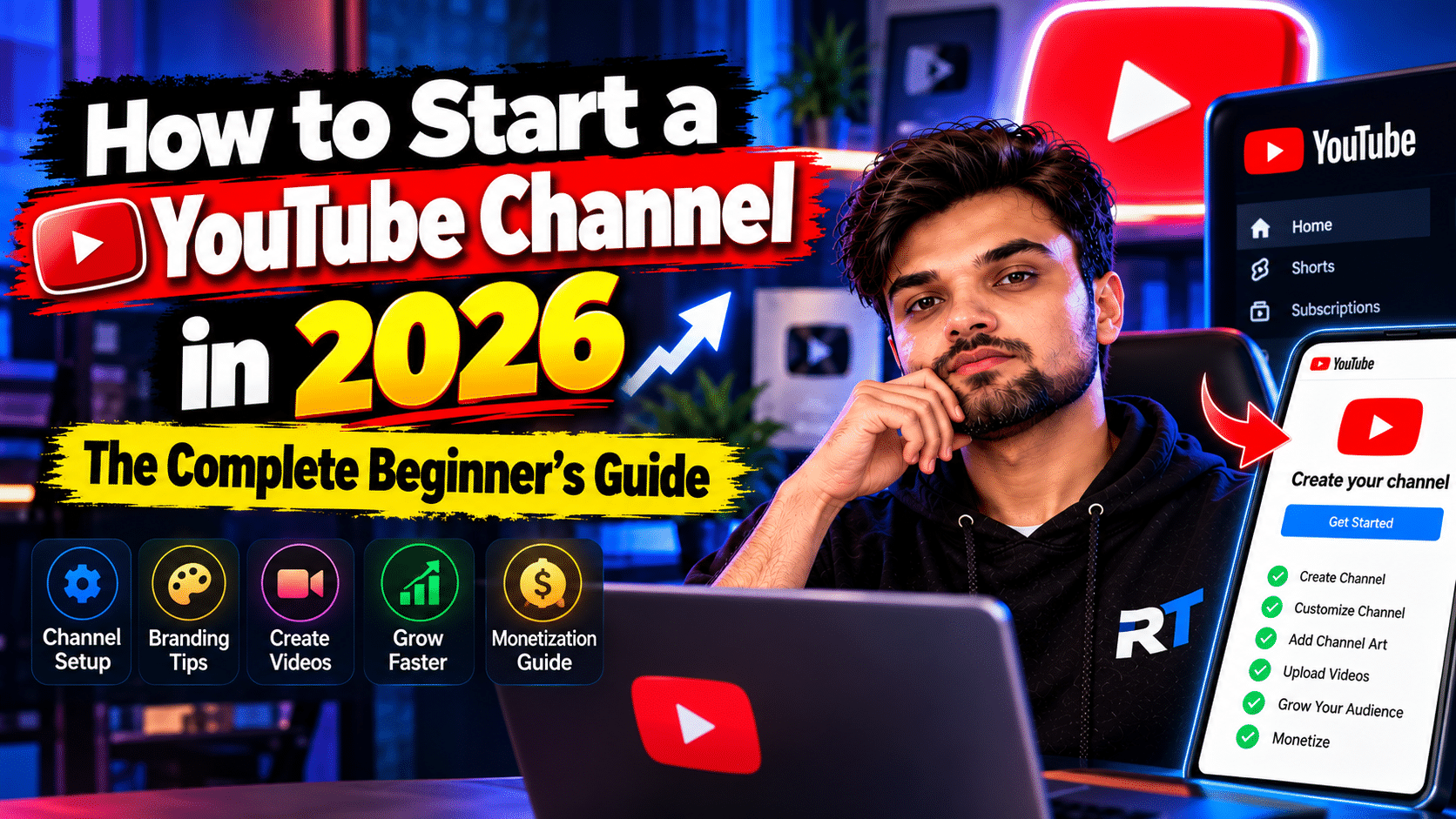
YouTube remains the best place on the internet to build an audience in 2026 — the algorithm still rewards newcomers, Shorts give small channels a real shot at discovery, and ad revenue is still the most creator-friendly of any platform. But most beginners quit in the first three months because they start wrong. Here’s how to start a YouTube channel the right way.
Step 1: Pick a Niche You Can Sustain
The biggest beginner mistake is picking a niche based on what’s profitable rather than what you can talk about for 100 videos. Tech, finance, fitness, cooking, education — they all work. The test: can you list 30 video ideas right now without struggling? If yes, that’s your niche. Narrow beats broad — “budget travel in Southeast Asia” beats “travel vlogs” every time.
Step 2: Create Your Channel Properly
Sign in to YouTube, click your profile → Create a channel. Choose a clear, searchable name (your name + niche works fine). Then fill in everything: a channel description with keywords about what you post, links to your socials, and a simple banner. An empty-looking channel makes viewers bounce — spend an hour making it look intentional.
Step 3: Equipment — Start With What You Have
You do not need a fancy camera. A modern smartphone shoots video that’s more than good enough to start. What actually matters: audio (a $20 lavalier mic beats a $2,000 camera with bad audio) and lighting (face a window — free and flattering). Upgrade gear only after you’ve published 20 videos and know you’ll stick with it.
Step 4: Plan Your First 10 Videos
Don’t upload one video and wait. Plan ten. Mix searchable content (“how to…” tutorials in your niche — these bring steady traffic for years) with a few personality-driven videos. Your first videos will be rough; that’s normal and unavoidable. Quantity early on is how you find your voice.
Step 5: Learn Basic Editing
You don’t need Premiere Pro. Free tools like CapCut (mobile/desktop) or DaVinci Resolve handle everything a beginner needs. Learn three skills: cutting dead air, adding simple text/b-roll, and normalizing audio. That’s 90% of YouTube editing.
Step 6: Titles and Thumbnails Decide Everything
Nobody clicks a video with a boring title and a blurry thumbnail, no matter how good the content is. Study thumbnails in your niche — notice the patterns (big text, expressive faces, high contrast). Write titles that promise a clear benefit or spark curiosity. This is a skill; get 1% better every upload.
Step 7: Upload Consistently (Sustainably)
One video a week for a year beats daily uploads for a month followed by burnout. Pick a schedule you can maintain alongside your actual life. YouTube rewards consistency over intensity.
Step 8: Use Shorts for Discovery
YouTube Shorts are the fastest way for a new channel to get eyeballs in 2026. Repurpose moments from your long videos into 30–60 second Shorts. Some viewers will convert to long-form subscribers; either way, it’s free exposure.
Realistic Expectations
Most channels take 6–12 months of consistent uploads to gain real traction. The monetization threshold (1,000 subscribers + 4,000 watch hours, or Shorts views equivalent) is achievable but not quick. Start because you enjoy making videos — the audience follows the consistency. For more creator guides, check our tutorials section.