
Bitdefender Antivirus Free for PC
What does the free version actually give you?
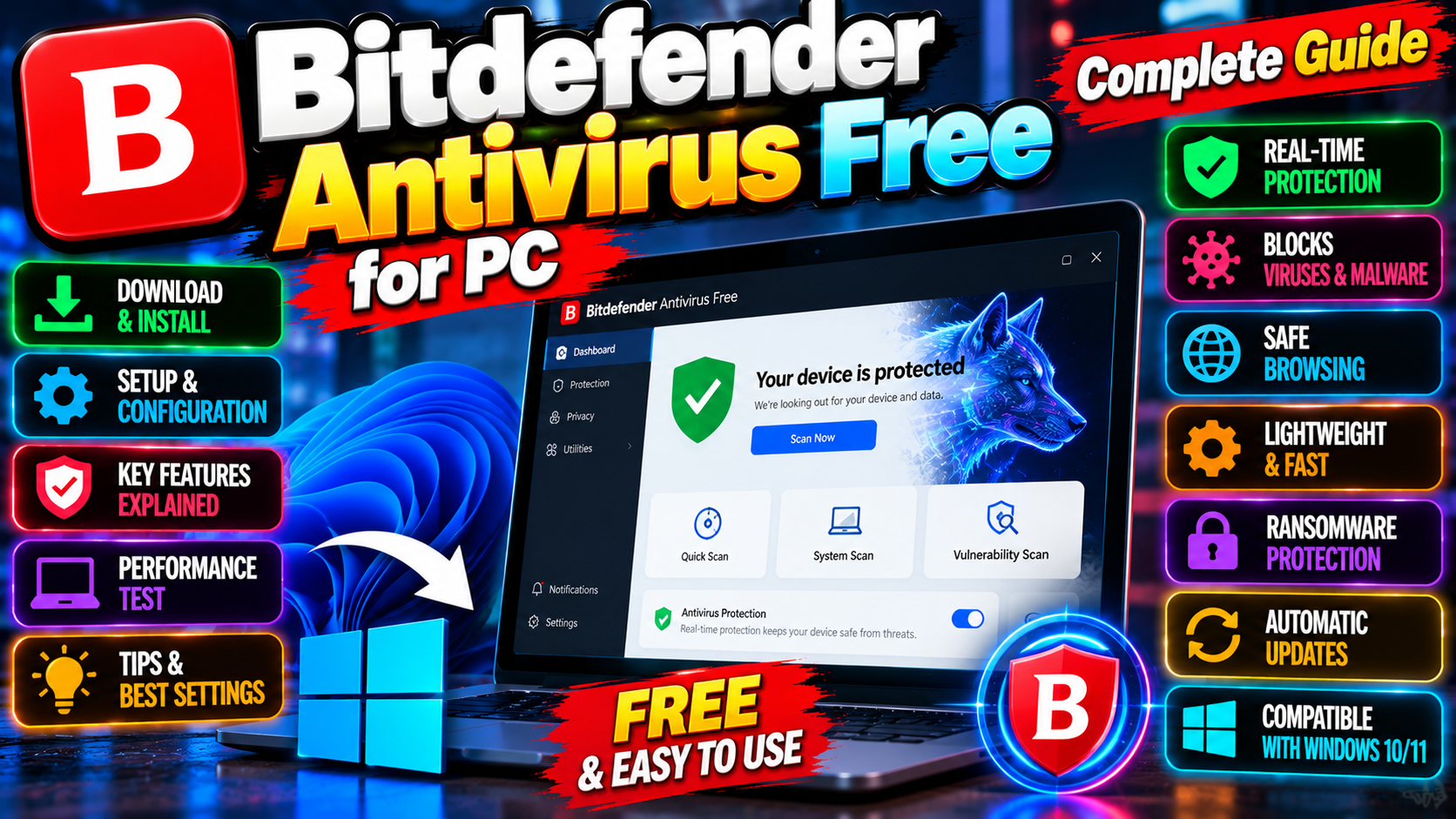
Bitdefender Antivirus Free isn’t a trial or a demo — it’s a real, permanent free antivirus from Bitdefender, a well-known security company. What you get: real-time protection that watches files and apps as they run, on-demand scans when you want to check the whole system, and anti-phishing that warns you about fake banking and login pages. The malware detection engine is the same one used in their paid products, which is the whole point.
What’s missing compared to paid?
The free version covers the essentials and stops there. Stepping up to a paid plan adds things like:
- A two-way firewall for controlling what talks to the internet.
- Ransomware remediation and advanced threat defense layers.
- A VPN, parental controls, and anti-theft tools.
- Priority support instead of community help.
For many home users, the free core — detect and block malware — is genuinely enough. The paid extras matter more if you want the full security suite experience.
Performance impact: the honest answer
Bitdefender has a reputation for being light on system resources, and it mostly earns it. Real-time protection always costs something — there’s no antivirus that runs on air — but on a modern PC you shouldn’t notice it during everyday browsing and office work. Full system scans are heavier, as with any antivirus. Schedule those for when you’re away from the keyboard.
How does it compare to Windows Defender?
Fair question, since Windows already ships with Defender built in. Defender has improved enormously over the years — it’s a solid baseline, and for careful users it’s honestly fine. Where Bitdefender Free pulls ahead: consistently stronger detection scores in independent lab tests, better anti-phishing, and less nagging. If you’re happy with Defender, there’s no emergency. If you want a second opinion or a stronger safety net — especially on a PC used by the whole family — Bitdefender Free is one of the best no-cost upgrades you can make.
Who is it best for?
Anyone running Windows who wants stronger-than-default protection without paying. Parents setting up a family PC. Students. People who click links they probably shouldn’t (we’ve all been there). It installs in minutes, stays quiet, and doesn’t demand attention — which is exactly what you want from security software.
Setting it up right
Installation takes a few minutes and one reboot-free install. After that, do three things:
- Run a full scan first — it establishes a clean baseline and catches anything already lurking. Let it finish; go make tea.
- Turn on scheduled scans — a weekly quick scan you never think about beats a manual scan you never run.
- Check the phishing protection in your browser — make sure the web protection extension is active in whichever browser you actually use. That’s where most attacks arrive these days, not through mysterious .exe files.
After that, leave it alone. Good security software is boring — it sits quietly and only speaks up when something’s wrong. If your antivirus demands constant attention, something’s off.
One caveat
Don’t run two real-time antiviruses at once — they’ll fight each other and slow your PC to a crawl. If you install Bitdefender, let it disable Defender’s real-time protection (it handles this automatically). One guard on duty, not two.
Developer: Bitdefender