
Google Chrome for PC
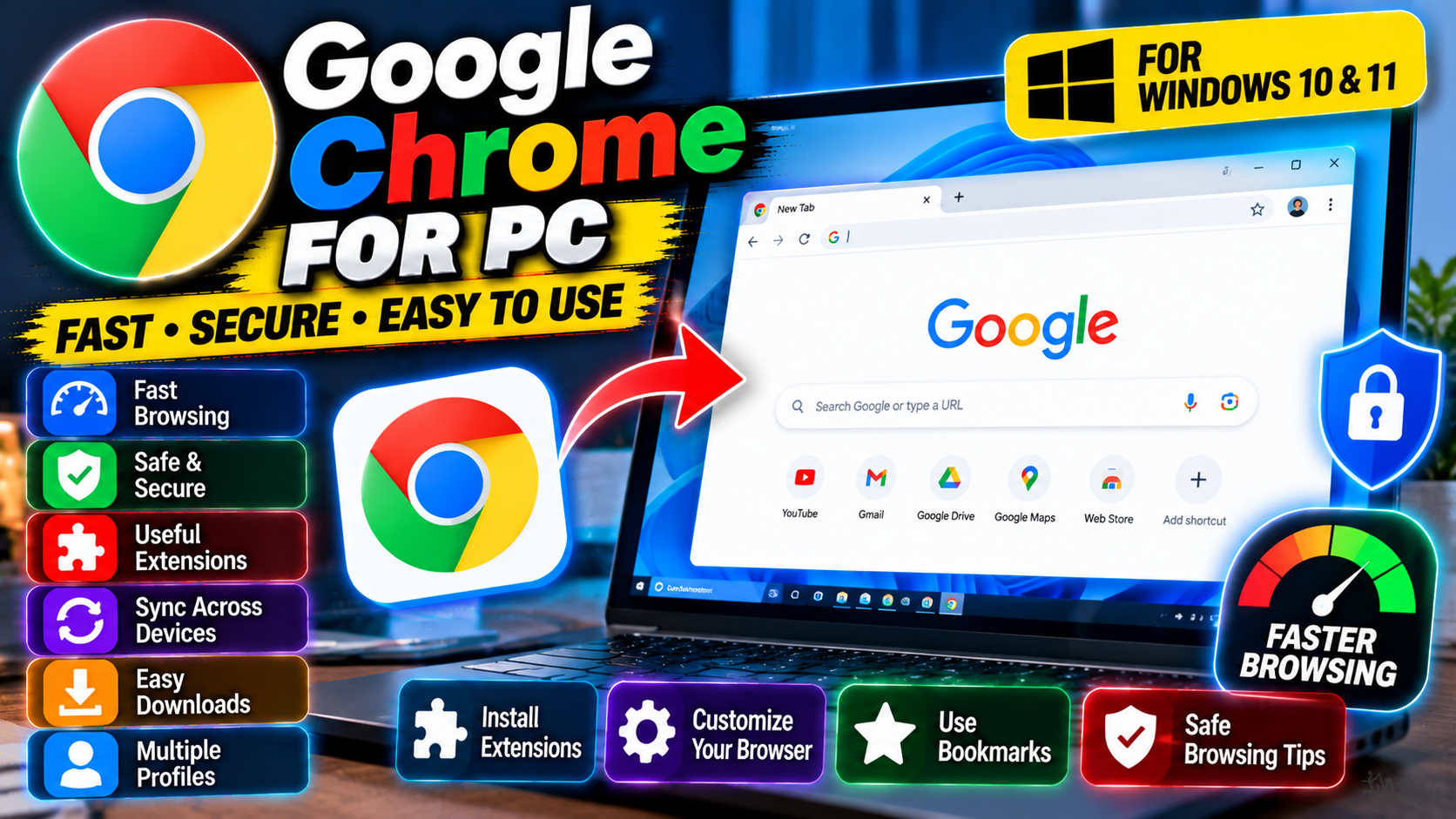
The world’s most-used web browser. Fast page loads, syncs your bookmarks and passwords across devices, and runs just about every site without complaints.
Key Features
- Massive extension library — ad blockers, password managers, developer tools
- Syncs bookmarks, passwords, and open tabs across all your devices
- Separate profiles keep work and personal browsing apart
- Built-in password manager with safety check alerts
Best for anyone who wants the widest site and extension support — grab it free from google.com/chrome.
What it does and why people use it
Google Chrome is the browser most of the web is built and tested against. That sounds like a small thing, but it matters every day: sites just work in Chrome, because developers check their work there first. Add fast page loads and sync across devices, and you have the reasons it became the default browser for so many people.
It’s also the browser that pairs naturally with Google’s services. If you use Gmail, Drive, or YouTube, Chrome keeps you signed in and your stuff one click away.
Key features explained in detail
Massive extension library — ad blockers, password managers, developer tools. Chrome’s extension store is the biggest around. Whether you want an ad blocker, a password manager, a note-taking tool, or developer utilities, there’s an extension for it, and installing one takes seconds.
Syncs bookmarks, passwords, and open tabs across all your devices. Sign in to Chrome with a Google account and your bookmarks, saved passwords, and even open tabs follow you from PC to phone and back. Start reading on one device, finish on another.
Separate profiles keep work and personal browsing apart. Profiles let you run two Chromes in one: a work profile with its own bookmarks, history, and logins, and a personal one beside it. Switching takes a click on the profile icon, and nothing leaks between them.
Built-in password manager with safety check alerts. Chrome saves passwords and fills them in for you, and its safety check flags weak, reused, or compromised passwords so you can fix them. It’s a solid baseline even if you don’t use a separate password manager.
How to download and install safely from the official site
Download Chrome only from the official Google site, using the download link at the end of this article — the Download URL for this post points to google.com/chrome. Run the installer and it handles the rest; it will offer to import bookmarks and passwords from your current browser, which you can accept or skip. Avoid repackaged installers from third-party sites, which can bundle extras you didn’t ask for.
How to use the main features
Browse as usual, and sign in to Chrome to turn on sync — that’s what carries your bookmarks and passwords to your other devices. For work-life separation, add a second profile from the profile menu and keep each profile’s bookmarks and logins separate. When Chrome’s safety check flags a password, change it from the settings page it points you to rather than ignoring the warning.
If privacy is your top priority, Mozilla Firefox for PC is the independent alternative, while Brave for PC builds ad and tracker blocking in by default.
Tips for getting the most out of it
- Sign in to sync if you use more than one device — it’s the feature that makes Chrome feel like one browser everywhere.
- Use profiles for work and personal browsing instead of mixing everything in one window.
- Keep extensions to the ones you actually use; a long extension list slows startup and can raise privacy questions.
- Run the safety check now and then, and act on weak or reused passwords it flags.
- Pin your most-used sites to the bookmarks bar for one-click access.
- Keep Chrome updated — it updates on its own, but check if a feature looks missing.
Frequently asked questions
Is Google Chrome free? Yes, it’s free from google.com/chrome, as the original post notes.
Does it sync across devices? Yes — bookmarks, passwords, and open tabs sync when you sign in with a Google account.
Can I keep work and personal browsing separate? Yes, separate profiles keep their bookmarks, history, and logins apart.
Does it have a password manager? Yes, with safety check alerts for weak, reused, or compromised passwords.
Where do I download it safely? From the official Google site, via the download link on this page.