
LibreOffice for PC
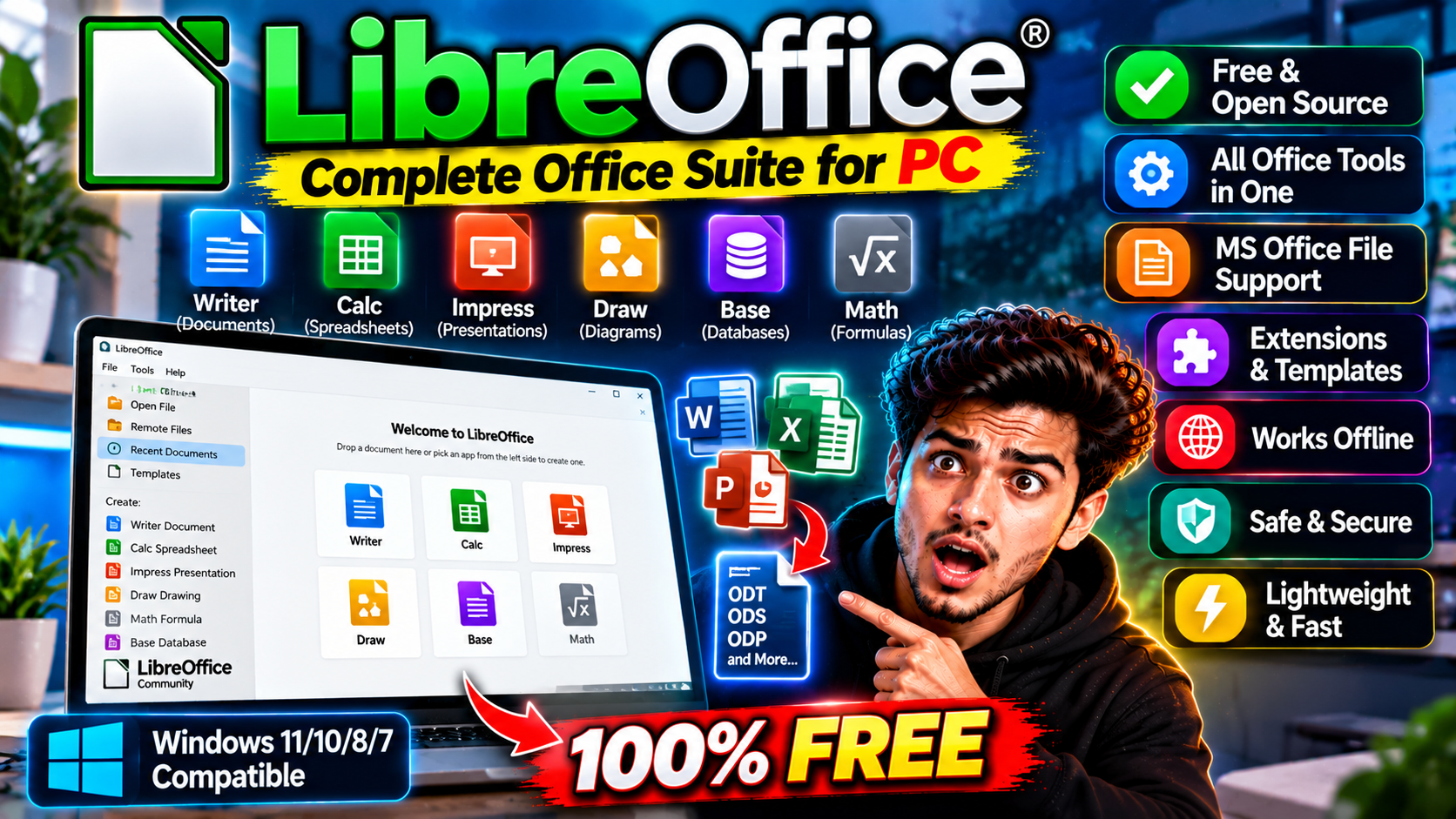
A complete free office suite — word processor, spreadsheets, presentations, and more. Opens and saves Microsoft Office files, costs nothing, no subscription.
Key Features
- Writer, Calc, Impress, Draw, Base, and Math in one install
- Opens and saves Word, Excel, and PowerPoint formats
- No license fees, no accounts, no subscription
- Exports directly to PDF
Download and Install — It Takes Minutes
Head to libreoffice.org, grab the version for your system — Windows, Mac, or Linux — and run the installer. There’s no account to create, no trial clock ticking, and no card details at any point. Most installs finish in a few minutes, and you’re straight into Writer from the Start menu or dock.
What’s Inside
The suite covers the everyday trio: Writer for documents, Calc for spreadsheets, and Impress for presentations. Then there’s Draw for diagrams and page layouts, Base for simple databases, and Math for equations. Six apps, one download, and they all share the same menus, so learning one makes the rest feel familiar.
Will It Open Your Old Office Files?
Yes — Word (.docx), Excel (.xlsx), and PowerPoint (.pptx) files open directly, and you can save back in those same formats, so sharing with Office users works fine. One honest caveat: documents with very fancy formatting or heavy Excel macros can shift slightly or lose a trick or two in translation. For everyday letters, assignments, budgets, and slides, you won’t notice a difference.
The PDF Trick Worth Knowing
Here’s a small feature people end up using constantly: any document, spreadsheet, or presentation can be exported straight to PDF from the File menu — no extra software, no print-to-PDF workarounds. Handy when you need to send something that looks exactly the same on the other person’s screen.
Who Should Skip It?
Two groups should think twice. If your work leans on heavy Excel macros or complex spreadsheet automation, those don’t always carry over cleanly. And if you need several people editing the same document live in a browser at once, a cloud suite built for real-time co-editing fits better. For everyone else — students, home offices, small teams — it’s a straight yes.
Quick Answers
Is it really free? Yes — free forever, not a trial. Does it replace Office for most home and student use? For writing, budgeting, and slides, yes. Where should you download it from? Only libreoffice.org — that’s the official source, and it’s the one place you can trust the installer.
Best for students and home offices that need Office compatibility for free — and now you know exactly what you’re getting before you install it.