
ASUS Zenbook A14 Review: The Snapdragon Laptop That Gets It Right
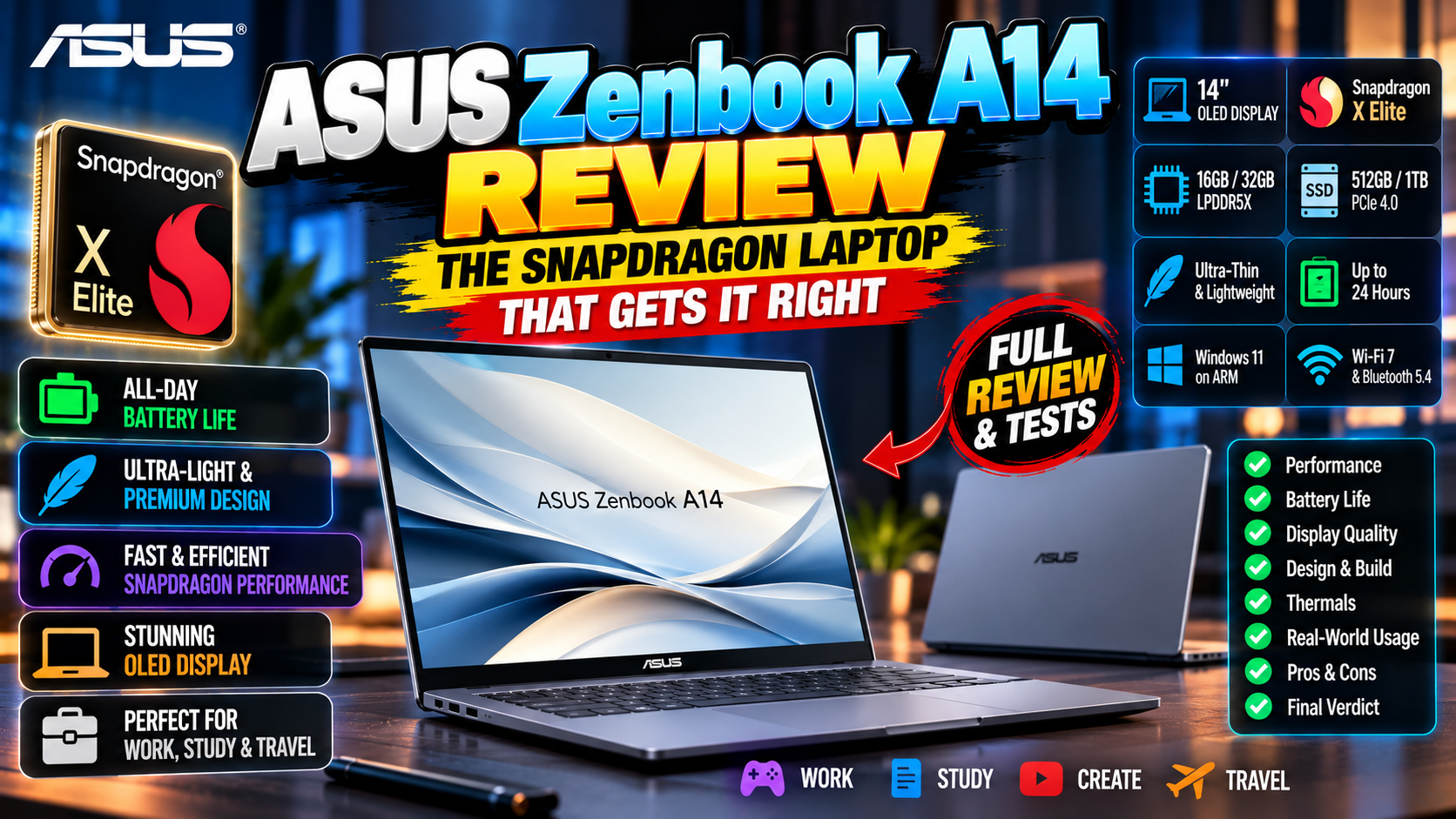
Windows on ARM has been “next year” for the better part of a decade. The Snapdragon X Elite and Plus chips finally made it real, and the ASUS Zenbook A14 is the machine that proves it: under a kilo, 20+ hour battery claims, near-silent design, and performance that embarrasses Intel laptops at the same price. ARM Windows still has compatibility caveats, though. This review goes through where the A14 shines, where it stumbles, and who should actually buy one — based on published specs and the professional reviewer consensus.
Design: Absurdly Light, Surprisingly Tough
980 grams. For a 14-inch laptop, that’s silly light — you genuinely forget it’s in your bag. ASUS pulled it off with a “Ceraluminum” chassis, ceramic-bonded aluminum that feels premium and shrugs off fingerprints better than standard aluminum.
Light doesn’t mean fragile here. The MIL-STD-810H durability certification says it can take real-world abuse. Keyboard’s excellent — 1.3mm travel, well spaced, backlit. Big precise touchpad. Ports are reasonable for the size: two USB-C (USB4), one USB-A, HDMI 2.1, and a 3.5mm jack. A laptop this light has no business feeling this solid. Yet here we are.
Display Options: OLED Glory
The headline config gets a 14-inch 3K OLED — 600 nits peak, 100% DCI-P3, 60Hz. Reviewers are unanimous: it’s gorgeous. Inky blacks, punchy color, razor-sharp text.
The 60Hz refresh is the one compromise, and there’s no 90/120Hz option. You’ll only notice if you’re coming from a high-refresh screen. There’s also a cheaper FHD+ IPS variant that trades the OLED wow for longer battery and a lower price. For most buyers the OLED is worth it — it’s the component you stare at all day, every day. Touchscreen options exist on some SKUs, so check before buying if that matters to you.
Performance: Snapdragon X Delivers
Depending on configuration you get the Snapdragon X Plus (8-core) or X Elite (12-core). The headline numbers hold up: multi-core performance rivaling Intel Core Ultra 7 and Apple M3 in native ARM apps, with dramatically better efficiency. The 45 TOPS NPU runs Windows Copilot+ features — live captions, background blur, Recall if you enable it — all locally.
Day to day it’s superb. Instant wake, silent under light loads, no fan noise during office work. The fan does spin up under sustained heavy load, but it’s quieter than Intel equivalents. For the full platform story, see Qualcomm’s Snapdragon X pages.
The honest limitation: heavy creative work — 4K video editing, 3D rendering — still belongs on x86 workstations or MacBooks. The A14 is a productivity and portability machine, not a mobile studio. Buy it for what it is.
The App Compatibility Question
This is the section that decides your purchase, so read it carefully. Native ARM64 apps — Edge, Office, Chrome, Firefox, Zoom, Spotify, Adobe’s flagships, DaVinci Resolve — run beautifully, often faster than on Intel. Emulated x86 apps go through Prism, Microsoft’s translation layer, and reviewers say it’s surprisingly good: roughly 80–90% of native speed for most apps, a massive jump over the old emulation.
The gaps that remain: some VPN clients, niche enterprise software, drivers for ancient peripherals, and a few games with kernel-level anti-cheat (Valorant and friends) just won’t run. Before buying, list your must-have software and verify ARM compatibility. For 90% of people — browser, Office, creative apps, communication tools — everything works. For the other 10%, it’s a dealbreaker. Know which group you’re in before you spend a rupee.
Battery Life: The Killer Feature
This is why you buy the A14. Reviewers consistently report 18–22 hours of real mixed use. That’s not “all-day battery” marketing speak — that’s battery life that changes your habits. Leave the charger home for a full workday plus the evening? Easily. Weekend trip without the power brick? Genuinely doable.
Standby drain is minimal — ARM’s phone heritage showing — so it sips power when idle. Charging is 65W over USB-C, 0–60% in under an hour. If battery anxiety has shaped how you use laptops for years, the A14 feels like being let out of jail.
Ports, Webcam, and Speakers: The Everyday Details
The unglamorous stuff holds up too. Both USB-C ports handle charging and DisplayPort, so one cable docks the whole laptop. The 1080p IR webcam is sharp with decent low-light performance, and Windows Hello face login is instant.
Quad speakers tuned with Dolby Atmos sound impressively full for an ultralight — fine for calls and casual video, bass-light like every thin laptop. The Ceraluminum lid still looks clean after weeks without wiping, which you’ll appreciate more than you’d expect. Cheap ultrabooks cut corners exactly here. ASUS didn’t.
Value and Configurations
Pricing starts competitively, often undercutting Intel/AMD ultrabooks with similar specs while offering better battery life. The sweet spot: Snapdragon X Plus, 16GB RAM, 1TB SSD, OLED display.
One warning, and it’s important: RAM is soldered, so buy 16GB (or 32GB if you keep machines five-plus years) upfront. 8GB is a false economy in 2026. Storage is replaceable on some SKUs — check your specific model. ASUS warranty and support are solid, and the cool-running efficiency bodes well for longevity. Full specs and current pricing are at ASUS’s official site.
Verdict: Who Should Buy It?
Buy the Zenbook A14 if: battery life is your top priority, you travel constantly, your workflow lives in browser/Office/creative apps, or you want the lightest 14-inch laptop that doesn’t compromise.
Skip it if: you depend on specific x86-only software, you’re a serious gamer, or you need 120Hz+. Score: 8.5/10. The best ultraportable for most people in 2026, and proof that Windows on ARM has finally, actually arrived. The only real question is software compatibility — and for most buyers, the answer is now yes. For more laptop guidance, see our Tutorials section and Tech News.
Related Reading
Keep exploring: Tablet vs Laptop 2026: Which Should You Buy? An Honest Buying Guide, How to Make Your Old Laptop Feel New Again, and Budget Mechanical Keyboards: 5 Worth Buying in 2026.