Mistral Brings Its Vibe Coding Agent to the Desktop for Mac and Windows
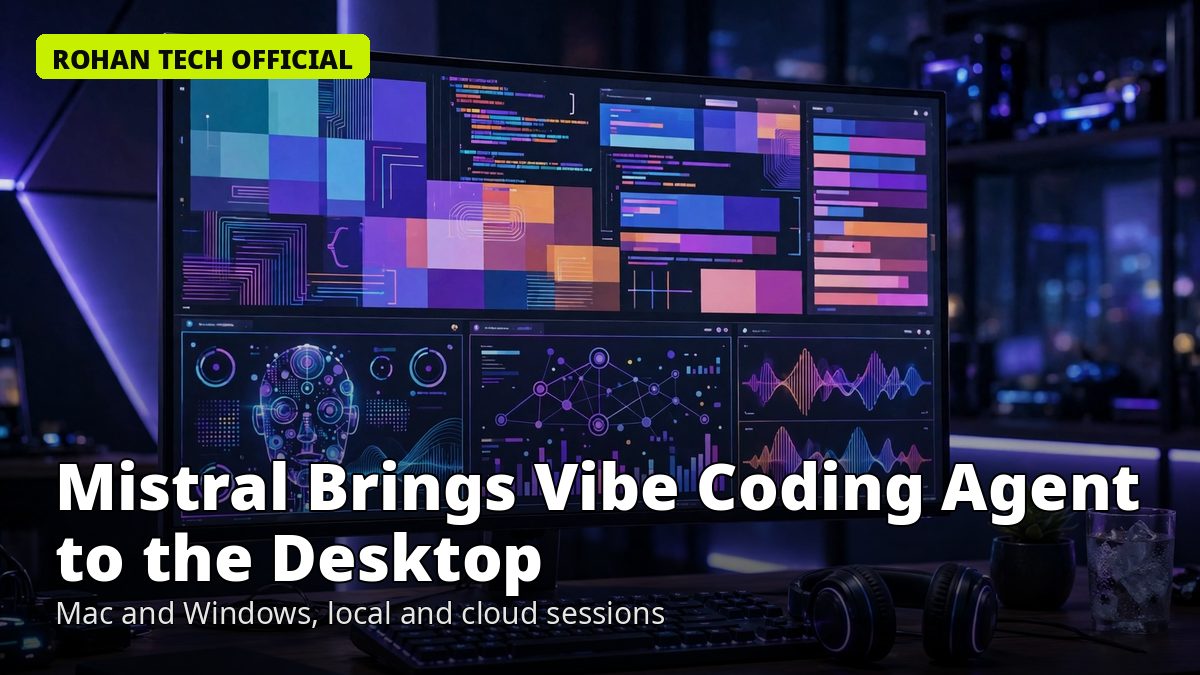
Mistral AI has taken its coding agent out of the terminal and onto the desktop. Vibe Desktop, generally available from November 17 for macOS and Windows, puts the company’s Vibe agent into a native app — with local and cloud coding sessions, parallel agents, and code review all in one window. Linux support is coming soon.
It is Mistral’s answer to a shift happening across the industry: coding agents are moving from command-line tools into full desktop apps, where developers actually spend their day.
What Vibe Desktop is
Vibe started as a terminal agent — describe what you want, and it reads your code, edits files and runs commands, asking before it does anything risky. Vibe Desktop brings that agent into a proper app, combining the local development capabilities of the Vibe CLI with the cloud-session workflow of Vibe Code Web.
According to Mistral’s release notes, “Vibe Desktop brings Work, local coding, and cloud coding sessions together in one app for macOS and Windows. Work with local files, follow agent tasks, and review code without switching applications.” Users can keep several conversations organised, inspect files, commands and pull requests beside the conversation, and follow an agent’s progress without leaving the window.
One detail matters for anyone who already uses the CLI: local sessions share the CLI’s core agent engine and session logs, but Desktop does not embed or run the CLI itself, and no separate CLI installation or Python setup is required. You download the app, sign in with a Mistral account, and start.
Local sessions or cloud sandboxes — your call
Each new session starts with a choice. Local sessions run the agent on your own machine, using your files, shell, services and development environment. They suit existing checkouts and tasks that depend on local databases, APIs or other services. Cloud sessions run in a managed sandbox using the Vibe Code Web workflow, and suit tasks that can continue without access to local infrastructure.
That choice is the headline feature: the same agent, running locally on your repo or remotely in a sandbox, side by side in one app. Local coding can run commands in an integrated terminal and use Git worktrees to isolate parallel changes, so several agents can work on the same project without overwriting each other.
Local folders can also be added to Vibe Work alongside its connected tools, and users can coordinate sub-sessions, follow their messages back to the main conversation, and inspect delegated subagent conversations. The desktop shell adds native operating-system notifications, a bundled interface, and local session management next to the cloud workflows.
Parallel agents, reviewed in one place
The app is built around parallel work. Each agent can work in a separate copy of a repository, which cuts the risk that concurrent tasks overwrite one another. Conversations, parallel agent sessions, code review and pull request tracking all live in the same window, so a developer can run several agents at once and check each one’s diff before anything is merged.
That review step is the part that keeps an agent useful instead of dangerous. An agent that edits code on its own is only as good as the human checking its work, and Vibe Desktop puts the diff and the pull request next to the conversation that produced them, so the check happens in the same place as the ask.
The model behind it, and what it costs
Vibe Desktop defaults to Mistral Large 4, nicknamed “Le Chonk,” the large open-weights model Mistral released around October. It is the same model family that powers Vibe’s terminal and web versions, so the desktop app does not change what the agent can do — it changes where and how you work with it.
Pricing follows the familiar tiered playbook. There is a Free tier, a Pro plan at $14.99 a month, a Team plan at $24.99 per user per month, and Enterprise options for larger organisations. Mistral also offered developers in Europe three months of Pro access at no cost, and added a second batch of coupons after the first ran out on launch day — a sign the launch drew more interest than the company expected.
Why a desktop app matters
The desktop is where much professional work still happens, and the coding-agent race is now being fought there as much as in the terminal. Anthropic and OpenAI have both pushed their agents toward desktop and system-level access — Google just gave Gemini the power to operate Mac apps, and OpenAI’s models are now redesigning hardware circuits. Mistral’s move is the same bet from a European lab: the agent belongs in a native app on the developer’s laptop, not in a browser tab.
For developers, the practical question is simple: does the desktop app make the agent easier to trust and easier to check? Vibe Desktop’s answer is to keep everything in one window — the task, the files, the commands, the diff, the pull request — so the human stays in the loop without switching apps. If you already use Vibe in the terminal, the desktop version is worth a try on your next parallel task. And if you have been waiting for a coding agent that works on your own repo without a CLI setup, this is now the easiest way in.
The agent race is moving fast — we covered Gemini 4 Neon this week and OpenAI’s models rewriting AMD’s GPU designs — and Vibe Desktop is Mistral’s claim that the next round will be won on the desktop, where the work actually happens.