
How to Install the October 2026 Pixel Update and Check Your Android 17 Security Patch
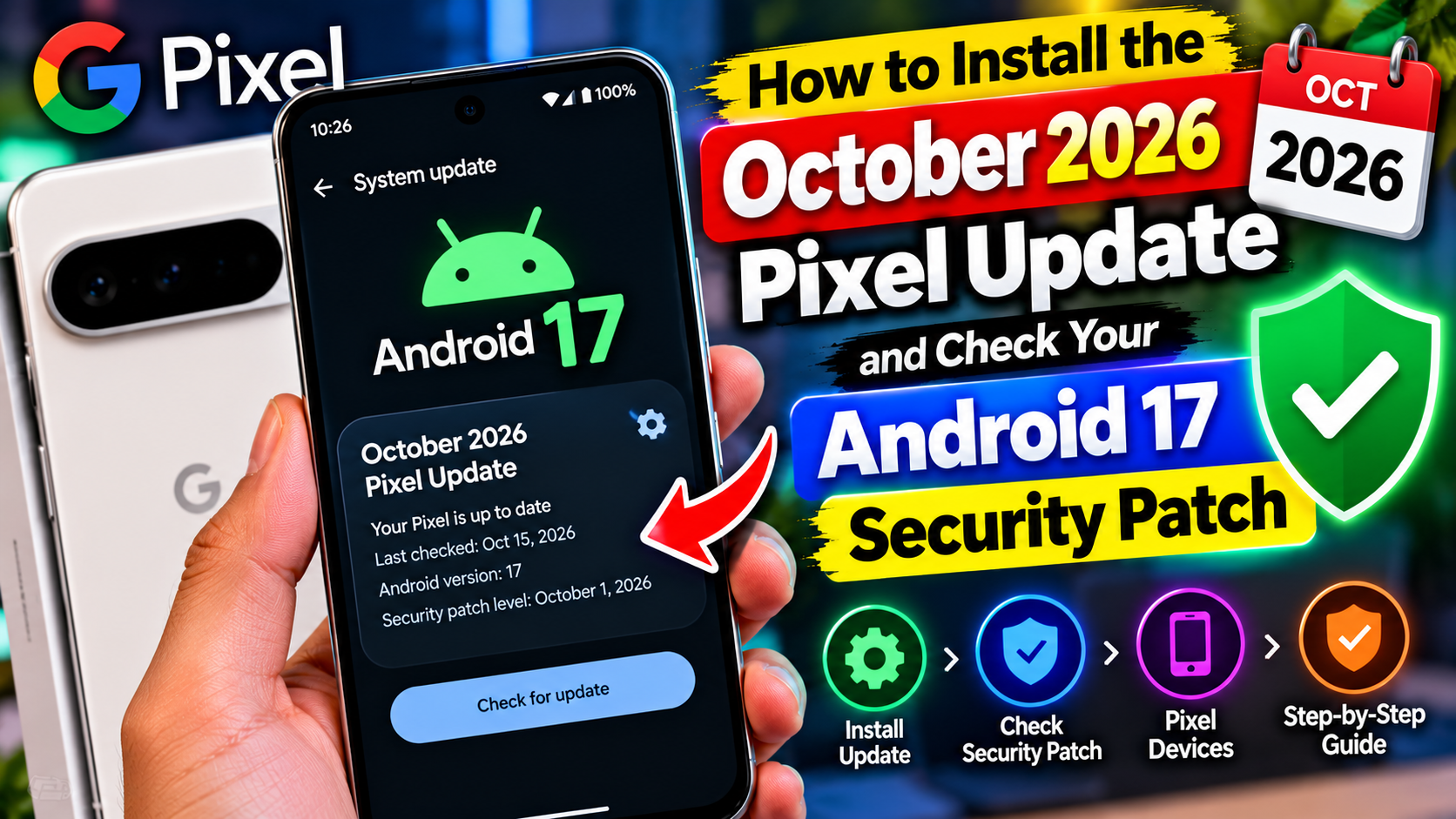
Google rolled out its October 2026 update for Pixel phones on 6 October, and if you own a Pixel, you should install it. This one is not about new features — it is about security fixes and three annoying bugs. It also looks like the last regular update for the oldest phones on the list. Here is what is inside, how to get it, and how to confirm it actually installed.
What is in the update?
The October release is the monthly Android 17 security patch, and it covers a lot of ground:
- 28 Android vulnerabilities fixed in the main Android bulletin, several of them rated critical, including a System flaw that could allow local privilege escalation without user interaction.
- 6 additional Pixel-specific fixes in Google’s device bulletin: three rated critical (a Bluetooth elevation-of-privilege flaw, CVE-2026-55330; a GDMC component flaw, CVE-2026-56952; and a GSA information-disclosure flaw, CVE-2026-55307) and three rated high (two kernel flaws and one more GDMC flaw).
- Three bug fixes: the virtual keyboard sometimes not appearing in search fields (Pixel 8 and later), audio noise or distortion in ringtones during certain VoIP calls (Pixel 8 through 10), and photos or videos saved in the wrong orientation (Pixel 11).
Google has not reported any of these vulnerabilities as actively exploited, which is good news. It is still worth installing promptly, because security patches protect you most when they are actually on your phone. One thing this update does not bring: new features. There is no Feature Drop this month — the last one arrived in September — and that is normal for a monthly security release.
Which phones get it?
The rollout covers nearly every Tensor-powered Pixel ever released: Pixel 6, 6 Pro, and 6a; Pixel 7, 7 Pro, and 7a; Pixel Tablet and Pixel Fold; Pixel 8, 8 Pro, and 8a; Pixel 9, 9 Pro, 9 Pro XL, 9 Pro Fold, and 9a; Pixel 10, 10 Pro, 10 Pro XL, 10 Pro Fold, and 10a; and the Pixel 11 series. If your phone is on this list, the update is coming to you.
Install it step by step
The whole process takes a few minutes plus a restart:
- Connect to Wi-Fi first, so a large download does not eat your mobile data.
- Charge your phone, or at least make sure it is well above half — an update that stalls halfway is a headache you do not need.
- Open Settings, then tap System, then Software updates (on some Pixels the label reads System update).
- Tap Check for update. If the October update appears, tap to download it.
- When it asks, tap Restart. Your phone will reboot and may take a few minutes to finish.
Google sends these updates out in stages over about a week, and timing can vary by carrier. If nothing shows up, that usually means your turn has not arrived yet — not that something is broken.
Confirm it actually worked
After the restart, check two things. First, open Settings, tap About phone, then Android version, and look at Android security update. It should read 5 October 2026. (The Android bulletin itself is dated 1 October 2026; the 5 October level on your phone means it includes both sets of fixes.)
Second, check your build number against the right group:
- Pixel 6, 6 Pro, 6a, 7, 7 Pro, 7a, Tablet, Fold: CP3A.261005.002.A1
- Pixel 8, 8 Pro, 8a, 9, 9 Pro, 9 Pro XL, 9 Pro Fold, 9a, 10, 10 Pro, 10 Pro XL, 10 Pro Fold, 10a: CP3A.261005.005
- Pixel 11, 11 Pro, 11 Pro XL, 11 Pro Fold: CD1A.261005.003 (SoftBank: CD1A.261005.003.B1)
If both match, you are done. If the security date still shows September, give it a day and check again — staged rollouts can lag behind the announcement.
A note for Pixel 6 and 6 Pro owners
This update is likely the last regular monthly patch for the Pixel 6 and 6 Pro. Google promised five years of updates from their October 2021 launch, and that window closes this month. Google has not named a final date, and some reports expect one more update in November, so treat “last update” as likely rather than certain.
What should you do? Install this update either way — security fixes matter most on a phone near the end of support. After that, keep using the phone normally, but start thinking about your next device. A phone without security patches is not suddenly dangerous overnight, but over months the risk grows, and banking apps and work tools may eventually require a newer patch level. Planning an upgrade on your own schedule beats being forced into one later.
If the update does not show up
Try these in order before assuming something is wrong:
- Wait a day or two. Staged rollouts are the most common reason for a missing update.
- Restart your phone, then check again. This fixes the problem more often than people expect.
- Make sure you are on Wi-Fi and have enough free storage for the download.
- Check that your phone is not enrolled in a beta programme with a different build track — beta builds follow their own schedule.
One more loose end: Pixel 11 owners have noticed that some September QPR1 features have not arrived on their phones, and community chatter suggests Google may skip QPR1 for the Pixel 11 series entirely. That is a report, not a confirmed fact, and Google has added the Pixel 11 to the Android 17 QPR2 beta — so a clearer answer should come soon. For now, the October security patch is the update that matters, and it is available to install today.