
Proton VPN for Android
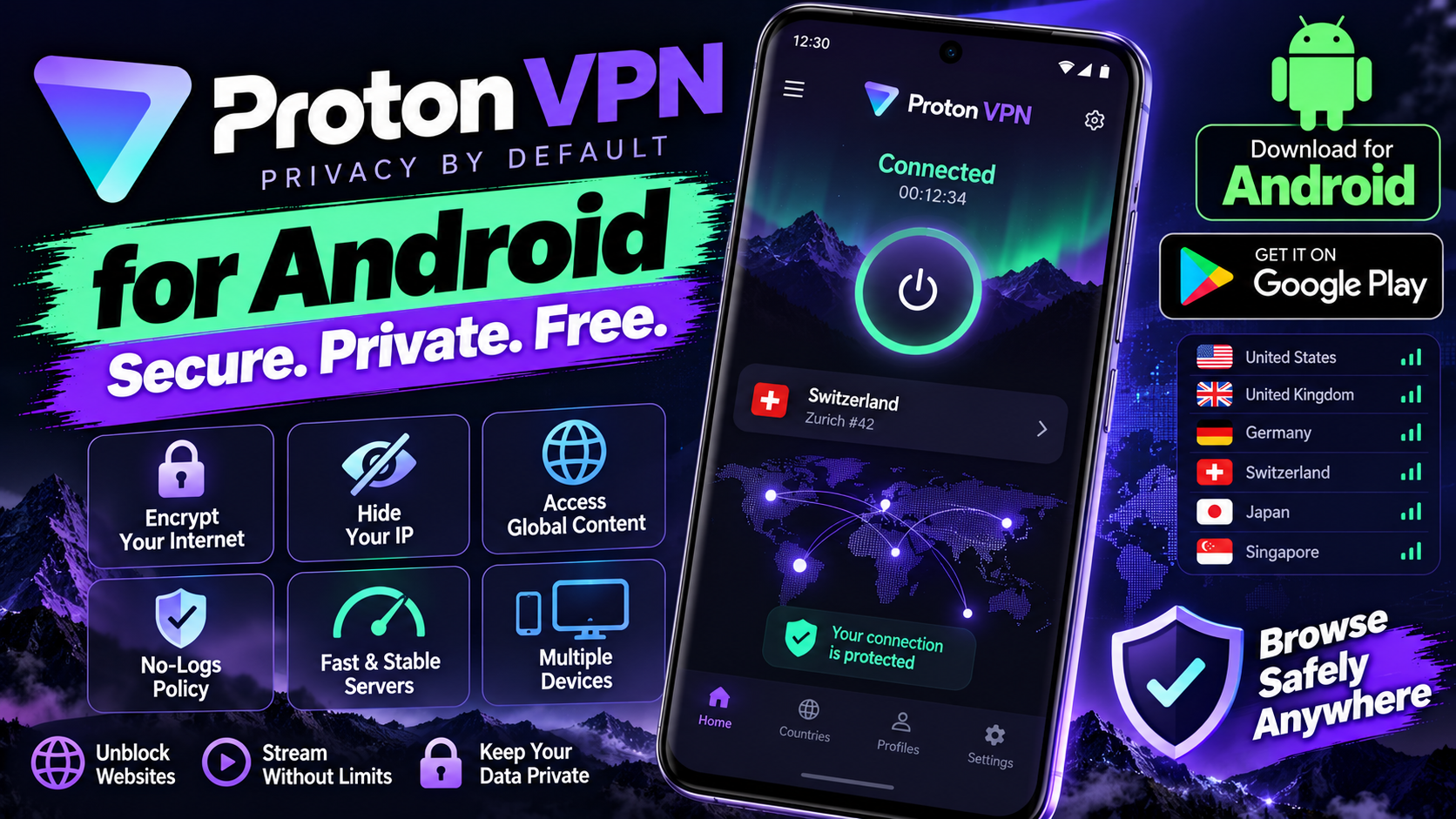
Proton VPN’s free tier is almost suspiciously generous: unlimited data, no ads, no speed throttling — from the Swiss company behind ProtonMail, with an independently audited no-logs policy. For staying private on public Wi-Fi, it’s the free VPN to install without hesitation. The app itself is clean and fast, with one-tap connect and a kill switch that blocks all traffic if the VPN connection drops, so you never leak data accidentally. Paid plans add streaming-optimized servers, faster speeds, and servers in dozens more countries. But the free version isn’t a crippled demo; it’s a genuinely usable VPN for everyday privacy. In a market full of shady free VPNs that sell your browsing data, Proton is the one you can actually trust.
Key features
- Free tier with unlimited data and no ads
- Strict no-logs policy, independently audited, based in Switzerland
- Kill switch and secure-core servers for extra protection
- One-tap connect; paid plans add streaming servers and more locations
What it does and why people use it
A VPN encrypts your phone’s internet traffic and routes it through a server elsewhere, so the network you’re on can’t easily see what you’re doing, and sites see the server’s location instead of yours. People reach for one on public Wi-Fi, when a site is blocked on their current network, or simply because they don’t want their browsing habits on easy display.
Proton VPN stands out because its free tier doesn’t come with the usual catches. No data cap to watch, no ads in the app, and no deliberate slowdown — the limits are in server choice and speed tiers, not in whether the thing works at all. Backing from a Swiss company with an audited no-logs policy is the other half of the trust case: with a VPN, you’re trusting the provider with your traffic, so who runs it matters.
Key features explained in detail
Free tier with unlimited data and no ads. Use it daily without counting gigabytes. The free servers are fewer and can be busier at peak times, but for browsing, messaging, and email, the free tier is genuinely usable.
No-logs policy, independently audited, based in Switzerland. The company states it doesn’t log your activity, and that policy has been independently audited, as the original post notes. Switzerland’s privacy laws are part of why the base matters to privacy-minded users.
Kill switch. If the VPN connection drops, the kill switch blocks all traffic until the connection returns, so your real IP address doesn’t leak mid-session. Turn it on and leave it on — it’s protection you only notice when it saves you.
Secure-core servers. For extra protection, traffic can route through an extra-hardened server before reaching its exit point, adding a layer against network-level snooping. It’s overkill for casual browsing and reassuring when the stakes feel higher.
One-tap connect, paid extras. Connecting takes one tap, and paid plans add streaming-optimized servers, faster speeds, and servers in dozens more countries, as the original post notes.
How to download and install safely from the official store
Install Proton VPN only from the Google Play Store, using the official link at the end of this article, and check that the developer is Proton AG. Free VPNs are heavily faked, so never install one from an APK site or an ad link. After installing, create an account, allow the VPN permission Android requests, and turn on the kill switch in settings before your first session on public Wi-Fi.
How to use the main features
Tap connect and let the app pick the fastest free server, or choose a location yourself when region matters. On public Wi-Fi, connect before opening email, banking, or social apps. If the connection drops, the kill switch holds your traffic until it returns — just reconnect and carry on. For a second VPN to compare, Windscribe for Android offers a different free-plan trade-off, and AVG AntiVirus for Android covers protection on the device itself.
Tips for getting the most out of it
- Keep the kill switch on. A VPN without one can leak the moment the connection wobbles.
- Connect before you join anything sensitive on public Wi-Fi, not after you’ve already signed in.
- Use the fastest-server option when location doesn’t matter; pick a specific country only when you need it.
- Remember a VPN doesn’t make you anonymous to sites where you’re signed in — your account still knows you.
- Keep the app updated from the Play Store so the connection stays secure.
- If free servers feel slow at peak hours, try another free location before deciding you need a paid plan.
Frequently asked questions
Is Proton VPN really free? Yes, the free tier has unlimited data, no ads, and no speed throttling, as the original post notes.
What does the kill switch do? It blocks all traffic if the VPN connection drops, so you never leak data accidentally.
Is it trustworthy? It’s from the Swiss company behind ProtonMail, with an independently audited no-logs policy, according to the original post.
What do paid plans add? Streaming-optimized servers, faster speeds, and servers in dozens more countries.
Does a VPN make me anonymous? No. It protects your traffic from the local network, but signed-in accounts still recognize you.