
Windscribe for Android
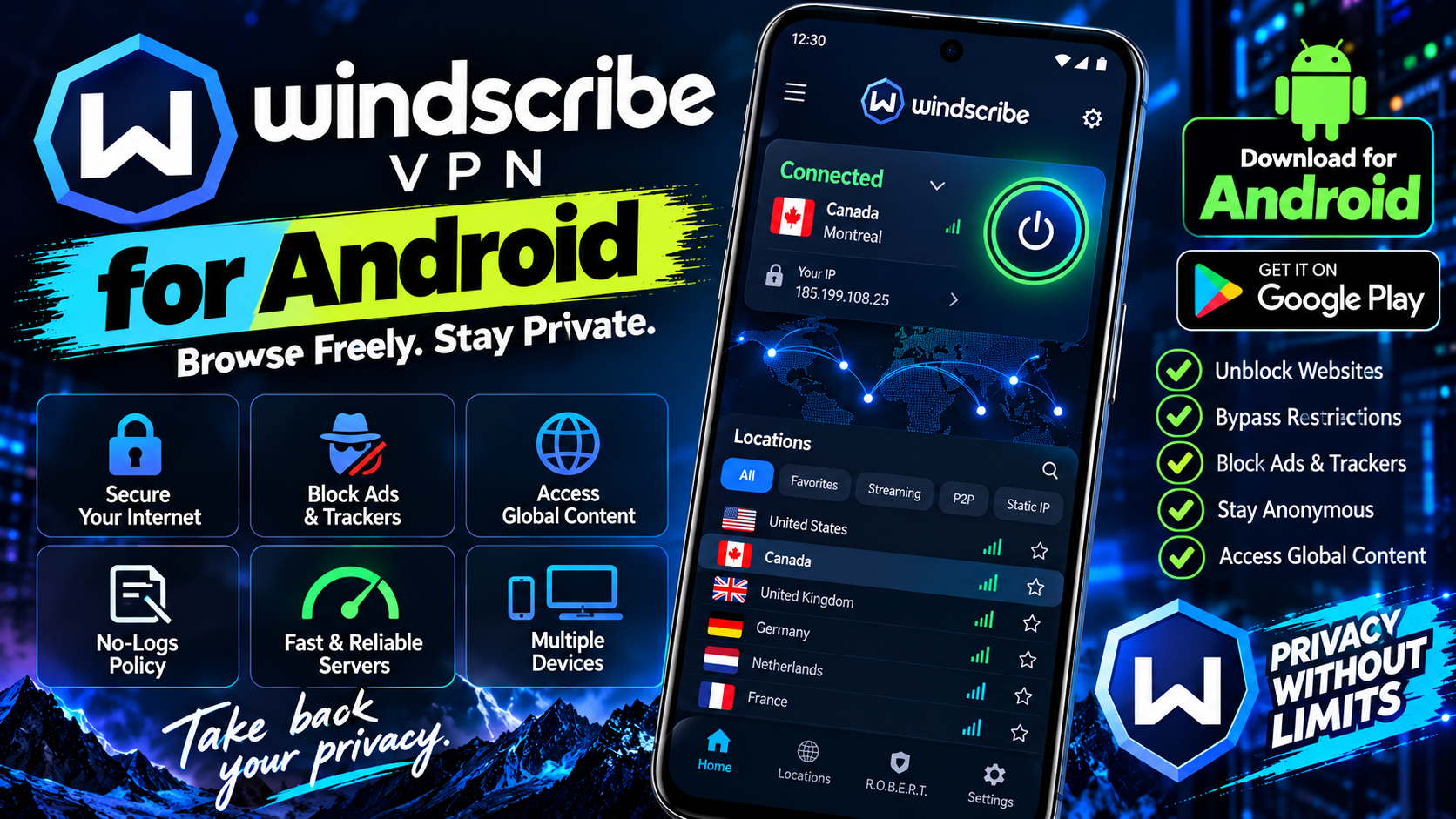
Windscribe gives you 10GB of free VPN data every month — more if you confirm your email — which is generous by free-VPN standards. Speeds are solid, the app is polished, and the company is unusually transparent about how it makes money, which is refreshing in an industry full of vague privacy claims. The 10GB cap means it’s not a daily driver for heavy streaming, but for occasional privacy — café Wi-Fi, blocked sites, a bit of browsing — it’s excellent. The app includes split tunneling so you can choose which apps use the VPN, a built-in ad blocker, and servers in 10 countries on the free plan. No fake “military-grade” marketing, just a straightforward tool that does what it says. A great secondary VPN, or a first one for anyone new to the concept.
Key features
- 10GB free data per month, no credit card required
- Split tunneling and built-in ad blocker
- Servers in 10 countries on the free plan
- Transparent company with a strict no-logs policy
What it does and why people use it
A VPN routes your phone’s internet traffic through an encrypted tunnel to a server elsewhere, so the network you’re on — a café, a hotel, an airport — can’t easily see what you’re doing, and sites see the server’s location instead of yours. People use one for three common reasons: privacy on public Wi-Fi, reaching sites that are blocked on their current network, and keeping their browsing habits out of easy reach of trackers.
Windscribe’s appeal is that the free plan is genuinely usable. Many free VPNs are slow, capped at a level that barely covers a day, or vague about how they make money. Windscribe’s 10GB monthly allowance covers occasional use comfortably, and the company’s openness about its business is part of the pitch.
Key features explained in detail
10GB free data per month. The free plan needs no credit card, and confirming your email raises the allowance, as the original post notes. Ten gigabytes covers browsing, messaging, and email easily; it’s not meant for daily heavy streaming, and treating it that way will burn through the month fast.
Split tunneling. Choose which apps use the VPN and which connect directly. That’s handy when a banking app or a local service works better on a direct connection, while your browser stays protected.
Built-in ad blocker. Blocking ads and trackers at the VPN level can make pages load faster and cleaner, and it cuts down on some of the tracking that follows you across sites.
Servers in 10 countries on the free plan. Pick a location from the free list when you need a different region for a site or a service. If the location you need isn’t on the free list, that’s the point where a paid plan becomes the question, not a workaround.
Strict no-logs policy. The company states it doesn’t log your activity. No VPN can promise perfect anonymity — your account, your device, and the sites you sign in to still know things about you — but a clear no-logs stance is the baseline a trustworthy VPN should meet.
How to download and install safely from the official store
Install Windscribe only from the Google Play Store, using the official link at the end of this article, and check that the developer is Windscribe Limited. Free VPNs are a category where fakes thrive, so never install one from an APK site or a link in an ad. After installing, create an account, confirm your email to raise the free allowance, and allow the VPN permission Android asks for — that’s the system prompt that lets the app route your traffic.
How to use the main features
Open the app, pick a server location, and connect — one tap is usually all it takes. For public Wi-Fi, connect before you open anything sensitive. For split tunneling, go into the settings and choose which apps should bypass the VPN. Keep an eye on your monthly data use in the app so you don’t run dry mid-trip, and turn the ad blocker on if you want cleaner browsing.
If you want a second opinion on VPNs, Proton VPN for Android is the natural comparison. And for protection beyond the network, AVG AntiVirus for Android covers the device side.
Tips for getting the most out of it
- Connect on public Wi-Fi before you sign in to email, banking, or social accounts.
- Save your free data for when it matters. Turn the VPN off on trusted home Wi-Fi if you’re running low for the month.
- Use split tunneling for apps that need your real location, like local banking or delivery apps.
- Pick the nearest server location for the best speed when region doesn’t matter.
- Remember a VPN isn’t invisibility. Signed-in accounts and the sites you use still recognize you.
- Keep the app updated from the Play Store so connection security stays current.
Frequently asked questions
Is Windscribe free? Yes, the free plan gives 10GB of data per month with no credit card required, and more if you confirm your email.
Is 10GB enough? For occasional privacy use — café Wi-Fi, blocked sites, browsing — yes. For daily heavy streaming, no, as the original post notes.
What is split tunneling? It lets you choose which apps use the VPN and which connect directly, so you can protect your browser while letting a local app work normally.
Does a VPN make me anonymous? No. It hides your traffic from the local network and changes your apparent location, but signed-in accounts still know who you are.
How many countries are on the free plan? Servers in 10 countries are included on the free plan, as listed in the original features.