
JazzCash for Android
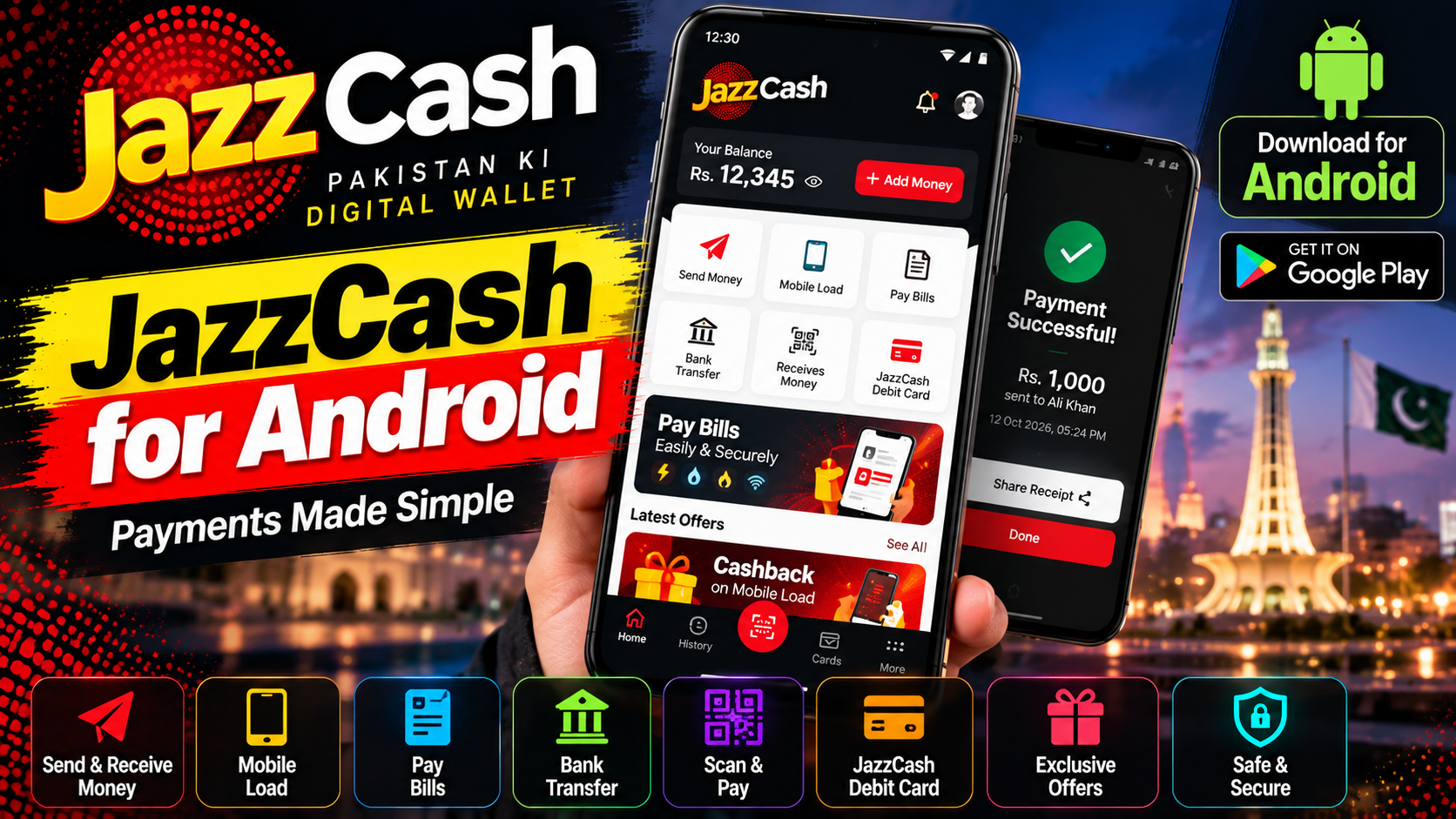
JazzCash is Pakistan’s largest mobile wallet, and the app puts a bank branch in your pocket. Transfer money to any bank or wallet, pay utility bills, top up any network, and pay at thousands of merchants with QR codes. The interface is simple enough for first-time smartphone users, which matters when your audience is all of Pakistan. Beyond payments, you get a free debit card option, savings accounts with profit, micro-loans for small needs, and ticket bookings for buses and events. Jazz and Warid customers get extra perks like discounted bundles and free balance checks. Between JazzCash and Easypaisa, most Pakistanis have their money fully covered without ever opening a traditional bank account. Signing up takes minutes with just your CNIC and a selfie.
Key features
- Instant transfers to banks, wallets, and mobile numbers
- Bill payments, mobile top-ups, and QR merchant payments
- Savings, loans, debit card, and ticket bookings
- Free to use; extra perks for Jazz/Warid customers
What it does and why people use it
For millions of Pakistanis, JazzCash is the everyday way money moves: sending cash to family, paying the electricity bill, topping up a phone, or paying a shopkeeper without handling notes. It works for people with bank accounts and for people who have never had one, which is why it has become part of daily life rather than a niche finance app.
The draw is simplicity. The tasks most people need are the ones on the home screen, the steps are short, and the money usually arrives at once. That matters when a payment is urgent — a bill due today, a family member waiting, a shopkeeper at the counter.
Key features explained in detail
Instant transfers. Send money to banks, other wallets, and mobile numbers. Double-check the number or account before you confirm: a transfer sent to the wrong person is hard to undo, and a few seconds of checking saves a long recovery process.
Bills, top-ups, and QR payments. Utility bills, mobile top-ups for any network, and QR payments at merchants are all in one place. Paying a bill from the app beats a trip to a payment center, especially when the due date is close.
Savings, loans, and debit card. Savings accounts with profit, micro-loans for small needs, and a debit card option extend the app beyond payments. Read the terms for any loan or savings product before you commit — profit rates and loan terms change, and the in-app details are the ones that count.
Ticket bookings. Bus and event tickets can be booked from the app, so a trip or an outing can be planned and paid for without a separate visit to a booking office.
Free to use, with perks for Jazz/Warid customers. The app is free, and Jazz and Warid customers get extra perks like discounted bundles and free balance checks, as the original post notes.
How to download and install safely from the official store
Install JazzCash only from the Google Play Store, using the official link at the end of this article, and check that the developer is JazzCash. This matters more than usual for a money app: fake wallet apps are a real scam route, so never install one from a link in a message or an APK site. Sign up with your own CNIC and a selfie, as the original post describes, and set a strong PIN that you don’t share with anyone — not even someone claiming to be from JazzCash support.
How to use the main features
Start by adding money to your wallet through your bank, a debit card, or a JazzCash agent, whichever suits you. To send money, pick the recipient type — bank, wallet, or mobile number — enter the details, check them twice, and confirm. For bills, save your common billers so monthly payments take a few taps. For shopping, scan the merchant’s QR code at the counter and confirm the amount before paying.
Many people keep both major wallets: Easypaisa for Android covers the other side of the same daily routine. And if you’re heading out to pay at a shop, Google Maps for Android will get you there.
Tips for getting the most out of it
- Check every recipient number and amount before confirming a transfer. A wrong tap is costly.
- Save regular billers and contacts so repeat payments are quick and typo-free.
- Never share your PIN or any code sent to your phone, and ignore calls or messages asking for them.
- Keep the app updated from the Play Store, and use your phone’s screen lock so a lost phone doesn’t mean open access to your wallet.
- Check your transaction history regularly. A quick weekly glance catches mistakes early.
- For larger amounts, prefer a bank transfer record you can trace, and keep screenshots of important receipts.
Frequently asked questions
Is JazzCash free? Yes, it’s free to use, as the original post notes, with extra perks for Jazz/Warid customers.
Do I need a bank account? No. Between JazzCash and Easypaisa, most Pakistanis have their money covered without a traditional bank account, as the original post puts it.
How do I sign up? Signing up takes minutes with just your CNIC and a selfie, according to the original post.
Can I pay bills and top up any network? Yes, bill payments and mobile top-ups for any network are included, along with QR merchant payments.
What if I send money to the wrong number? Contact JazzCash support at once through the app. Recovery isn’t guaranteed, which is why checking details before confirming matters so much.