
Mozilla Firefox for PC
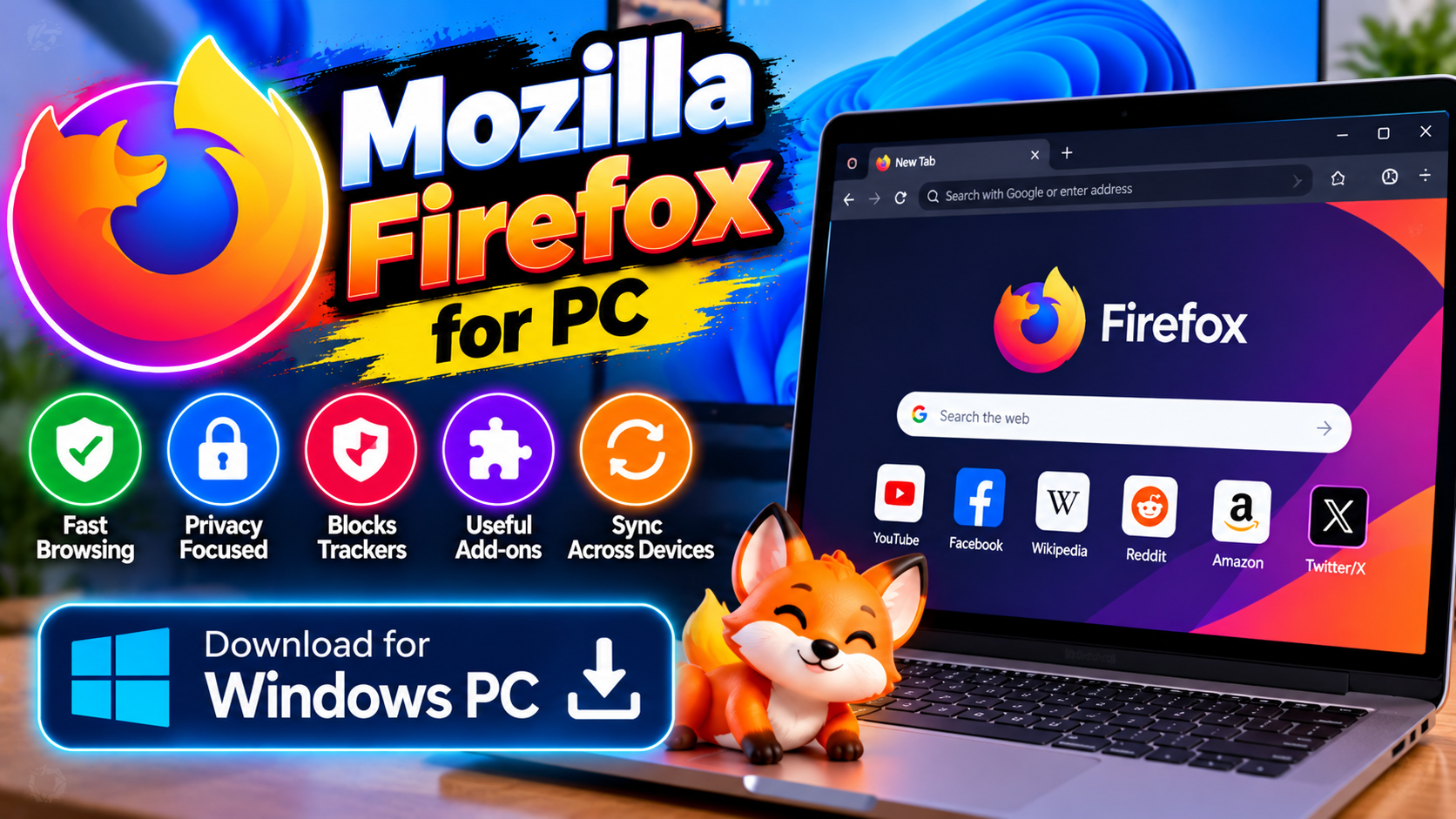
The independent, open-source browser. Strong privacy controls out of the box, light on memory compared to Chrome, and no ad-company strings attached.
Key Features
- Enhanced Tracking Protection blocks trackers without add-ons
- Container tabs keep sites like Facebook isolated from your other browsing
- Open-source and run by a nonprofit — no ad business behind it
- Firefox View picks up your tabs across devices
Best for privacy-conscious users who want an independent browser — free from mozilla.org.
What it does and why people use it
Firefox is a web browser for Windows, built by Mozilla, and it’s been around long enough that most PC users have tried it at least once. What keeps people on it isn’t habit, though — it’s the trade-off it offers. You get a full, modern browser with tabs, bookmarks, extensions, and sync, but the company behind it isn’t selling ads, so the browser’s incentives line up with yours.
That’s the real reason to consider it. Most browsers are made by companies whose main business is advertising or search deals. Firefox comes from a nonprofit, and its source code is open, which means anyone can inspect how it works. For users who care about that independence, it’s the obvious pick.
Key features explained in detail
Enhanced Tracking Protection blocks trackers without add-ons. Firefox blocks many third-party trackers by default, so you don’t need to install an extension or dig through settings to get basic protection. You can check what’s been blocked on any site from the shield icon in the address bar.
Container tabs keep sites isolated from your other browsing. Containers let you open a site in a separate tab container, so its cookies and tracking data stay sealed off from the rest of your browsing. The original post gives Facebook as the example — log in inside a container and it can’t follow you around your other tabs.
Open-source and run by a nonprofit — no ad business behind it. Firefox’s code is open source, and Mozilla is a nonprofit organization. That matters in practice: there’s no advertising business pushing the browser toward collecting more data about you.
Firefox View picks up your tabs across devices. If you use Firefox on your phone as well as your PC and sign in to the same account, Firefox View helps you pick up open tabs from your other devices, so a page you left open on your phone is easy to find on your PC.
How to download and install safely from the official site
Download Firefox only from the official Mozilla site, using the download link at the end of this article — the Download URL for this post points to mozilla.org/firefox/new. Run the installer and follow the prompts; it will offer to import bookmarks and passwords from your current browser, which you can accept or skip. Avoid repackaged installers from third-party download sites, which can bundle extras you didn’t ask for.
How to use the main features
Browse as usual, and let Enhanced Tracking Protection work in the background — click the shield icon in the address bar if you want to see what was blocked on a page. For containers, open a new container tab for a site you want isolated, and sign in there instead of in a regular tab. If a site ever breaks, you can turn protection off for just that site from the same shield menu instead of disabling it everywhere.
To pick up tabs from another device, sign in to your Firefox account on both devices and open Firefox View. If you’re weighing browsers, Google Chrome for PC is the mainstream alternative, while Brave for PC takes a different approach to blocking ads and trackers.
Tips for getting the most out of it
- Sign in to a Firefox account if you use more than one device — sync is what makes Firefox View useful.
- Use containers for the handful of sites that track most aggressively, rather than trying to containerize everything.
- Check the shield icon when a site looks broken; turning protection off for one trusted site is better than turning it off globally.
- Browse the extension library for the tools you actually need, and remove extensions you stopped using — fewer extensions means a faster browser.
- Set Firefox as your default browser if you want links from other apps to open with its privacy protections.
- Keep it updated. Firefox updates on its own, but if a feature looks missing, check for updates before assuming it’s gone.
Frequently asked questions
Is Firefox free? Yes, it’s free from mozilla.org, as the original post notes.
Is Firefox really private? It blocks trackers by default and comes from a nonprofit with no ad business, which is a stronger starting point than most browsers offer.
Does it use less memory than Chrome? The original post describes it as light on memory compared to Chrome, and it’s a common reason people switch on older PCs.
What are container tabs? They isolate a site’s cookies and data from your other tabs, so a site you log into in a container can’t track your browsing elsewhere.
Where do I download it safely? From the official Mozilla site, via the download link on this page.