
Brave for PC
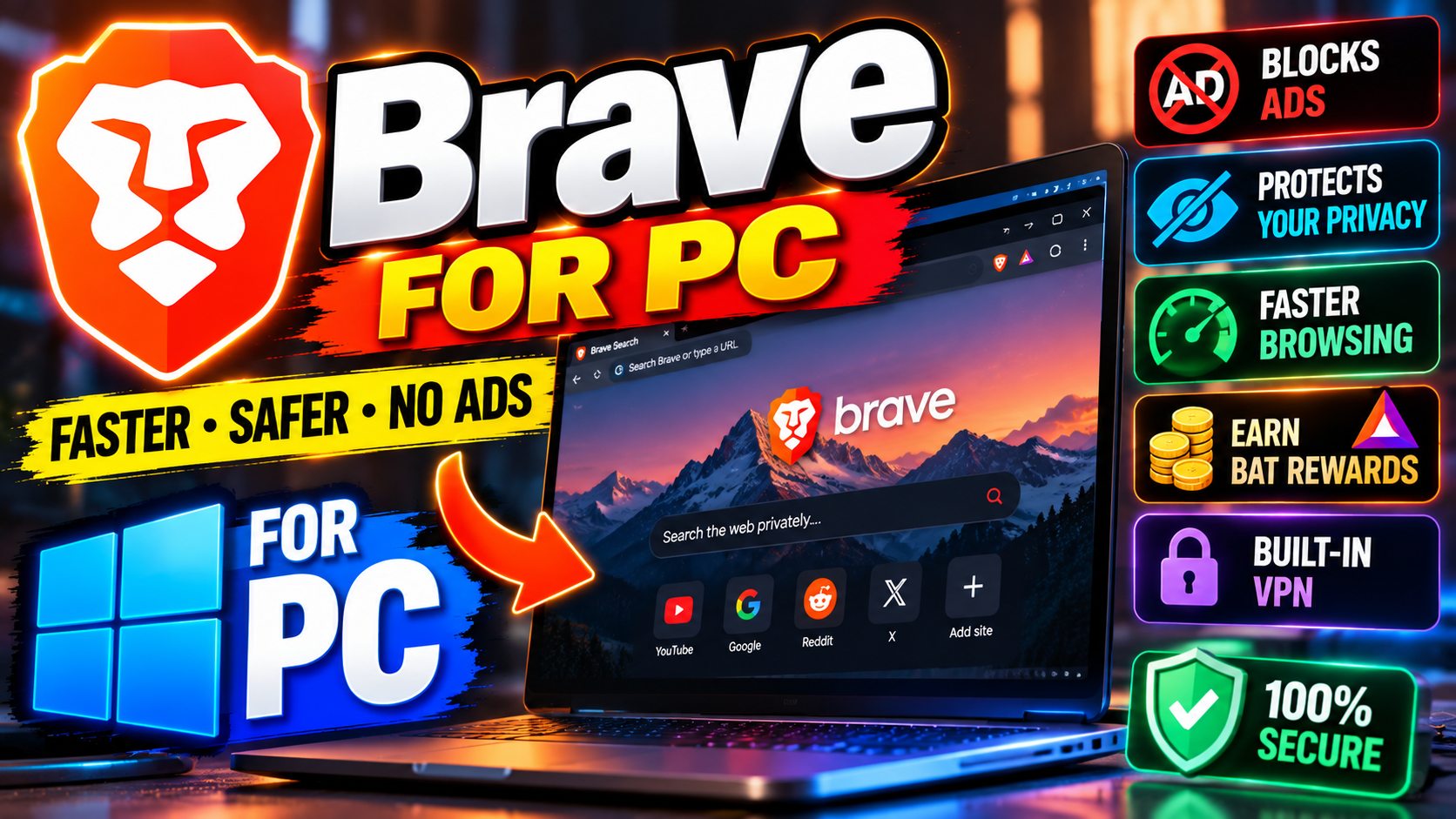
What is Brave?
Brave is a free web browser built on Chromium — the same foundation as Google Chrome and Microsoft Edge. That means it looks familiar, runs all your Chrome extensions, and renders websites exactly the way you’re used to. The difference is philosophy: Brave is built around privacy first, blocking ads and trackers by default instead of making you install extensions to do it.
Brave Shields: the headline feature
Shields are Brave’s built-in protection panel, and they’re the reason most people switch. Out of the box, Brave blocks:
- Ads and pop-ups, including most YouTube-style pre-rolls on the web.
- Cross-site trackers that follow you around the internet.
- Third-party cookies by default.
- Browser fingerprinting attempts.
You can adjust Shields per site with two clicks — handy for the rare page that misbehaves.
Brave Rewards (optional)
Brave has an opt-in system called Rewards that shows you occasional privacy-respecting ads and pays you a share in BAT, a cryptocurrency token. It’s off by default. Some people love it; others ignore it completely. Either way, it’s your choice — the browser works perfectly well with Rewards disabled forever.
Sync and switching from Chrome
Moving over takes about five minutes. Brave imports your bookmarks, history, passwords, and extensions from Chrome automatically, and its sync chain covers desktop and mobile without requiring an account — it uses a code phrase instead. No email sign-up, no profile in the cloud unless you want one.
Performance vs Chrome
Here’s where blocking ads pays off twice: pages load noticeably faster when they’re not dragging along dozens of ad scripts and trackers. Brave also tends to use less memory than Chrome with the same tabs open, partly for the same reason. It’s not magic — a bloated page is still bloated — but the difference on ad-heavy news and blog sites is easy to feel.
Brave on mobile
The same Shields that clean up desktop browsing come to Android and iOS too — and mobile is where ad-blocking matters most, since phone screens leave no room for banner clutter and mobile data isn’t free. Sync your bookmarks and tabs between phone and PC with the same code-phrase system, no account needed. One honest note: on iOS, Apple forces all browsers to use its WebKit engine under the hood, so Brave on iPhone is Brave’s privacy layer on Apple’s foundation — still better than Safari with no blockers, but the engines aren’t identical.
The honest trade-offs
Aggressive blocking has a cost: a small number of sites break or show warnings with Shields up. Banking sites and some web apps are the usual suspects. The fix is quick (drop Shields for that site), but it can confuse less technical users. Also, a few Google services occasionally nudge you back toward Chrome. And while Brave is open source and independent, it’s still a smaller company than Google — worth knowing, not worth fearing.
Who should switch?
Anyone tired of the ad-choked web. Privacy-conscious users who don’t want to fiddle with extension settings. People on older PCs who’d like their browser to feel snappier. If you live entirely inside Google’s services and love Chrome’s integration, you might not feel the pull — but for everyone else, Brave is the easiest privacy upgrade in browsing.
Developer: Brave Software
How to download and install safely from the official site
Download Brave only from the official Brave site, using the download link at the end of this article — the Download URL for this post points to brave.com/download. Run the installer, then use the import step to bring over your bookmarks, history, passwords, and extensions from Chrome, as the original post describes. Avoid repackaged installers from third-party sites, which can bundle extras you didn’t ask for.
How to use the main features
Browse as usual and let Shields do the work — ads, trackers, third-party cookies, and fingerprinting attempts are blocked by default. If a page misbehaves, drop Shields for that site with two clicks, as the original post notes, rather than turning protection off everywhere. Set up sync with a code phrase to carry bookmarks and tabs between desktop and mobile without an account, and leave Rewards off if you don’t want it — the browser works perfectly well without it. If you prefer the mainstream option, Google Chrome for PC is the widest-supported browser, while Mozilla Firefox for PC is the independent, nonprofit-run alternative.
Tips for getting the most out of it
- Import from Chrome during setup so switching takes minutes, not an afternoon of rebuilding bookmarks.
- Use per-site Shields settings for banking sites and web apps that break, instead of disabling protection globally.
- Try it on mobile too — that’s where ad-blocking matters most, as the original post points out.
- Set up sync with a code phrase to keep desktop and mobile bookmarks and tabs together.
- Leave Rewards off unless you actually want it; Brave works fine without it.
- On an older PC, notice the difference on ad-heavy pages — that’s where blocking pays off most.
Frequently asked questions
Is Brave free? Yes, it’s a free browser built on Chromium, as the original post notes.
What are Brave Shields? The built-in protection panel that blocks ads, pop-ups, cross-site trackers, third-party cookies, and fingerprinting attempts.
Can I switch from Chrome easily? Yes — Brave imports bookmarks, history, passwords, and extensions from Chrome in about five minutes.
Do I have to use Brave Rewards? No, it’s opt-in and off by default, and the browser works fine with it disabled.
Where do I download it safely? From the official Brave site, via the download link on this page.