
Android Auto Maker for Android: Run Any App on Your Car Screen (Free, Open Source)
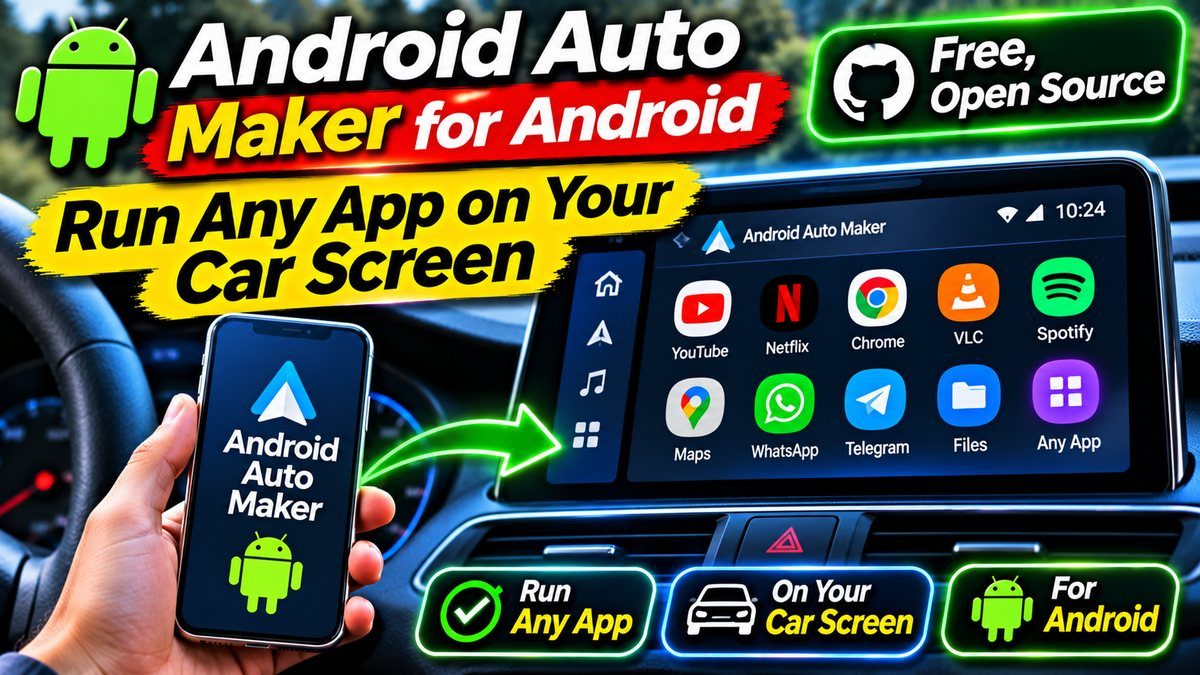
What Is Android Auto Maker?
Google decides which apps can appear on Android Auto, and the list is short. Maps, music, calls, messages — the safe stuff. Games, video apps, and plenty of useful tools never make the cut. Android Auto Maker works around that wall. It is a free, open-source tool by GitHub developer malebuffy (also behind Xtream Player) that takes an ordinary APK or XAPK file and repackages it so Android Auto lists it as a parked game.
The idea is simple: your car screen can already show games while you are parked. Android Auto Maker dresses any app up as one of those parked games, so the head unit accepts it. The project is honest about how it was built — its README calls it PCWAI, “Proudly Coded With AI” — and the code is public under the GPL-3.0 licence, so anyone can read it. It was only published in late October 2026 and had already picked up 241 stars on GitHub by early November.
One thing to get straight before anything else: this is a parked-only trick. Nothing here puts apps on your screen while you drive, and that is how it should stay. The repackaged app only shows up when the car is parked with the handbrake pulled, in Android Auto’s “Parked apps and games” section.
How Android Auto Maker Works
Every Android app carries a manifest — a file that tells the system what the app is and what it is allowed to do. Android Auto checks that manifest before it shows an app on the car screen. Android Auto Maker edits those entries so the app looks like a parked game to Android Auto, then re-signs the whole package with its own key and hands you back a single, installable APK. An XAPK, including split packages, comes back as one normal APK too.
There are two ways to run it. The easy one is the Android app itself, which runs on Android 8.0 or newer: pick your APK or XAPK, leave “Parked game” selected, press “Create Android Auto package”, and save or install the result. The second way is a local website that runs on your PC — a small Node program that serves a page on your home network (port 4173), where you drop the APK in a browser and download the finished file. You can even run more than one preparation at a time, and each keeps its own files until you download the result.
Why does it need to re-sign the app? Because the signature is part of Android’s security model. Change the contents of a package and the old signature stops matching. That single detail causes the biggest headache with this tool, which brings us to the limits.
What You Can Run on Your Car Screen
Games are the obvious win, and they work well. Android Police tested the tool with Balatro, Shattered Pixel Dungeon, Beach Buggy Racing, and Slice and Dice, and all four ran in full screen on the car’s entertainment unit — not screen mirroring, but the app itself running on the head unit. That is the kind of thing Android Auto normally refuses, and it is exactly what parked time is for: waiting for someone, charging an EV, or killing time on a break.
Beyond games, the tool opens the door to navigation apps Google has not approved yet and video apps for parked viewing. In theory, almost any app can be repackaged. In practice, the result depends on the app — some work first try, some never work at all. Banking apps are out, and so are apps that rely on Google Play Integrity, SafetyNet checks, or heavy DRM, because the new signature breaks their trust checks. The README is upfront about that too: the tool is an independent project, not affiliated with Google in any way.
If you like bending Android to your will, this sits in the same family as the launchers we have covered before — Nova Launcher for Android and Victoria Launcher for Android both reshape how your phone looks and feels. Android Auto Maker just aims that same spirit at your dashboard.
The Limits You Should Know First
You need Android 15 or newer on your phone. The maker app itself runs on Android 8.0 and up, but the parked apps and games category only shows up on a phone running Android 15 or newer. On Android 14 or older, you can build the package and install it — it just never appears on the car screen.
You must uninstall the original app first. The repackaged copy has the same package name but a different signature, so Android refuses to install it over the original. Uninstalling means you lose that app’s data — saved games, settings, login sessions — so back up anything you care about before you start. And the repackaged copy will not get updates from the Play Store, since the Play Store no longer recognises it as its own install.
You cannot run two copies of the same app. The original and the repackaged version share a package name, so it is one or the other on your phone. If the app is something you use every day, think twice before trading the normal version for the car version.
Google could close this door. The whole trick leans on how Android Auto checks parked apps today. Google could tighten those checks in a future update, and then repackaged apps would stop appearing. Treat Android Auto Maker as an experiment, not a permanent feature.
How to Install and Use Android Auto Maker
Here is the phone route, step by step:
- Download the latest Android Auto Maker build from the official GitHub releases page.
- Install the APK on your phone. If Android asks, allow “install unknown apps” for Android Auto Maker, then install again.
- Open the app and press “Choose an APK or XAPK” to pick the app you want on your car screen. You will need the APK file — from an APK backup app or a download — since the Play Store does not hand out APK files directly.
- Leave “Parked game” selected and press “Create Android Auto package”. Wait for it to finish.
- Press “Save” to keep the APK, or “Install” to install it on this phone. Remember: uninstall the original app first, or the install will fail.
- Plug your phone into the car, park with the handbrake pulled, and look in Android Auto’s “Parked apps and games” section. Your repackaged app should be there.
Prefer the PC route? Clone the repo, run npm install and npm start, then open http://127.0.0.1:4173 in a browser. You will need Node.js 18 or newer, JDK 17, and the Android SDK build-tools (zipalign and apksigner). The “Install on phone” button needs the phone plugged in over USB with USB debugging turned on. The first run creates a random signing key for each app, so keep the tools/keys folder safe if you want future copies to install as updates.
Is Android Auto Maker Worth Trying?
For tinkerers, yes — it is free, open source, and genuinely clever, and it turns dead parked time into game or video time. If you spend long waits in your car, a repackaged game or two can make the dashboard far more useful. Just go in with your eyes open: Android 15 or newer, uninstall the original first, back up your data, and do not expect banking or DRM-heavy apps to work.
For everyone else, the honest answer is to wait and watch. The tool is weeks old, Google could tighten the checks, and the setup asks more of you than a normal Play Store install. But as proof that Android Auto could do far more than Google allows, it is hard to beat — and the code is right there on GitHub for anyone to check.
Download: Android Auto Maker (official GitHub releases) — free and open source. Source code: github.com/malebuffy/AndroidAutoMaker. Also see the hands-on test at Android Police.