
Victoria Launcher for Android
A Niagara-Style Home Screen, Minus the Price Tag
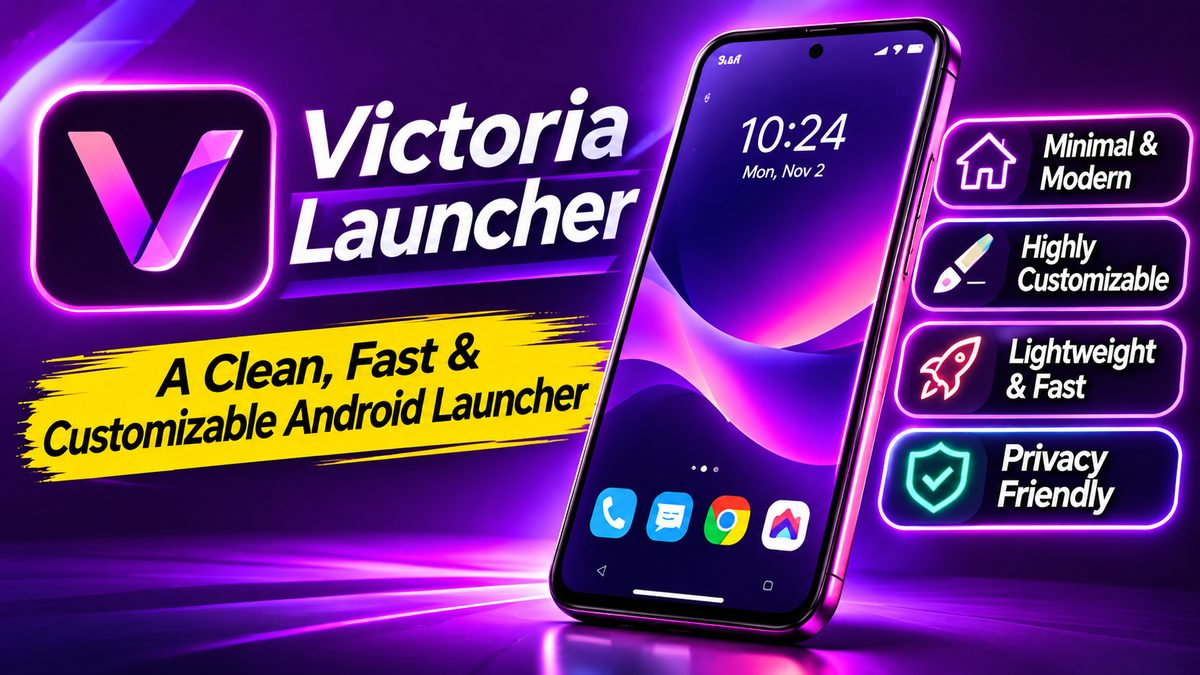
Niagara Launcher has a loyal following, and for good reason: it ditches the app grid for one calm, scrollable list. But it’s proprietary software, and if you’ve ever wondered whether the same idea could live as a fully open-source project, there’s now an answer. Victoria Launcher, built by developer adelmonte, is exactly that — a minimal, list-based Android home screen, free and open for anyone to inspect.
Yes, it’s named after another famous waterfall. And yes, the resemblance is deliberate.
What It Actually Looks Like
The first thing you’ll notice is how empty everything is. The home screen starts nearly blank — that’s the point. You pin a short list of favorite apps (or folders), and nothing else shows up unless you put it there. It’s a launcher built on the idea that your phone should stop interrupting you.
Everything else lives in an alphabetical app list. Swipe in from either edge of the screen and you’re there; an A-Z strip along the side lets you jump straight to a letter. Long-press the wallpaper and you get the main menu: favorites, widgets, layout editing, and settings. Long-press any app — on either screen — to rename it, swap its icon, hide it, or drop it into a folder.
Features That Go Beyond the Basics
This isn’t just a clone riding Niagara’s coattails. Victoria ships with a clock-and-date widget of its own, and you can add any other widget you like. Folders can carry a Now Playing card for your music app. Notification counts on icons, an optional search box in the app list, per-app renaming and hiding, icon packs, custom fonts, colors, text and icon sizes, spacing and alignment tweaks — all of it’s adjustable, and the settings screen has a search box so you can actually find the toggle you want.
Two practical touches stand out. Work profiles are picked up automatically, and Android 15’s private space is supported. And there’s an export-settings option, which matters more than it sounds: Android’s own backup skips this app deliberately, since its settings file names every app you’ve arranged. Victoria gives you your own export instead.
The privacy story is strong too. According to its F-Droid listing, there are no ads, no tracking, and the app doesn’t even hold the internet permission. For a home-screen replacement that literally sees everything you launch, that’s worth something.
Why Try It Instead of Niagara or Your Stock Launcher?
Your phone’s stock launcher does the job, sure — but it’s designed to keep you scrolling. Victoria does the opposite. If you’ve been meaning to cut the clutter, pairing a launcher like this with the advice in our guide to stopping battery-draining apps is a solid one-two punch for a calmer phone.
Against Niagara itself, Victoria’s pitch is simple: the same calm, list-based philosophy, free and open source, under the GPL-3.0 license. Anyone can read the code, fork it, or file an issue. And it’s moving fast — one reviewer noted eight updates landing in five days, and the releases page shows dozens of versions since the project’s September debut, adding things like auto-height clock widgets, Brazilian Portuguese translations, and folder Now Playing cards.
The trade-off? It’s young. A project this new will have rough edges — widget quirks, small layout bugs — though the changelog shows the developer fixing them quickly. If you want a battle-tested launcher, Niagara’s had years. If you want open source and a front-row seat to fast development, Victoria’s the interesting bet.
How to Get It
You’ve got two options, and they carry the same signature, so you can switch between them without uninstalling:
First, grab it from F-Droid — that’s the cleanest route, since you’ll get update notifications automatically. Or download the APK straight from the GitHub releases page.
It requires Android 8.0 or newer. Once installed, head to Settings → Apps → Default apps → Home app and pick Victoria. One heads-up from the README: double-tapping the A-Z strip to lock the screen needs an accessibility service, and if that toggle is greyed out you’ll need to allow restricted settings from the app’s info page first, since Android blocks that for apps installed outside a store.
Setting up a new launcher is also a great excuse to audit what’s on your phone — our new Android phone checklist walks through the essentials you’ll want to keep around.
Who’s It For?
Victoria Launcher suits anyone who finds their home screen noisy, likes the Niagara look but prefers open-source software, or just enjoys tinkering with a fast-moving project. Minimalists, privacy-conscious users, and chronic re-customizers will all feel at home here.
It won’t be everyone’s cup of tea. If you love widgets-everywhere desktops or icon-grid eye candy, this isn’t that. But if your phone feels like it’s shouting at you, Victoria might be the quieter home screen you’ve been looking for.