
Relay for Android: Share Files Between Phone and PC Without Cable or Account
What Is Relay?
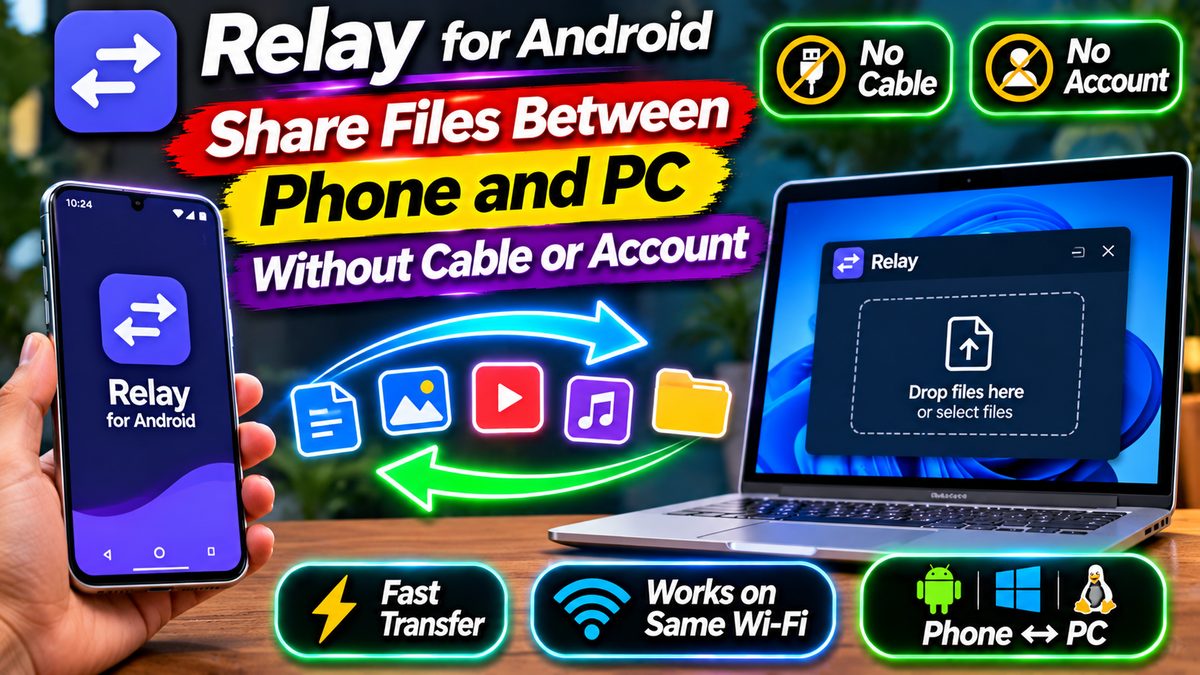
How do you move a photo from your phone to your laptop? Most of us email it to ourselves, drop it in a chat with ourselves, or dig out a USB cable. Relay is a free Android app by developer Vythera that makes all of that feel old-fashioned. It sends files from your phone to your computer — and back — in seconds, over your own Wi-Fi. No account, no cable, no cloud upload, and no internet connection needed.
It is not just a file sender. Relay also syncs your clipboard between phone and PC, so text you copy on one device can be pasted on the other. And it is open source under the Apache 2.0 licence, with desktop apps for Windows, Mac, and Linux, all free. There are no ads anywhere, and the app’s own description puts it plainly: nothing is uploaded to a server, there is no account to create, and there are no ads.
Relay is brand new — it only arrived on the Play Store in the last few weeks — but it already reads like a finished product rather than an experiment. If you move files between phone and PC more than once a week, this is the kind of app that quietly becomes part of your routine.
What Relay Can Do
Send any file, any size. Photos, videos, PDFs, documents, music, APKs, whole folders — Relay moves them at the full speed of your Wi-Fi, with no size limit and no compression. That last part matters: photos and videos arrive in their original quality, not a shrunken copy. You can send from inside Relay, or share to it from any app’s share menu.
Copy on one, paste on the other. The universal clipboard is the feature that sells Relay once you try it. Copy text, a link, a screenshot, or a whole file on your computer and paste it straight onto your phone. Going the other way, tap “Send clipboard” in the Quick Settings tile or Relay’s notification, or select any text and choose Relay from the menu. Android only lets the app in front read what you copied, so the tile is the quick way to push clipboard content to your PC.
Drag and drop from PC to phone. On your computer, drag a file to the drop shelf at the edge of the screen and drop it on your phone. It arrives ready to open. There is also a home screen widget: your devices on your home screen, tap one, choose a file, and it is sent.
Phone to phone works too. Two phones can swap contact cards by holding them together or showing a QR code, and phone-to-phone, phone-to-PC, PC-to-phone, and PC-to-PC transfers all work the same way. Once two devices are paired, they trust each other — nothing to accept, no codes to type. Relay reconnects by itself whenever your devices are nearby, and it can start automatically when your phone restarts.
Why It Stays Private
Relay’s privacy pitch is simple, and it holds up. Every connection is end-to-end encrypted with TLS, directly between your devices — your files never pass through a server, so there is nothing in the middle to leak. Pairing is confirmed by checking that both screens show the same three shapes, so only devices you approve can connect. Optional anonymous statistics are off unless you turn them on, and your notification content is never the product here, because there is no account and no advertising.
It also works without internet. Relay talks directly between devices on the same Wi-Fi network. No Wi-Fi around? Turn on your phone’s hotspot, connect your laptop to it, and transfers still work — mobile data is never used for transfers. That makes it handy on the go: hotel room, a friend’s house, or anywhere your phone is the only network you have.
That no-cloud design is also why it feels fast. Cloud services upload your file to a server and download it again; Relay just moves it across the room. On a decent Wi-Fi network, a big video crosses in seconds, not minutes.
How to Set Up Relay in 2 Minutes
Setup really is short — three steps, and you only do it once:
- Install Relay on your phone from the Play Store, and install the free desktop app on your computer (Windows 10 and 11, macOS on Apple Silicon, or Linux as .deb and .rpm). The desktop apps are free from the Relay project on GitHub.
- Put both devices on the same Wi-Fi network and open the app on each. Your devices find each other automatically.
- Pick the other device, check that the three shapes on both screens match, and confirm. Done for good — from then on, paired devices trust each other.
Two small notes for Windows users. First, while installing the PC app, Windows may show “Windows protected your PC”. That happens because Relay is made by an independent developer and the app is not code-signed — click “More info”, then “Run anyway”. Second, if the Windows Firewall asks, allow Relay on private networks, or your phone will not be able to find your PC. iPhone and iPad support is still in development, so for now Relay is an Android-and-desktop story.
Relay vs the Usual Workarounds
Compared with emailing files to yourself, Relay wins on every count: no size caps, no quality loss, no inbox clutter, and no copy sitting on a mail server. Compared with a USB cable, it wins on convenience — no cable to find, no port to fight with, no driver issues. Compared with cloud drives, it wins on privacy and speed, since nothing leaves your home network.
What about Google’s Quick Share, which is built into Android and has a Windows app? It is a fair alternative for pure file transfer, and it needs nothing extra on the phone. But Quick Share does not sync your clipboard, and Relay asks for no Google sign-in at all. If you want one tool that handles files and clipboard together, with no account anywhere, Relay is the stronger pick.
File tools are a theme on this site — if you also want to keep the files on your phone itself tidy, CX File Explorer for Android is worth a look. And if most of your sharing still runs through chat apps, our WhatsApp for Android page covers the app that moves most of those files today.
The Small Print
Relay is free, with no ads and no paid tier in sight — the Play Store lists it at 0 USD, and the desktop apps are free downloads too. That is the whole price: nothing. The trade-off is that it is a young app from a small independent developer, so do not expect a big support team behind it. The open-source licence softens that — anyone can read the code, and the project does not depend on one company’s servers staying online.
One more honest note: Relay only works when your devices can see each other, either on the same Wi-Fi or through your phone’s hotspot. It will not send files to a PC sitting in another city. That is by design, not a bug — the same local-only approach is what keeps your files private. If you need remote transfers, a cloud drive is still the tool for that job.
For everyone else — students moving notes to a laptop, creators shifting photos to edit, or anyone tired of the email-to-yourself dance — Relay removes a daily annoyance in about two minutes of setup. That is a rare thing for a free app to do.
Download: Relay for Android (official Google Play listing) — free, no ads. Desktop apps (Windows, Mac, Linux): Relay on GitHub. Listing mirror: Relay on AppBrain.