
CapCut for Android
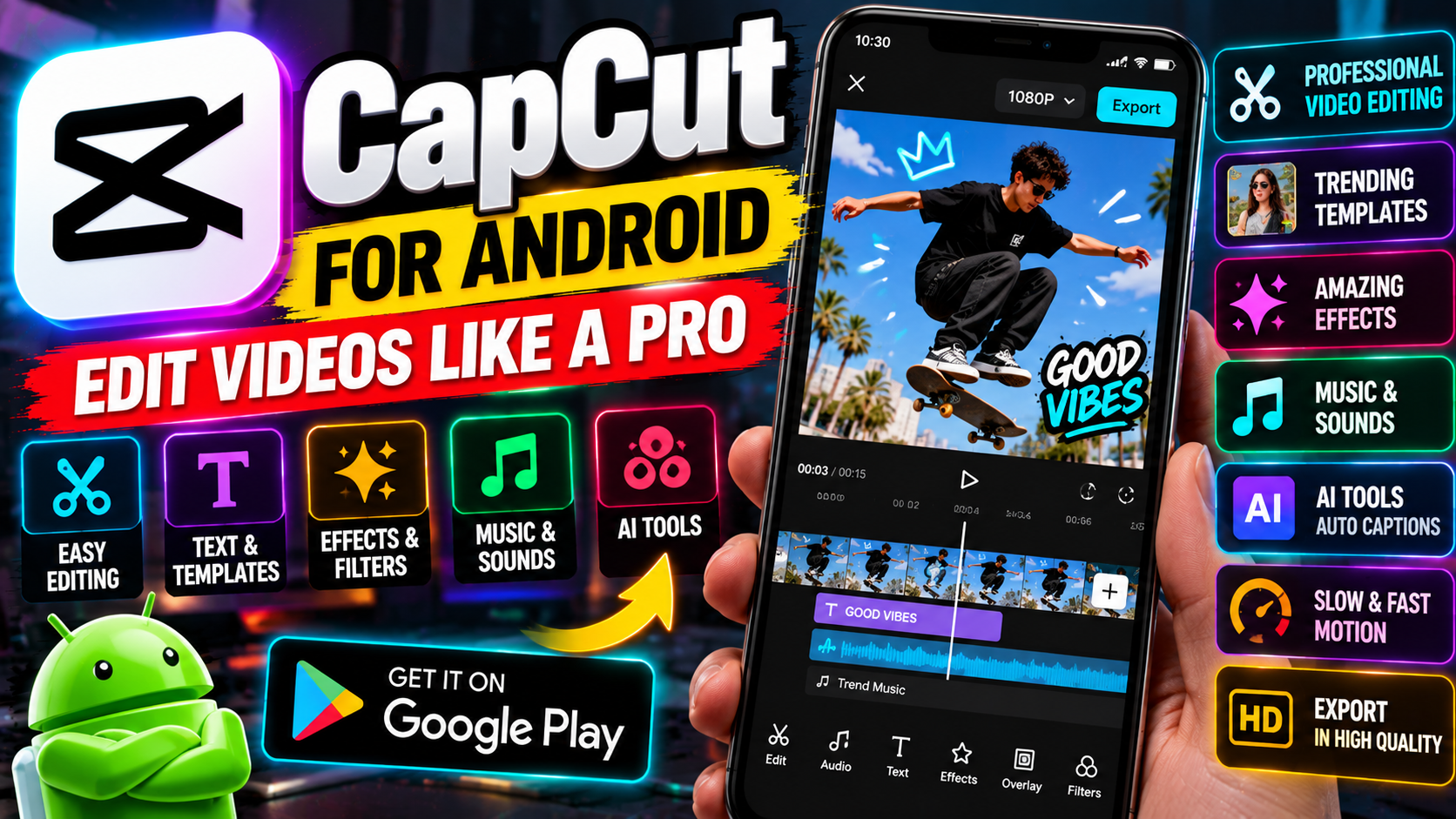
What is CapCut?
CapCut is a free video editing app by ByteDance (the company behind TikTok). It started as TikTok’s companion editor and grew into a genuinely capable editing tool in its own right — on Android, iOS, desktop, and the web. For short-form video, it’s the default choice for millions of creators, and the price (free) is hard to argue with.
Editing basics, done well
The core timeline editor covers everything a short video needs: trim and split clips, rearrange segments, adjust speed (slow-mo and timelapse both), add filters, and layer text. The interface is touch-friendly without feeling dumbed down — you can do a clean, watchable edit within minutes of installing it, even if you’ve never edited video before.
Effects, transitions, and templates
- Effects library — glitch effects, particles, light leaks, and trendy visual styles, most of them free.
- Transitions — camera whips, zooms, and seamless cuts that make edits feel professional with one tap.
- Templates — this is CapCut’s killer feature. Pick a trending template, drop in your clips, and the app auto-edits them to the beat. Entire TikTok trends are built on these.
- Music and sound effects — a built-in audio library so you’re not hunting for royalty-free tracks elsewhere.
Auto-captions
CapCut generates subtitles from your speech automatically, in multiple languages, with styling options. This alone saves creators an enormous amount of time — captioned videos also get watched longer, since so many people scroll with sound off. Accuracy is good, though you’ll want to skim for errors in names and slang.
Export without watermark
Here’s something worth knowing: CapCut exports without a watermark on the free tier. That’s increasingly rare — most free editors stamp their logo on your video unless you pay. You can export in high resolution and post straight to TikTok, Reels, or Shorts.
The Pro paywall, honestly
The free version is generous, but not everything is free. Some premium effects, transitions, and templates carry a Pro badge, and a few advanced features (like certain AI tools and cloud storage perks) sit behind the subscription. The free tier is more than enough for most creators — but if you keep hitting locked items, that’s the nudge toward paying.
Tips for better edits
Knowing the buttons is one thing. Making videos people actually finish is another:
- Hook in the first two seconds — start with movement, a bold claim, or the payoff moment. Nobody waits around anymore.
- Cut ruthlessly — remove every pause, “um,” and dead second. A tight 30 seconds beats a rambling 90.
- Captions always — most viewers watch muted. CapCut’s auto-captions make this a two-tap job, so there’s no excuse.
- Match cuts to the beat — drop markers on the music’s drops and cut on them. Templates do this automatically; learn to do it manually and your edits level up fast.
- Export in the right ratio — 9:16 for Shorts/Reels/TikTok, 16:9 for YouTube. Posting a sideways video is the fastest way to look like a beginner.
Who is it best for?
Short-form creators, first and foremost — TikTok, Reels, and YouTube Shorts. Also great for students making project videos, small businesses cutting quick promos, and anyone who wants to edit on their phone without learning desktop software. If you’re cutting a feature film, look elsewhere. For everything under three minutes, CapCut is tough to beat.
Developer: ByteDance
How to download and install safely from the official store
Install CapCut only from the Google Play Store, using the official link at the end of this article, and check that the developer is Bytedance Pte. Ltd. Grant it access to your photos and videos when asked, since it can’t edit clips it can’t see, and avoid modified versions that promise unlocked Pro features — those can carry malware and get your account banned.
How to use the main features
Start a new project, add your clips to the timeline, and trim the dead air first — editing is mostly cutting. Add auto-captions and skim them for errors in names and slang, pick music from the built-in library, and use a template when you want a trending look without building it by hand. Export in the right ratio for where the video will live: 9:16 for Shorts, Reels, and TikTok, 16:9 for YouTube, as the original post notes.
Your edited videos need somewhere to go: TikTok for Android is where CapCut started as a companion editor, and YouTube for Android is the home for Shorts and longer uploads alike.
Frequently asked questions
Is CapCut free? Yes, it’s a free video editing app, and the free tier exports without a watermark, as the original post notes.
What does Pro add? Some premium effects, transitions, and templates carry a Pro badge, and a few advanced features and cloud storage perks sit behind the subscription.
Does it add a watermark? No, CapCut exports without a watermark on the free tier.
Can it add captions automatically? Yes, it generates subtitles from your speech automatically, in multiple languages, with styling options.
Is it only for short videos? It’s best for short-form video — TikTok, Reels, and YouTube Shorts — though it also suits project videos and quick promos.