
TikTok for Android
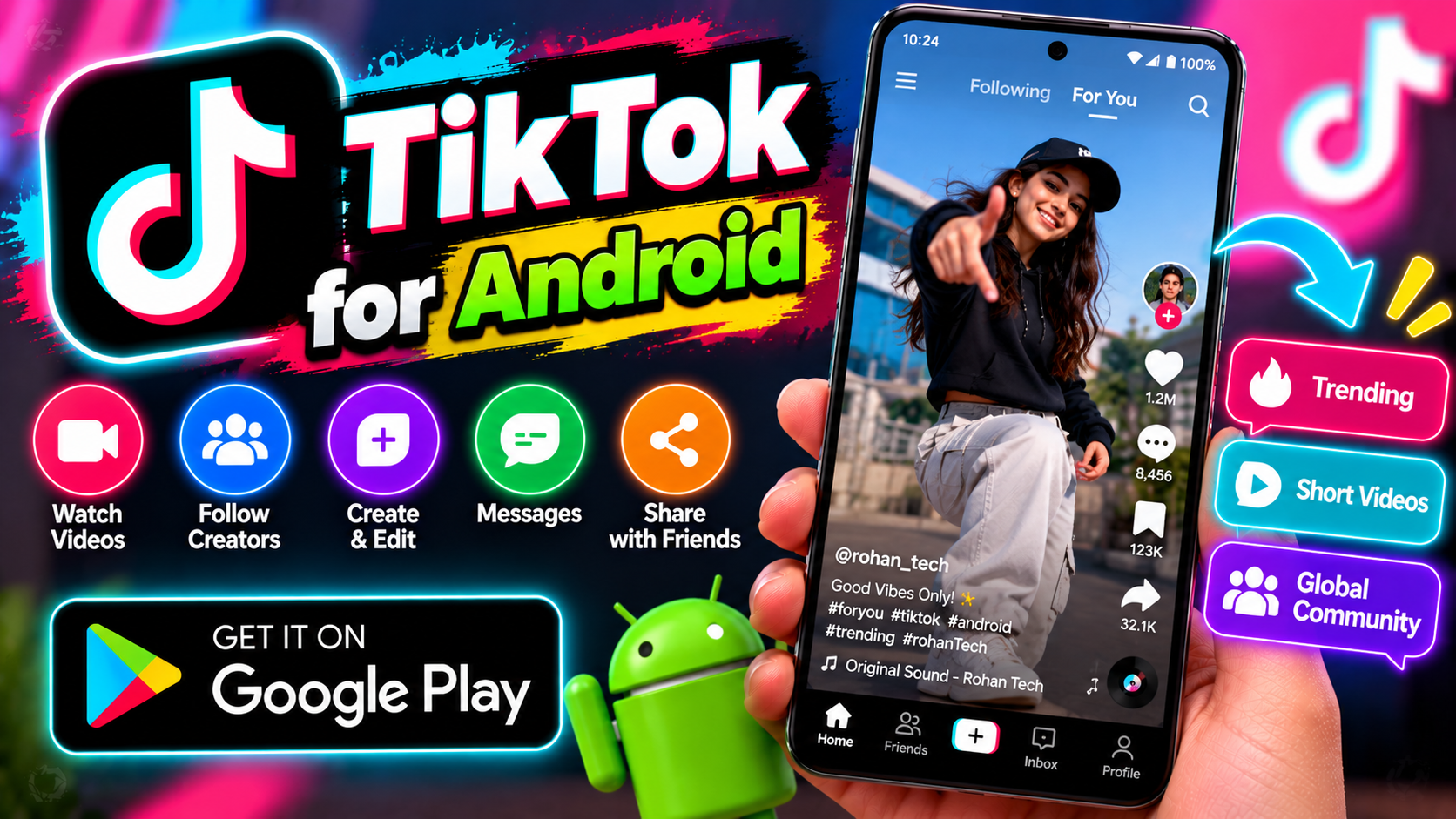
TikTok is the short-video platform that reshaped social media. An endless feed of 15-second to 10-minute videos, tuned to your interests by one of the sharpest recommendation algorithms around. Comedy, cooking, tech, education, desi memes — whatever you’re into, the For You page finds it fast, sometimes scarily fast. It’s also a creation tool. The built-in editor has effects, filters, sounds, and templates that make decent videos easy for beginners, plus LIVE streaming and TikTok Shop for sellers reaching customers directly. With over a billion users, it’s where trends start — and for Pakistani creators, it’s one of the biggest audiences available anywhere. Duets and stitches make it social in a way other platforms aren’t. Just watch the screen time — it adds up fast.
Key features
- Personalized For You feed of short videos
- Built-in video editor with effects, sounds, and templates
- LIVE streaming and TikTok Shop
- Free; huge creator and viewer community in Pakistan
What it does and why people use it
TikTok’s core idea is simple: short videos, one after another, chosen for you. You don’t have to search or follow dozens of accounts first — open the app, swipe, and the feed learns from what you watch, skip, like, and share. That low friction is why it took off, and why a new creator can reach a large audience without an existing following.
People use it in different ways. Some treat it as pure entertainment, a few minutes at a time. Others follow cooking, tech, study, or local news creators and treat the feed as a learning stream. Pakistani creators use it for comedy, music, small-business promotion, and everyday storytelling, and the duet and stitch formats let viewers answer, react, or add to a video rather than just commenting on it.
It also doubles as a shop window. TikTok Shop lets sellers show products in videos and live streams, so a viewer can go from watching a demo to checking out a product without leaving the app. That blend — entertainment, community, and selling — is what sets it apart from a plain video player.
Key features explained in detail
Personalized For You feed. The For You page is the home screen, and it adapts quickly. Watch a full video and you’ll see more like it; swipe past quickly and similar clips fade away. You can shape it further by following creators you like, using the not-interested option, and searching for topics directly when the feed drifts somewhere you don’t want it to go.
Built-in video editor. The editor covers trimming, filters, effects, text, sounds, and templates, so a decent-looking video doesn’t need a separate app. Templates are a good starting point for beginners: pick one, drop in your clips, and adjust the text. The habit that helps most is checking sound and captions before posting — a lot of people watch with sound off.
LIVE streaming and TikTok Shop. LIVE lets creators talk to viewers in real time, answer questions, and show products as they use them. Shop features sit alongside that, letting sellers tag products in videos and streams. If you buy through the app, check the seller’s reviews, the return terms shown on the product page, and the total price before you confirm.
Community in Pakistan. The local creator scene is one of the app’s strengths: comedy, music, food, and regional-language content all have an audience. Following local creators, joining trends with your own take, and using duets or stitches are the fastest ways to feel part of it rather than just watching from outside.
How to download and install safely from the official store
Install TikTok only from the Google Play Store, using the official link at the end of this article. Check the developer name on the listing and avoid copies with near-identical logos. After install, sign in with your own account and review the privacy settings before you post anything — who can see your videos, who can duet or stitch them, and who can send you messages are all choices you can set.
Don’t download TikTok from random APK sites or links in messages. Altered copies can ask for extra permissions or sign-in details, and they miss store updates. If the app is unavailable in your region or store at any point, use the official store listing rather than a third-party file.
How to use the main features
To watch, swipe up through the For You feed, double-tap to like, and long-press or use the share options to save or send a video. To create, tap the plus option, record or upload clips, trim them in the editor, add sound and text, and pick a cover frame before you post. For a duet or stitch, use the share options on a video that allows it and record your part alongside or after the original.
To go live, use the live option in the create flow and check your connection and lighting first — a stable stream matters more than fancy effects. If short video on a photo-first app suits you better, our guide to Instagram for Android covers Reels, and YouTube for Android is the place for longer videos from the same creators.
Tips for getting the most out of it
- Follow a mix of creators, not just one niche, so the feed stays varied and interesting.
- Use not-interested on videos you don’t want more of — it’s the fastest way to steer recommendations.
- Set a daily screen-time reminder in your phone settings; the feed is designed to keep you swiping.
- Before posting, check who can duet, stitch, or download your video in the privacy settings.
- For creators, post the hook in the first two seconds and add captions for viewers watching on mute.
- Be careful with trends that ask for personal details or payments — real giveaways don’t ask you to pay first.
Frequently asked questions
Is TikTok free? Yes, the app is free to download and use, as listed in the original features. Shopping and in-app purchases are separate and optional.
Do I need an account to watch? You can browse some content without signing in, but following, liking, commenting, and posting need an account.
What is a duet or a stitch? A duet plays your video alongside another creator’s video; a stitch lets you clip part of someone else’s video and add your own response after it, where the original creator allows it.
How do I control what I see? Follow creators you like, use not-interested on the rest, and search directly for topics — the feed adjusts from those signals over time.