
Lightroom Mobile for Android
What Is Lightroom Mobile?
Adobe Lightroom Mobile brings serious photo editing to your phone. Not filters — real editing. The kind where you shape light, color, and detail with precision, the way photographers do on desktop.
The free tier includes full RAW editing, presets, and excellent automatic adjustments — enough for most people to never need the paid version. If you shoot in RAW or want a consistent look across your photos with presets, this is where to start.
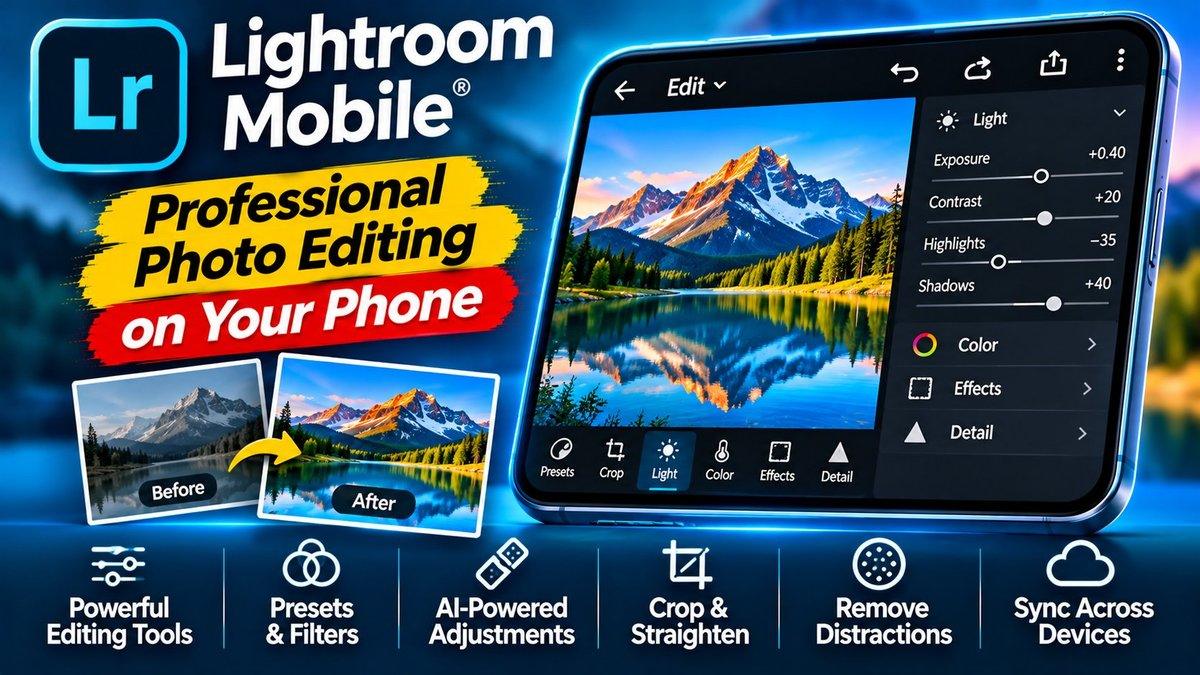
The editing controls will feel familiar if you’ve used Lightroom on desktop: light, color, effects, and detail sliders with real precision, not the blunt filters most mobile apps offer. Edits sync across devices through your Adobe account, so you can start on your phone and finish on your computer.
Key Features
RAW photo editing is the headline. Most phone editors butcher RAW files or don’t support them at all. Lightroom handles them properly, giving you the full dynamic range your camera captured to work with. If your phone shoots RAW, this is the app that makes it worthwhile.
Precision sliders cover light, color, effects, and detail with fine-grained control. Exposure, contrast, highlights, shadows, whites, blacks — each adjustable independently. Color grading tools let you shift hues and saturation selectively. This is professional-grade control, not a “vintage filter” button.
Presets let you save your favorite looks and apply them in one tap. Find a style you love, save it, and batch-apply it to a whole shoot for a consistent feed. You can also install presets shared by other photographers.
Automatic adjustments give you a strong starting point. Tap Auto and the app analyzes your photo and applies balanced corrections. It’s genuinely good — often all a casual photo needs, and a solid base for manual tweaks.
Selective edits let you adjust just part of a photo. Brighten a face without blowing out the sky. Add clarity to the subject while softening the background. This is the feature that separates Lightroom from every basic editor.
Cross-device sync keeps your library and edits consistent everywhere. Start editing on your phone during a commute, pick up exactly where you left off on your desktop. Your photos, your edits, your presets — one library, every screen, always in sync.
Why Lightroom Stands Out
Phone photo editors fall into two camps: toy filters and desktop-class tools. Lightroom Mobile is firmly in the second camp — it’s the actual Lightroom engine, not a watered-down companion app.
The free tier is the surprise. Full RAW editing and presets without paying? Adobe could easily have paywalled those, and the fact that they didn’t makes this the obvious first choice for anyone serious about phone photography.
For content creators — Instagram, product photos for a small business, YouTube thumbnails — consistent, professional-looking photos are the difference between amateur and credible. Lightroom is how you get there from your phone.
The mobile workflow is the real story here. Your phone is already your camera; Lightroom makes it your darkroom too. Shoot, edit, and post without ever touching a computer. For creators who live on their phones, that closed loop — capture to publish in one device — removes the biggest friction in the whole process.
Is Lightroom Mobile Free?
The app is free to download and the free tier is generous: RAW editing, presets, and auto adjustments are all included. Adobe offers a paid subscription that adds premium features and cloud storage. Check the Play Store listing for current pricing.
How to Download Lightroom Mobile
Install from the official Play Store link below and sign in with a free Adobe account. Import a few photos and try the Auto button first — then start pushing the sliders to see what each one does.
One tip: if your phone’s camera app has a RAW or Pro mode, turn it on. Editing a RAW file in Lightroom versus a compressed JPEG is night and day — it’s the single biggest upgrade you can make to your phone photography.
Creators juggling photos and messages will also want WhatsApp for sharing work with clients, and if your editing backlog is growing, our free AI tools roundup includes helpers that speed up creative work.
Download: Lightroom Mobile (official link)