
Instagram for Android
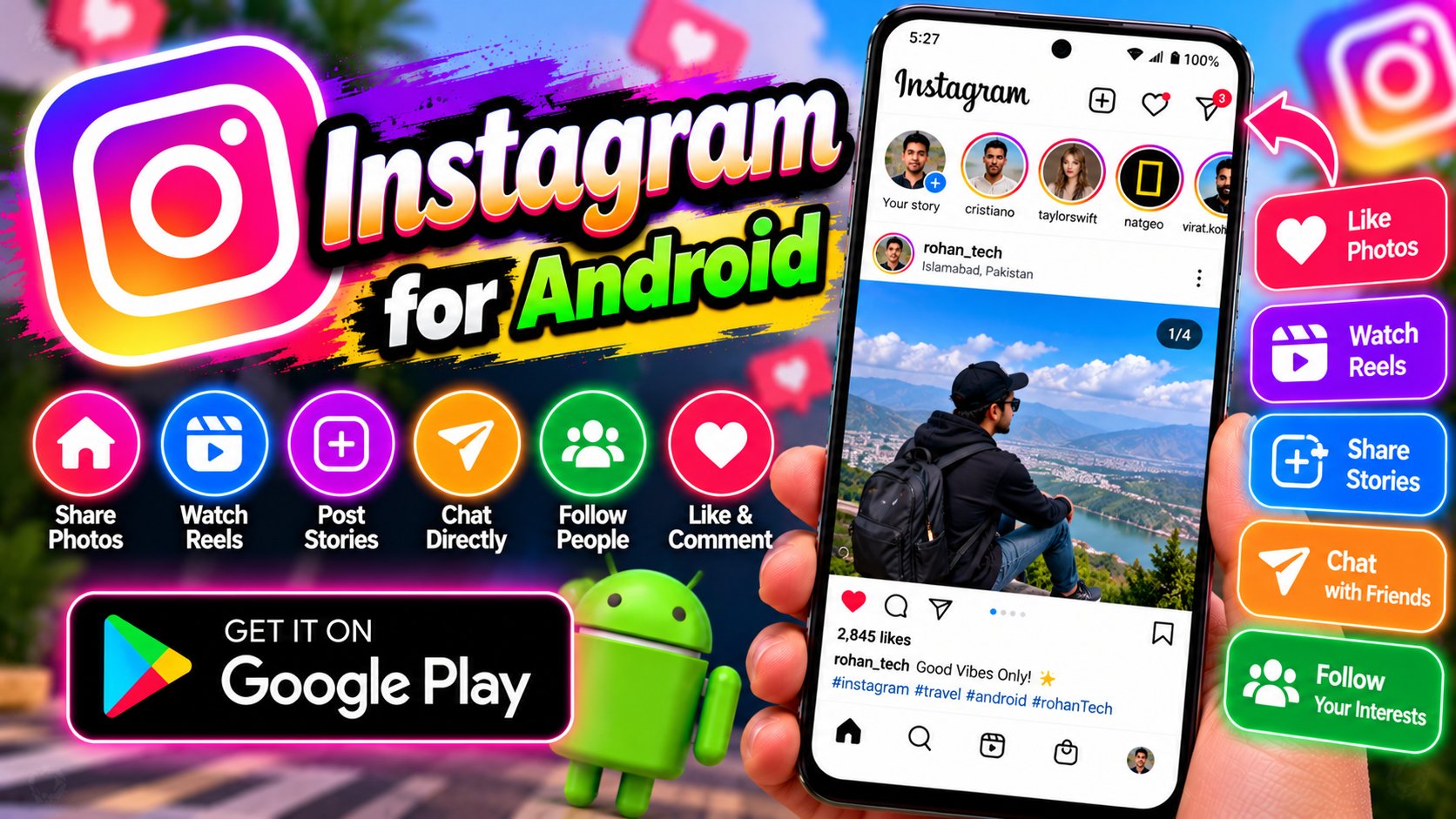
Instagram is the photo and video sharing app where half the internet lives. Post photos, share Reels, put up Stories that vanish in 24 hours, and chat in DMs. Reels have become the main short-video rival to TikTok, and the editing tools built into the app — effects, music, templates — are genuinely good. For businesses and creators, it’s also a storefront: shops, product tags, and promotions are baked right in, and many small Pakistani brands sell entirely through Instagram. The Explore page surfaces content matched to your interests, while close-friends lists keep personal sharing private. It’s social media’s all-rounder: part photo album, part video platform, part marketplace, and still growing after all these years. Notes, broadcast channels, and Threads integration keep it evolving.
Key features
- Reels, Stories, posts, and live video
- DMs with disappearing messages and group chats
- Explore page and interest-based recommendations
- Built-in shops and creator tools for businesses
What it does and why people use it
Instagram started as a photo app, but most people now use it as a mix of four things: a place to keep memories, a short-video feed, a messaging app, and a shop window. That mix is why it sticks. You might open it to check a friend’s Story, stay for a few Reels, reply to a DM, and then buy something from a small brand you found on Explore — all without leaving the app.
For creators, the draw is reach without a big budget. A single Reel can travel far beyond your followers if it catches on, and the built-in editing tools mean you don’t need a separate video app to get started. For small businesses in Pakistan, the same logic applies: a shop profile, product tags on posts, and regular Stories can do the job of a website for a new brand, at least at first.
For everyone else, it’s mostly about staying close to people. Close-friends lists let you share the less polished stuff with a small circle, while the main feed stays public-facing. That split — public posts, private Stories, one-to-one DMs — is what keeps the app feeling personal even at huge scale.
Key features explained in detail
Reels, Stories, posts, and live video. Posts are the permanent record on your profile. Stories disappear after 24 hours, which makes them good for quick updates, polls, and behind-the-scenes clips. Reels are short, vertical videos built for discovery, with music, effects, and templates built in. Live video is the real-time option: Q&A sessions, product launches, or just hanging out with followers as it happens.
DMs with disappearing messages and group chats. Direct messages cover one-to-one chats, group chats, photo and video sharing, and disappearing messages for things you don’t want kept. Vanish mode aside, the habit that matters is checking who can message you: the request folder and privacy settings decide whether strangers land straight in your inbox or wait for approval.
Explore page and interest-based recommendations. Explore learns from what you watch, like, and save, then suggests similar posts and Reels. That can be great for finding new creators in a niche you love, and it can also narrow what you see. Following a wider mix of accounts — and using the save and not-interested options — keeps the feed from going stale or one-note.
Built-in shops and creator tools. Shops let businesses tag products in posts and Reels so a viewer can tap through to details. Creator tools around that — insights on what performed, broadcast channels for announcements, and Notes for short status updates — help a small brand or creator learn what their audience actually responds to, instead of guessing.
How to download and install safely from the official store
Get Instagram only from the Google Play Store, using the official link at the end of this article. Check that the developer is shown as Instagram and that the listing matches the app you know — copycat apps with similar logos are a common trick. Install from the store, sign in with your own account, and turn on two-factor authentication in the app’s account settings once you’re in.
Don’t install Instagram from APK sites or links sent in messages. Those copies can be altered, they don’t get store updates, and they can ask for sign-in details in ways the real app would not. If you ever get logged out or see a strange login alert, change your password through the official app or site, not through a link in a message.
How to use the main features
Start with the basics: tap the plus option to create a post, Reel, or Story, pick your photo or clip, and use the built-in editor for trimming, music, and text before you publish. For Stories, add stickers, polls, or a close-friends audience if you want a smaller circle. For Reels, keep the first couple of seconds clear and direct — that’s what decides whether someone keeps watching.
To message someone, open DMs from the home screen, search for the person, and start a chat or a group. To find new accounts, browse Explore, tap into a post you like, and check the creator’s profile before following. If short video is your main interest, our guide to TikTok for Android covers the app Instagram’s Reels most often get compared with, and Telegram for Android is worth a look if group chats and channels matter more to you than a photo feed.
Tips for getting the most out of it
- Use close friends for personal Stories and keep your main feed for what you’re happy for anyone to see.
- Save posts you want to return to instead of screenshotting everything — saved collections are easier to find later.
- Check your message requests and privacy settings once a month, especially if you get a lot of follower requests.
- Turn on two-factor authentication and review logged-in devices if you ever get an unexpected login alert.
- For creators, post consistently rather than in bursts, and read your insights before deciding what to make next.
- Set a daily limit in your phone’s wellbeing settings if scrolling starts eating into work or sleep — the feed is built to keep you there.
Frequently asked questions
Is Instagram free? Yes, the app is free to download and use, as linked at the end of this article. Some shops sell products inside it, but browsing, posting, and messaging don’t cost anything.
Do Stories really disappear after 24 hours? Yes, unless you save them to a highlight on your profile. Highlights keep selected Stories visible after the 24-hour window.
Can I use Instagram just for messaging? You can, though it’s built around the feed too. DMs, group chats, and disappearing messages work on their own, but you’ll still see the home feed when you open the app.
How do I keep my account safer? Use a strong, unique password, turn on two-factor authentication, and never enter your login details through a link sent in a DM or email.