How to Write Better AI Prompts: 7 Techniques That Actually Work
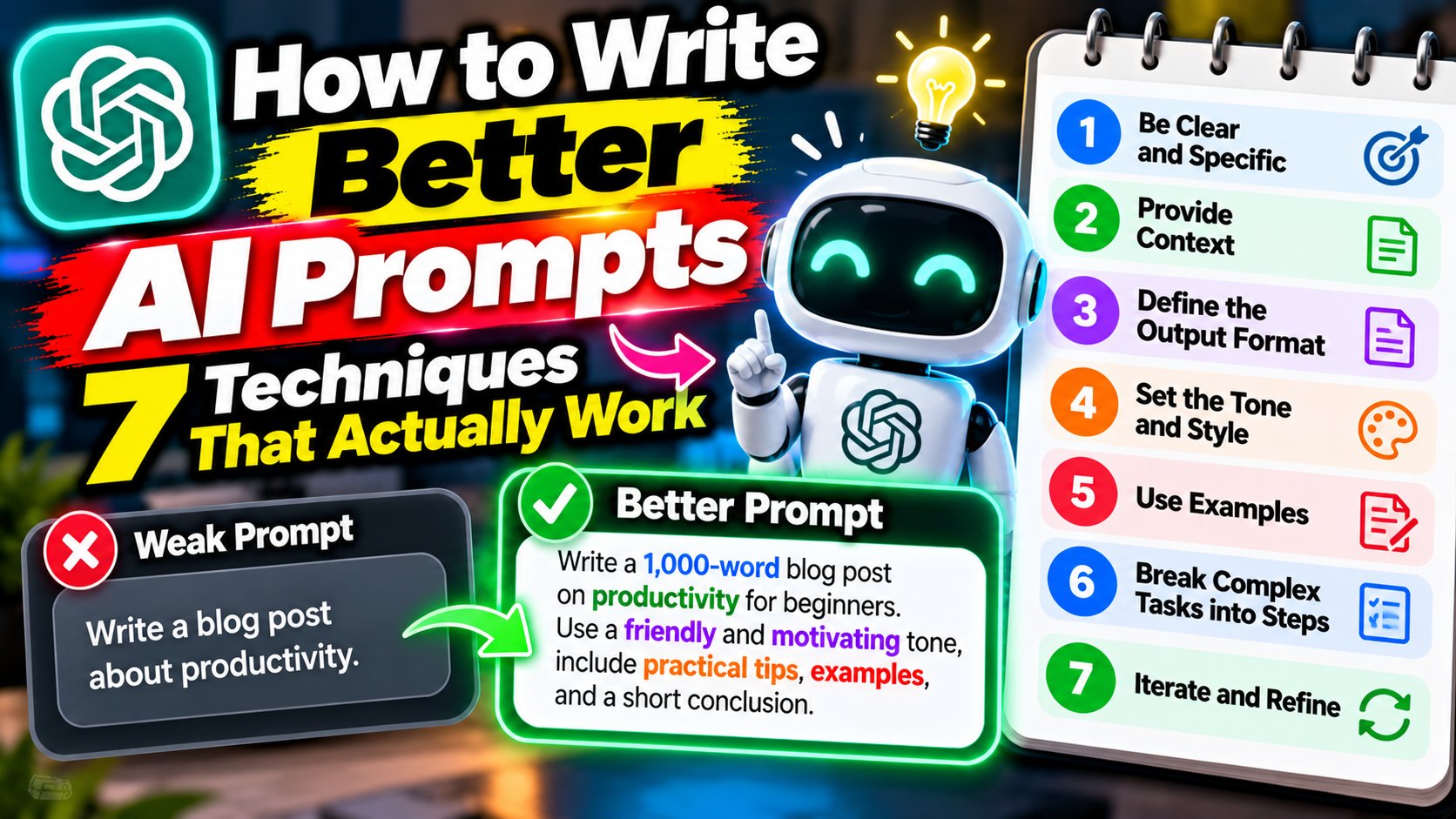
The difference between a useless AI answer and a brilliant one usually isn’t the AI — it’s the prompt. Most people type three vague words and blame the tool for the vague result. After thousands of hours with ChatGPT, Claude, and Gemini, I’ve learned that prompting is a skill, and it’s learnable. Here’s how to write better AI prompts, starting today.
1. Give It a Role
Start your prompt by telling the AI who to be. “You are a senior personal trainer” produces dramatically better fitness advice than “give me a workout plan.” Roles focus the model’s knowledge and tone. Try it: compare “explain taxes” with “you are a patient accountant explaining taxes to a freelancer.” Night and day.
2. Be Painfully Specific
Vague in, vague out. “Write a caption” gets you generic fluff. “Write a punchy 2-line Instagram caption for a post about budget travel in Thailand, aimed at college students, playful tone” gets you something usable. Include the format, length, audience, and tone every time.
3. Provide Context and Examples
AI can’t read your mind, so show it what “good” looks like. Paste an example of the style you want, describe your situation, or share the background the answer depends on. For writing tasks, one example of your preferred tone is worth a paragraph of instructions.
4. Break Big Tasks Into Steps
Don’t ask for a 20-page business plan in one prompt. Ask for the outline first, then expand section by section. Smaller tasks get better results, and you can course-correct along the way instead of regenerating a wall of text five times.
5. Ask It to Ask You Questions
My favorite trick: end your prompt with “ask me any clarifying questions before you start.” The AI will surface the gaps in your request that you didn’t know were there. Answer them, and the final output jumps in quality.
6. Iterate — Don’t Settle for the First Draft
Treat the first answer as a draft, not a verdict. Follow up with “make it shorter,” “more formal,” “add an example,” or “try a different angle.” The best AI outputs I’ve ever gotten came on round three or four, not round one.
7. Set Constraints
Constraints breed creativity — for humans and AI. Word limits, “no jargon,” “explain like I’m 12,” “give exactly 5 options” — these force the model to make decisions instead of hedging. A constrained prompt almost always beats an open-ended one.
Put It All Together
Here’s a prompt using everything above: “You are an experienced career coach. I’m a 24-year-old graphic designer wanting to switch to UX design. Ask me 3 clarifying questions first, then give me a 6-month plan in bullet points, under 300 words, practical tone.” See the difference? For more AI guides, check our AI tools section.