
7-Zip for PC
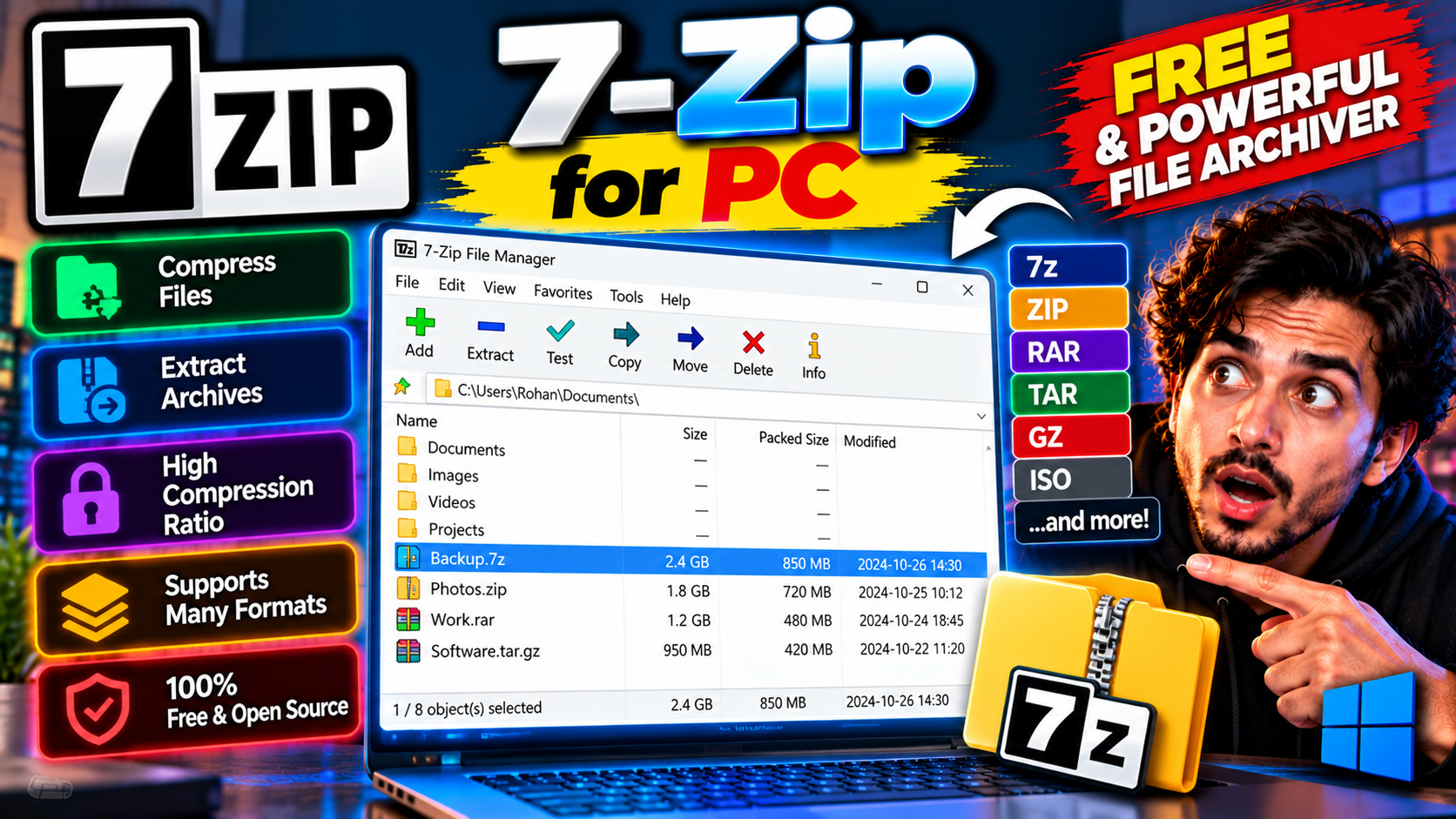
Free file archiver that opens ZIP, RAR, 7z, and just about everything else. Tiny, fast, no ads — the first thing many people install on a new PC.
Key Features
- Opens ZIP, RAR, 7z, TAR, and more
- AES-256 encryption for private archives
- Right-click context menu integration
- Tiny download, minimal resource use
The utility every Windows PC should have — free from 7-zip.org.
What it does and why people use it
Compressed files are everywhere: downloads arrive as ZIPs, backups come as archives, and software is often packed into a single file to save space. Windows can open basic ZIP files on its own, but it stops there. 7-Zip fills the gap — it’s a free file archiver that opens ZIP, RAR, 7z, TAR, and just about everything else, as the original post puts it.
People install it first on a new PC for a simple reason: sooner or later, every PC user hits a file they can’t open, and 7-Zip handles it without fuss, ads, or a price tag.
Key features explained in detail
Opens ZIP, RAR, 7z, TAR, and more. Format support is the whole point of an archiver, and 7-Zip covers the formats you’re most likely to meet. If a download arrives in a format Windows can’t open, 7-Zip usually can.
AES-256 encryption for private archives. When you create an archive, you can protect it with a password using AES-256 encryption. That’s useful for sensitive files you need to share or store — just don’t lose the password, because there’s no way back in without it.
Right-click context menu integration. Once installed, 7-Zip adds itself to the right-click menu in File Explorer. Right-click a file or folder and you can extract an archive or create one without opening the program first.
Tiny download, minimal resource use. 7-Zip is a small program that stays out of the way. It doesn’t run in the background eating resources, and it opens fast when you need it.
How to download and install safely from the official site
Download 7-Zip only from the official 7-zip.org site, using the download link at the end of this article — the Download URL for this post points to 7-zip.org/download.html. Pick the installer that matches your system (32-bit or 64-bit), run it, and you’re done; there’s no account to create and no trial to decline. Avoid repackaged downloads from third-party sites, which can bundle extras you didn’t ask for.
How to use the main features
To open an archive, right-click it and choose the 7-Zip extract option, or double-click it to browse inside first. To create one, select the files or folder, right-click, and pick the option to add them to an archive — you’ll get a dialog where you can choose the format and, if you want, set a password. For everyday file work, pair it with Everything for PC to find files fast, and Notepad++ for PC to open text files you pull out of archives.
Tips for getting the most out of it
- Use the 7z format when you’re creating archives for yourself — it generally compresses better than ZIP.
- Stick with ZIP when sharing with others, since almost every device opens it without extra software.
- Always set a strong password on encrypted archives, and store it somewhere safe — a forgotten password means a lost archive.
- If an archive fails to extract, check whether the download finished properly before assuming the file is broken.
- Extract to a folder first when an archive holds many files, so they don’t scatter across your desktop.
- Don’t ignore the “test archive” habit for important backups — a quick check now beats a nasty surprise later.
Frequently asked questions
Is 7-Zip free? Yes, it’s free from 7-zip.org, as the original post notes.
Does Windows already do this? Windows handles basic ZIP files, but 7-Zip covers far more formats, including RAR and 7z.
Can I password-protect archives? Yes, with AES-256 encryption when you create an archive.
Is it heavy on my PC? No, it’s a tiny download with minimal resource use.
Where do I download it safely? From the official 7-zip.org site, via the download link on this page.