
Git for PC
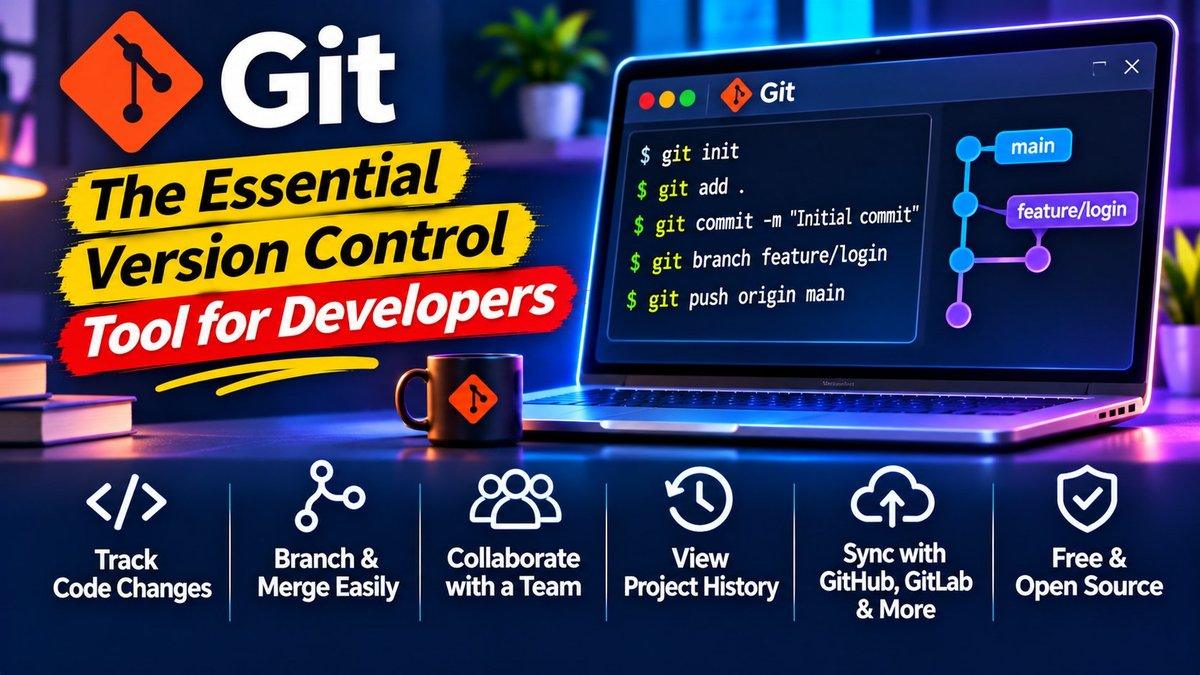
What Is Git?
Every app you use, every website you visit — nearly all of it was built with Git tracking every change. Created by Linus Torvalds and maintained by the Git Project, it’s the version control system behind modern software development: a tool that records your project’s history so you can experiment freely, collaborate smoothly, and never lose work.
The concept is simple but transformative. Instead of files named “final-v2-REALLY-final,” Git snapshots your project at every meaningful point. Made a mistake? Roll back. Want to try a risky idea? Branch off, experiment, and merge back only if it works. Working with a team? Everyone’s changes combine cleanly. Once you’ve used it, working without version control feels like walking a tightrope without a net.
Key Features
Complete project history. Every commit is a snapshot with a message explaining what changed and why. Browse the timeline of your project, see exactly when a bug was introduced, and understand decisions months later. Future-you will be grateful.
Branching and merging. Branches let you develop features, fix bugs, or experiment in isolation — your main code stays stable while you work. Merge finished work back in when it’s ready. This is the workflow behind virtually all professional software teams.
Works offline. Unlike older systems, Git keeps the entire history on your machine. Commit, branch, and browse history on a plane; sync with others when you’re back online. No server required for day-to-day work.
Collaboration superpowers. Push your work to GitHub, GitLab, or Bitbucket and the world opens up: pull requests for code review, issue tracking, automated testing on every change. Open-source runs on this pipeline.
Blazing fast and tiny. Git was built for the Linux kernel — thousands of contributors, millions of lines. Operations that crawl in other systems feel instant here, even on huge projects.
Why Git Stands Out
Git won because it’s distributed, fast, and free — a combination nothing else matched. But what keeps it dominant is the ecosystem: GitHub alone hosts hundreds of millions of repositories, and “knows Git” is effectively a job requirement for developers. Learning it isn’t optional anymore; it’s literacy.
The learning curve has a reputation, and it’s partly deserved — the command line can feel cryptic at first. But you only need about ten commands for 90% of daily work: clone, add, commit, push, pull, branch, checkout, merge, status, log. Graphical clients exist if you prefer buttons to terminals. Start with the basics, and the deeper features reveal themselves exactly when you need them.
Developers managing websites will find Git pairs beautifully with our WordPress speed optimization guide — version-control your theme changes and deploy with confidence. And for AI pair-programming alongside Git, see our free AI tools roundup.
Is Git Free?
Yes — Git is completely free and open-source, and always will be. There is no paid version of Git itself. (Hosting services like GitHub offer paid plans for private-team extras, but the Git software on your machine costs nothing and does everything described here.)
Ten Commands That Cover 90% of Git
Git’s full command list is intimidating; the daily subset is tiny. Learn these and you’re functional: clone (copy a remote project to your machine), status (what changed?), add (stage changes), commit (snapshot them with a message), push (send snapshots to the remote), pull (fetch others’ work), branch (list/create branches), switch (move between branches), merge (combine branches), and log (browse history).
That’s the whole daily loop: pull in the morning, branch for your task, commit as you go, push when done, merge after review. Everything else — rebasing, stashing, cherry-picking — you’ll meet naturally when a situation demands it, and by then the fundamentals will make them intuitive.
Two habits worth building early: write commit messages your future self can understand (“fix login redirect loop” beats “stuff”), and commit often. Small, frequent commits are easier to review, easier to revert, and far easier to debug than one giant end-of-day dump. Your teammates will like you more, too.
How to Download Git
Download the installer for Windows, Mac, or Linux from the official site. On first run, set your name and email with two quick config commands — this labels your commits. Then create a test folder, run git init, make some changes, and practice the add-commit cycle. Within an hour you’ll understand the core loop; within a week it’ll be muscle memory.
Download: Git (official link)