
TeamViewer for PC
What Is TeamViewer?
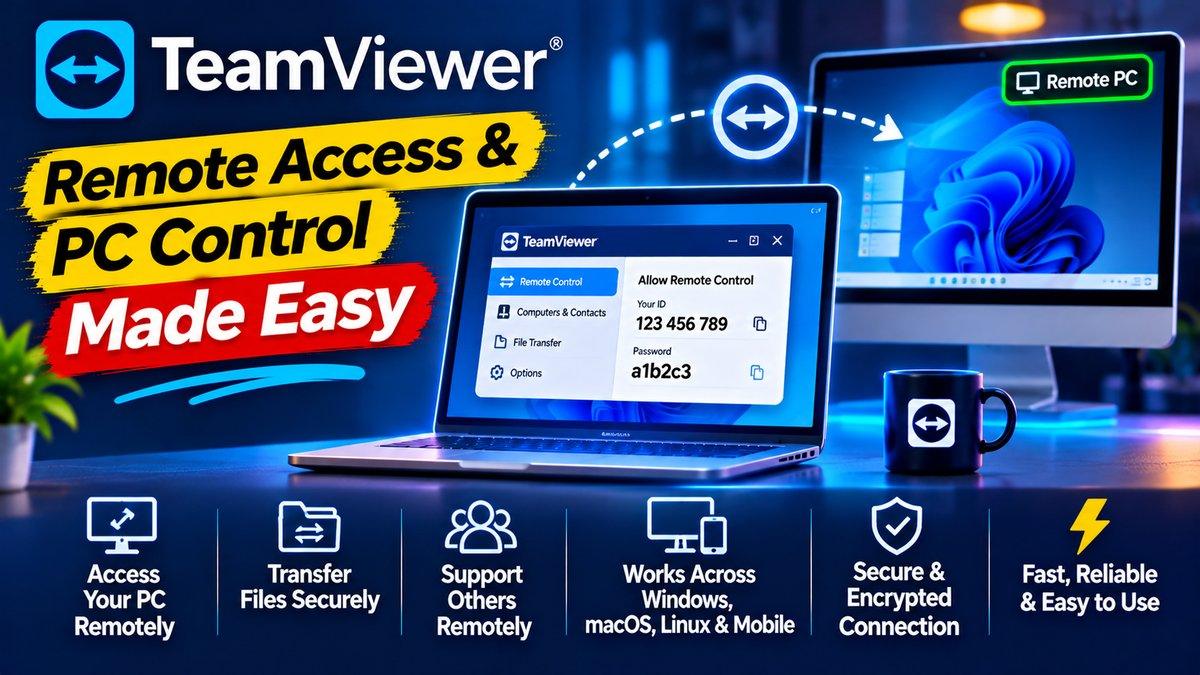
Everyone has that moment: a parent calls because “the computer is doing something weird,” and you know that fixing it over the phone will take an hour of “click the… no, the other one.” TeamViewer ends that pain. It’s remote desktop software that lets you see and control another computer from miles away — as if you were sitting in front of it.
The concept is simple: the other person opens TeamViewer, reads you their ID and password, you type those into your copy, and suddenly their screen is on your screen, with full control. No router configuration, no port forwarding, no IT degree required. It just works, which is exactly what you want from a tool you reach for in a crisis.
Beyond family tech support, it’s genuinely useful for grabbing files from your home PC while traveling, accessing your work machine from a laptop, or collaborating with someone on their screen in real time.
Key Features
Connects with just an ID and password. This is TeamViewer’s defining trick. Both sides install the app, one side shares a 9-digit ID and a rotating password, the other connects. There’s no network configuration, no firewall rules to set up, no accounts required for basic use. Your non-technical relatives can do their part in thirty seconds.
Full remote control. Once connected, you see their screen live and control their mouse and keyboard. Open settings, install updates, remove that mysterious toolbar — everything you could do sitting there, you can do remotely.
File transfer between computers. Drag files from your machine to theirs (or the reverse) without emailing them to yourself. Handy for sending a fixed document back, or pulling photos off a relative’s PC for safekeeping.
Works across Windows, Mac, Linux, and mobile. The person needing help might be on a Windows laptop while you’re on your phone — doesn’t matter. TeamViewer’s apps cover every major platform, and they all talk to each other.
Chat and session tools. Built-in chat, the ability to leave notes, session recording, and multi-monitor support round out a package that’s clearly been refined by years of real-world use.
Wake-on-LAN. With a bit of setup, you can even wake a sleeping computer remotely and then connect to it — your home PC becomes accessible from anywhere.
Unattended access for your own machines. The ID-and-password dance is perfect for helping someone once. But for your own computers, you can set up permanent unattended access — assign each machine to your account, and they appear in your device list, ready to connect anytime without anyone on the other end. It’s like having all your computers in one pocket.
Meetings and presentations. Beyond one-to-one remote control, TeamViewer handles screen-sharing meetings with multiple participants — handy for walking a client through something or presenting from your machine to a remote audience.
Why TeamViewer Stands Out
Remote desktop tools have existed forever, but most assume technical users on both ends. TeamViewer’s genius is making the hard part — the connection — trivial for the person who needs help. That’s why it’s become the default answer to “how do I fix mom’s computer from another city.”
Reliability matters here more than features. A remote session that drops mid-fix is infuriating, and TeamViewer’s connection quality is consistently solid, even on mediocre internet. When you’re troubleshooting someone else’s machine, boring reliability beats exciting features every time. It’s the tool you recommend to people who’ll only ever use one remote desktop app — and that’s most people.
Is TeamViewer Free?
TeamViewer is free for personal, non-commercial use — helping family, accessing your own computers, that sort of thing. Commercial and business use requires a paid license. Check the official site for current pricing, since plans change.
How to Download TeamViewer
Download the installer for your platform from the official site and run it — both you and the person you’re helping need it installed. Open the app, share or enter the ID and password, and you’re connected. For unattended access to your own machines, set up a permanent password in the settings.
Helping someone revive an old machine remotely? Our old laptop upgrade guide is worth sharing with them. And for more free tools that punch above their weight, see our best free AI tools roundup.
Download: TeamViewer (official link)