
Gemini Notebook Can Now Record Audio on Your Phone: How It Works
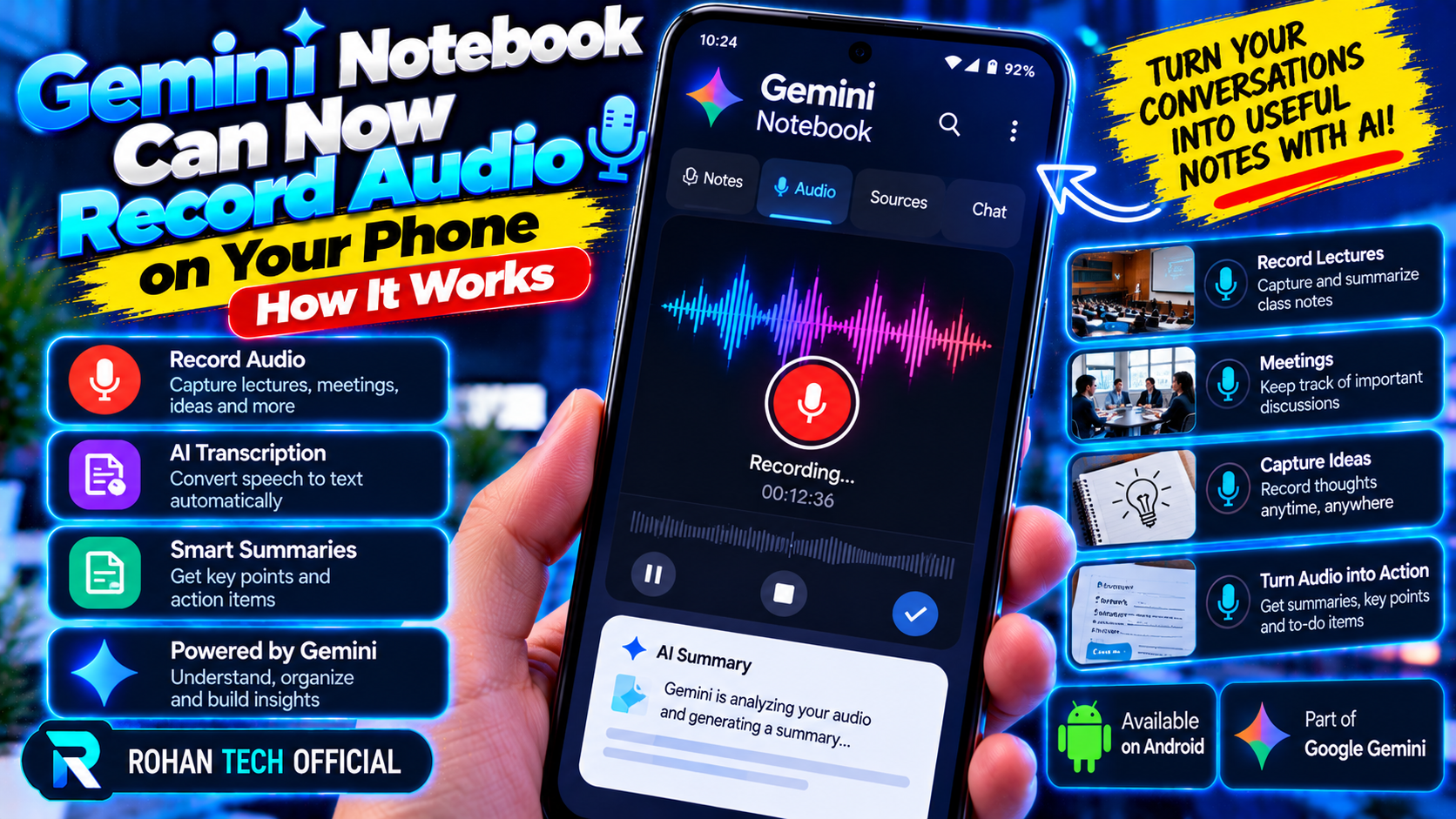
Google has folded a voice recorder straight into its research app. Gemini Notebook — the app formerly known as NotebookLM — can now record audio on your phone, turn it into a transcript, and let you interrogate that transcript like any other source.
It’s one of those small features that changes how you use an app. The distance between hearing something and having it as a citable source just shrank to a single tap.
What the new recorder does
The recorder arrived as part of Google’s back-to-school update, announced September 15, 2026, and it works on both Android and iOS. Open the Gemini Notebook app, tap the microphone icon on the homepage or in the Sources tab, and start talking — or start capturing whoever else is talking.
Recordings can run up to 60 minutes, and the app transcribes them automatically. The transcript lands in your notebook as a regular source, which means everything Gemini Notebook already does — summarizing, answering questions, generating briefings — now works on your spoken audio. Google documented the feature for Workspace users in its September 18 update on the Google blog.
How to use it
Using the recorder is deliberately simple:
- Open the app on your Android phone or iPhone.
- Tap the microphone icon on the homepage or under Sources.
- Record a lecture, interview, meeting, or voice note — up to 60 minutes per take.
- Find the transcript saved as a source in your notebook.
- Chat with it: ask for a summary, pull out key quotes, or cross-reference it against your other sources.
The recording keeps running in the background, and you can pause and resume mid-session, so a rambling two-part lecture doesn’t force you to start over.
Why recording matters for a research app
Gemini Notebook’s whole selling point is grounded answers: every claim it makes points back to a source you gave it. Until now, those sources were documents, web pages, PDFs, and videos. Audio closes the loop. A lecture, a field interview, or a brainstorming session becomes first-class research material — searchable, quotable, and citable.
Students are the obvious winners: record the lecture, get study notes without retyping everything. But journalists get searchable interviews, teams get meeting notes without a separate transcription app, and anyone doing field research gets to keep their hands free.
It also fits Google’s wider audio push. The app’s Audio Overviews already turn your sources into podcast-style briefings you can listen to. Now the input side gets audio too — sound goes in, sound comes out, and the transcript sits in the middle holding it all together.
The rename, in brief
If the name sounds new, that’s because it is: NotebookLM is now Gemini Notebook, part of Google’s ongoing consolidation of its AI products under the Gemini brand. The app itself hasn’t changed its pitch — grounded AI that cites its sources — and the rename puts it alongside the rest of the family we covered in our big October Gemini roundup, from the new Fitbit agent to the Gemini Edge model.
What to keep in mind
Sixty minutes is generous, but it’s not unlimited — a long seminar will need more than one take. And like every transcription tool, accuracy depends on the room: clear audio in, clean transcript out; a noisy cafeteria will test it. One more practical note: recording laws differ by place, and they generally turn on consent — check the rules where you are before you record other people.
For a research tool built on the promise that every answer points back to its sources, a built-in recorder is a natural next step. And if you’re curious what frontier AI looks like on the open side of the fence, our piece on Mistral Large 4 going open-weight is a good companion read.