
How to Use AI for Everyday Tasks: 12 Practical Examples for Beginners
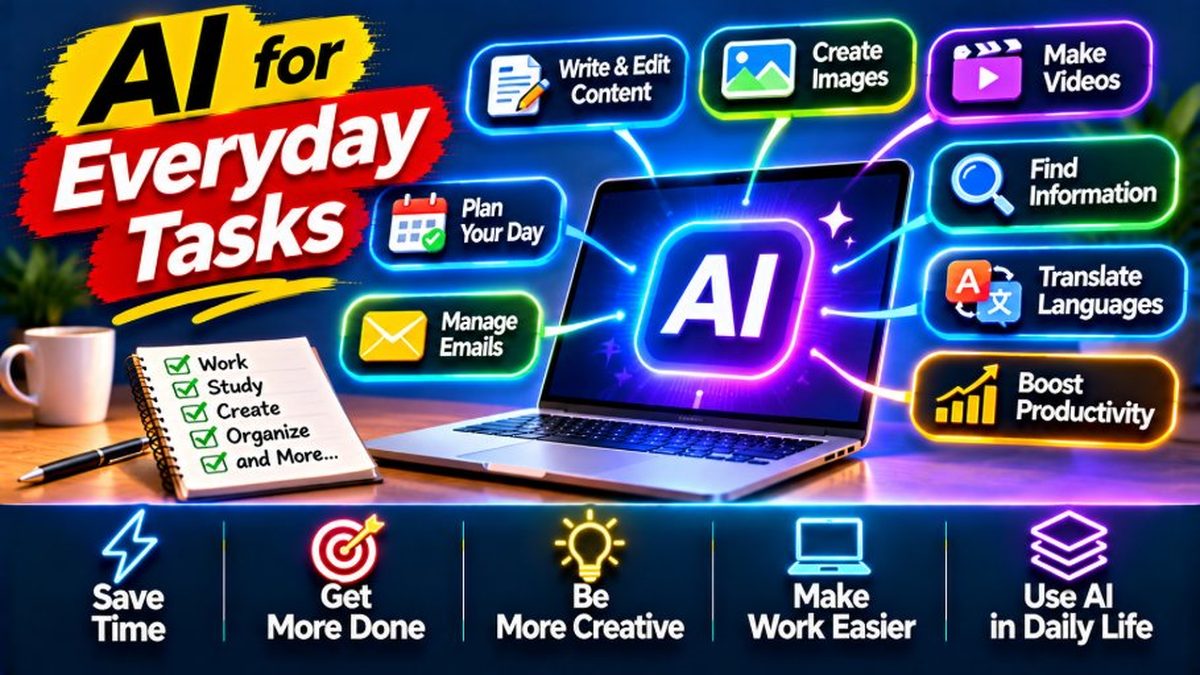
“AI is a big deal, sure — but what would I actually use it for?” If that question has crossed your mind, this guide is for you. Forget the doom-and-hype about AI taking jobs. Here are 12 genuinely practical ways to use tools like ChatGPT, Claude, or Gemini in your actual daily life, starting today. No technical background needed. Every example includes the exact words to type to get going.
1. Write Better Emails and Messages
This is the most common everyday AI use, and the easiest door to walk through. Paste your rough draft and type: “Make this email more professional but friendly.” Or work backwards: dump in your bullet points and ask it to “turn these into a polite leave request for my manager.” You supply the facts; the AI handles tone, structure, and grammar. If English isn’t your first language, this is a quiet superpower — an endlessly patient writing coach that never gets tired of your questions. One habit, though: always re-read before hitting send, especially on important emails. Think of AI as your draft assistant, not your autopilot.
2. Plan Your Meals for the Week
Try typing this: “Plan 5 simple dinners for a family of 4 using chicken, rice, lentils, and vegetables. Include a shopping list.” Seconds later you’ve got a full meal plan plus a consolidated grocery list. Then make it yours — add “make it low-oil,” “keep it under Rs. 3000,” or “nothing spicy, the kids won’t eat it.” Honestly, the shopping list alone is worth it. No more standing in the kitchen wondering what you forgot to buy. This is the use case that turns the most skeptics into believers, because the payoff is so obvious you wonder why you waited.
3. Learn Anything, Patiently
Type: “Explain compound interest like I’m 15.” Then: “Give me a simple example with numbers.” Then: “Quiz me on it.” Congratulations, you’ve hired a tutor with infinite patience who will never judge you for asking “dumb” questions. School homework, professional skills, pure curiosity — taxes, car engines, history, whatever. The real trick is the follow-up. If the first explanation doesn’t click, just say “explain it differently” and keep going until it does. Nobody’s watching, nobody’s sighing. If you need the official starting point, the OpenAI Help Center has you covered.
4. Draft Social Media Posts and Captions
Staring at a photo with no idea what to write? Type: “Write 5 funny Instagram captions for a photo of homemade biryani, with hashtags.” Or for work: “Write a professional LinkedIn post announcing I finished a digital marketing course.” AI is brilliant at the blank-page problem — it throws out options, you pick and polish. The golden rule: always rewrite in your own voice before posting. People follow you, not a robot. Let AI do the first draft; you do the part that sounds like you.
5. Prepare for Job Interviews
Here’s a good one: “I’m interviewing for a junior graphic designer role. Ask me 10 common interview questions one at a time, and give feedback on my answers.” Just like that, you’ve got a mock interviewer on demand — and it works surprisingly well. You can also ask what questions YOU should ask the interviewer, or get help drafting the thank-you email afterward. People who rehearse like this walk in noticeably calmer and sharper. It’s not cheating. It’s called preparation, and every serious candidate does it in some form.
6. Translate and Improve Your English/Urdu
Type “Translate this into natural-sounding Urdu:” and paste your text. Or: “Fix the grammar in this paragraph and explain what I got wrong.” AI translation has gotten seriously good, especially for common language pairs — and the grammar explanations actually teach you instead of just patching things silently. For anyone running a business with international clients, this changes the game: professional communication without keeping a translator on staff. Small businesses especially — this one’s for you.
7. Plan Trips and Itineraries
“Plan a 3-day trip to northern Pakistan for 2 people. Include places to visit, estimated costs, and packing suggestions.” You’ll get a structured itinerary to argue with and refine. Then drill down: “What should I pack for Hunza in October?” or “Suggest budget hotels in Naran.” One big caveat, and it’s important: verify prices, timings, and availability yourself. AI can state wrong prices with total confidence. Use it for the plan. Make the bookings yourself.
8. Troubleshoot Everyday Tech Problems
“My Wi-Fi keeps disconnecting on my Samsung phone. What should I try?” Ask that and you’ll get a sensible troubleshooting sequence — restart, forget the network, reset network settings. Basically what a tech-savvy friend would tell you, minus the sighing. This works for phone glitches, computer error messages (paste the exact text), and “how do I…” questions about pretty much any app. It’s like having a patient IT friend on call around the clock. And even for genuinely tricky problems, it hands you the right vocabulary to Google with or explain to a technician.
9. Summarize Long Articles and Documents
Paste in some text and type: “Summarize this in 5 bullet points.” Or: “What are the main arguments for and against?” This is perfect for long news pieces, research papers, terms and conditions (yes, really — paste them in), or that 40-page report your boss forwarded at 6 PM. You’ll still need to read the genuinely important stuff yourself — but AI triage tells you what’s worth your time and what isn’t. Students, take note: great for previewing readings before class. Not a replacement for reading. There’s a difference.
10. Brainstorm Ideas for Anything
“Give me 20 small business ideas I could start with Rs. 50,000 in Pakistan.” Or: “Suggest 10 birthday gifts for my father, who loves gardening.” Or: “Help me name my clothing brand — modern, short, memorable.” AI is a brainstorming partner that never runs dry and never judges the bad ideas. Here’s the trick nobody tells you: the first 10 ideas are usually generic. It’s ideas 15 through 20 where the interesting ones hide. So always ask for more than you need, then cherry-pick the best.
11. Create Workout and Study Plans
“Make me a 4-week beginner workout plan I can do at home with no equipment, 30 minutes a day.” Or: “Build a 2-week study plan for my board exams — physics, chemistry, math.” These won’t replace a real trainer or teacher, but they’re structured, sensible starting points — miles better than “I’ll just figure it out.” The key is telling the AI your constraints: injuries, available time, equipment, deadlines. The more honest you are about your limits, the more useful the plan.
12. Write Complaints, Applications, and Formal Letters
“Write a firm but polite complaint letter to my internet provider about two weeks of slow speeds.” Formal writing has rules most of us were never taught — AI knows all of them. Complaint letters, job applications, leave requests, tenancy queries: describe your situation, name the tone you want, get a proper draft back. This is one of AI’s most quietly powerful uses, honestly. It levels the playing field for everyone who didn’t grow up writing formal English. That’s a lot of people.
Rules for Using AI Well
Three rules cover about 90% of AI wisdom. One: verify important facts. AI occasionally makes things up with complete confidence — dates, prices, statistics. Anything involving health, money, or legal matters gets double-checked against a real source. Two: keep sensitive data out. No CNIC numbers, bank details, passwords, or private photos in AI chats. Treat it like a helpful stranger, not your diary. Three: you’re the editor. AI drafts, you decide. Read everything before you send it, post it, or submit it. Three habits. That’s the whole game — superpower instead of liability.
Start Today: Your First Three Prompts
Don’t attempt all twelve at once — you’ll burn out by Thursday. Start with these three instead: (1) ask it to explain something you’ve never quite understood, (2) ask it to draft something you’ve been putting off writing, (3) ask it to plan something — a meal, a trip, your week. By the third prompt, something clicks. Not the hype, the actual utility. AI isn’t magic, and it isn’t scary. It’s a tool. And like any tool, what matters is whose hands it’s in. Right now, those hands are yours. Want to go further? Our AI Tools section has more, plus plenty in Tutorials.
Related Reading
Keep exploring: How to Write Better ChatGPT Prompts: 7 Techniques That Actually Work, ChatGPT vs Claude vs Gemini: Which AI Should You Actually Pay For?, and 7 Ways Students Use AI to Study Smarter (Without Cheating).