
Malwarebytes for PC
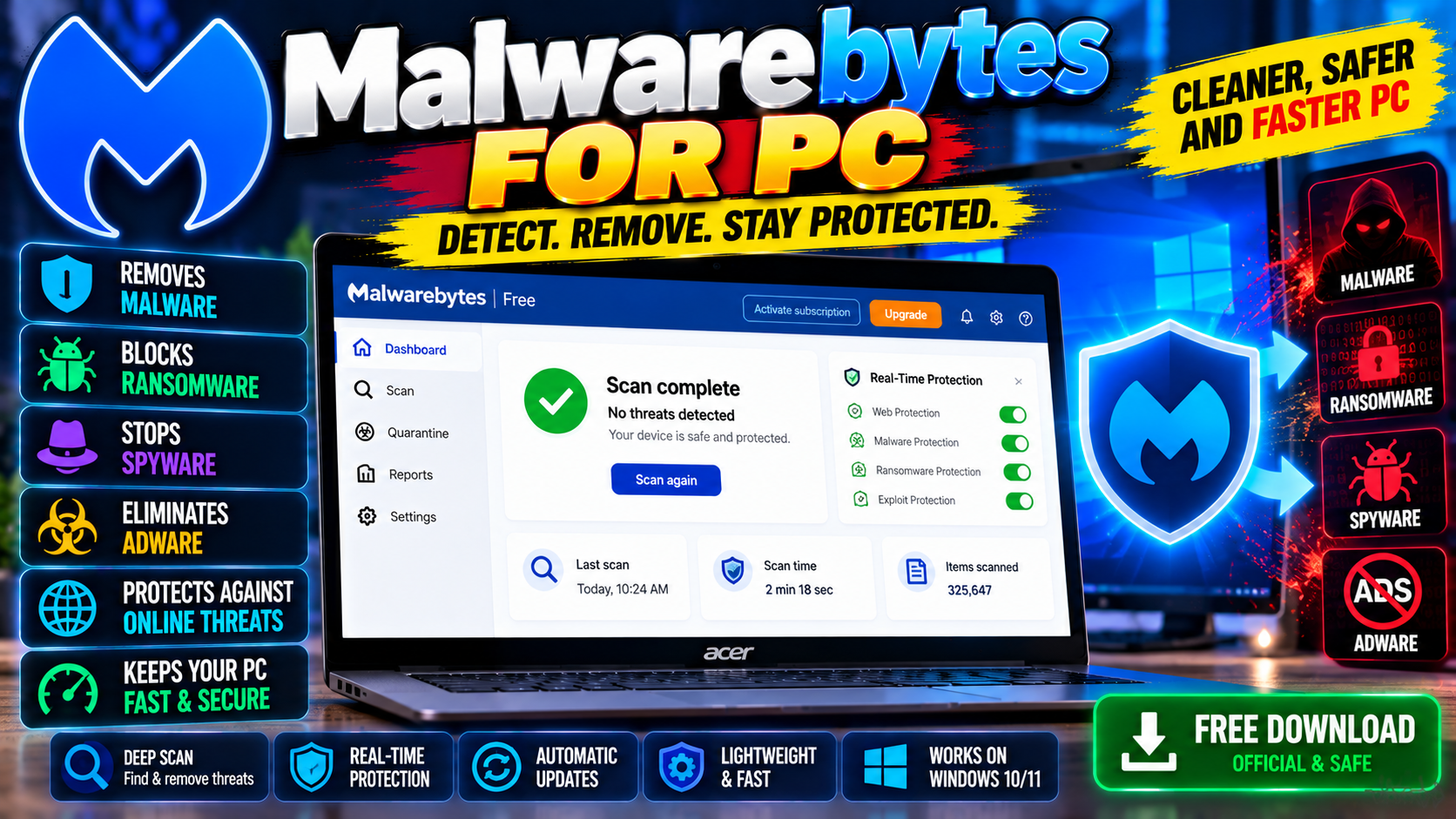
The go-to second opinion scanner. Great at catching adware, spyware, and junk your main antivirus misses. Free version handles on-demand scans.
Key Features
- Catches adware, spyware, and potentially unwanted programs
- Free on-demand scans with no background process needed
- Browser Guard extension blocks scam and phishing sites
- Runs alongside your main antivirus without conflicts
Best as a backup scanner for what your main antivirus misses — free from malwarebytes.com.
What it does and why people use it
Malwarebytes is the scanner people turn to when something feels off on their PC but their main antivirus says everything is fine. It’s built for a second opinion: a quick check for adware, spyware, and junk programs that slip past traditional antivirus software.
The free version is the key draw. You don’t need to leave it running all the time or pay anything to scan a PC you’re worried about — you run it when you want, it reports what it finds, and you clean it up.
Key features explained in detail
Catches adware, spyware, and potentially unwanted programs. This is Malwarebytes’ specialty. Adware that changes your browser, toolbars you never asked for, and programs bundled with free downloads are the kind of junk it hunts down, even when a main antivirus ignores them.
Free on-demand scans with no background process needed. The free version doesn’t sit in the background slowing your PC. You open it, run a scan, and close it when you’re done. That’s why it’s a good fit as a second scanner rather than a replacement.
Browser Guard extension blocks scam and phishing sites. The browser extension adds protection where most threats arrive — the web. It blocks scam pages, phishing attempts, and other risky sites before they can trick you.
Runs alongside your main antivirus without conflicts. Two antivirus programs running at once usually fight each other. Malwarebytes is designed to run beside your main antivirus, so you get a second opinion without the usual conflicts.
How to download and install safely from the official site
Download Malwarebytes only from the official site, using the download link at the end of this article — the Download URL for this post points to malwarebytes.com/mwb-download. Install it and run your first scan; if it asks about a trial of the paid version, you can decline and keep the free on-demand scanner. Avoid repackaged copies from third-party download sites, which can bundle the very junk Malwarebytes is meant to remove.
How to use the main features
Run a scan whenever a PC feels sluggish, shows pop-ups, or behaves strangely — or just every few weeks as a checkup. Review what the scan finds before removing it, in case it flags a program you actually use. Add the Browser Guard extension to your browser for scam and phishing blocking; if you use Chrome, see our Google Chrome for PC post, and if you want a full-time antivirus instead of a backup scanner, Bitdefender Antivirus Free for PC covers that role.
Tips for getting the most out of it
- Use it as a second opinion, not a replacement — keep a main antivirus installed too.
- Run a scan after installing any free software, since bundles are how most junk arrives.
- Read the scan results before removing everything; check nothing you rely on is listed.
- Install Browser Guard in your main browser for scam and phishing protection.
- If a scan finds the same junk repeatedly, check what program is reinstalling it and remove that too.
- Keep it updated so its detection stays current.
Frequently asked questions
Is Malwarebytes free? Yes, the free version handles on-demand scans, as the original post notes.
Does it replace my antivirus? No — it’s a second opinion scanner that runs alongside your main antivirus without conflicts.
Does it run in the background? Not in the free version; you run scans on demand and close it when you’re done.
What is Browser Guard? A browser extension that blocks scam and phishing sites.
Where do I download it safely? From the official Malwarebytes site, via the download link on this page.