
Everything for PC
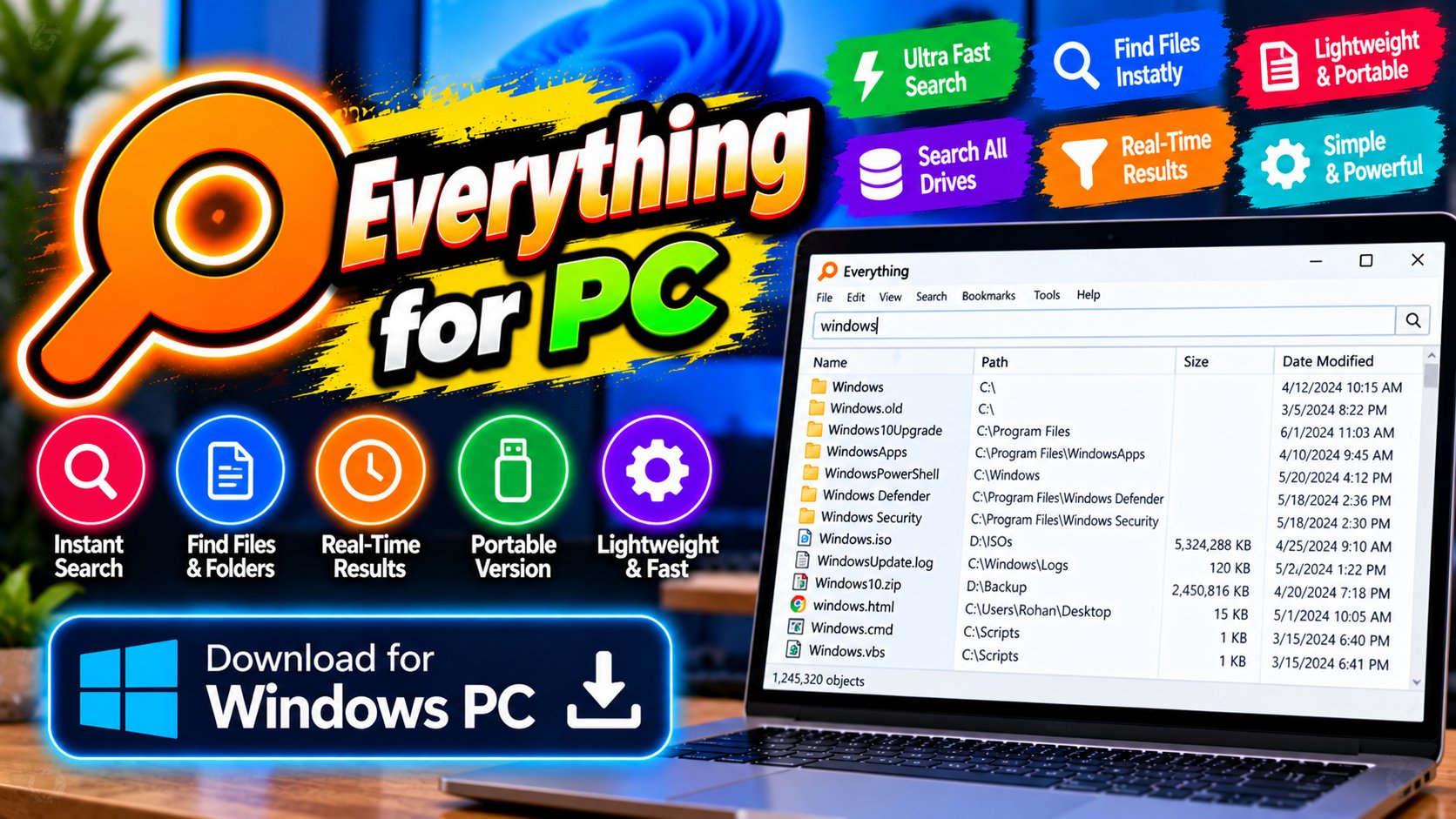
Finds any file on your PC instantly as you type. Windows search feels broken once you’ve tried this — results appear before you finish the word.
Key Features
- Instant results as you type
- Tiny footprint, barely touches memory
- Advanced search operators for power users
- Completely free
The best upgrade to Windows file search you’ll ever install — free from voidtools.com.
What it does and why people use it
Every Windows user knows the feeling: you know a file is somewhere on your PC, but finding it means waiting on a slow search that crawls through folders one by one. Everything takes a different approach. It builds an index of your files, so when you start typing a name, matching results appear right away — often before you’ve finished the word, as the original post puts it.
That’s why it sticks around on so many PCs. It’s not a file manager replacement or a flashy utility. It’s a small tool that answers one question — where is that file? — faster than anything built into Windows.
Key features explained in detail
Instant results as you type. Results update with every keystroke, so you can stop typing the moment you spot the file you want. There’s no search button to press and no waiting for a scan to finish.
Tiny footprint, barely touches memory. Everything is a small program that sits quietly in the background. It won’t slow your PC down or hog resources while it waits for your next search.
Advanced search operators for power users. Once the basics feel natural, operators let you narrow a search instead of scrolling through thousands of matches — useful when a filename alone isn’t specific enough.
Completely free. No trial, no subscription, no locked features. The original post is blunt about it, and it’s part of the appeal: a tool this useful costs nothing.
How to download and install safely from the official site
Download Everything only from the official voidtools site, using the download link at the end of this article — the Download URL for this post points to voidtools.com/downloads. Pick the installer for your version of Windows, run it, and let the program build its first index. That first index takes a little while on a drive full of files; after that, searches stay instant. Avoid repackaged downloads from third-party sites, which can bundle extras you didn’t ask for.
How to use the main features
Open Everything, start typing a file or folder name, and double-click the result to open it. Right-click a result for the usual options, like opening its folder or copying its path. When a plain name search returns too much, try the advanced operators to narrow it down, and keep the program running in the background so it’s always ready — that’s the whole point of its tiny footprint.
Everything finds files; for working with them, 7-Zip for PC handles compressed archives, and for opening text files you track down, Notepad++ for PC is a solid next step.
Tips for getting the most out of it
- Keep it running in the background. A search tool you have to launch and wait for defeats its own purpose.
- Learn one or two search operators at a time instead of trying to memorize them all on day one.
- When you find a file, open its folder from the result rather than hunting for the folder yourself.
- Use it to find duplicates and old downloads you forgot about — instant search makes spring-cleaning a drive far less painful.
- If results feel overwhelming, type a little more of the name. A few extra letters usually cut the list down fast.
- Pin it to your taskbar or set a keyboard shortcut if your workflow opens files all day.
Frequently asked questions
Is Everything free? Yes, it’s completely free, as the original post notes.
Does it slow down my PC? No, it has a tiny footprint and barely touches memory.
How fast is it, really? Results appear as you type, often before you finish the word.
Does it replace Windows search? It doesn’t have to. Many people keep both and reach for Everything when they want a file fast.
Where do I download it safely? From the official voidtools site, via the download link on this page.