How to Stop Spam Calls on Android and iPhone
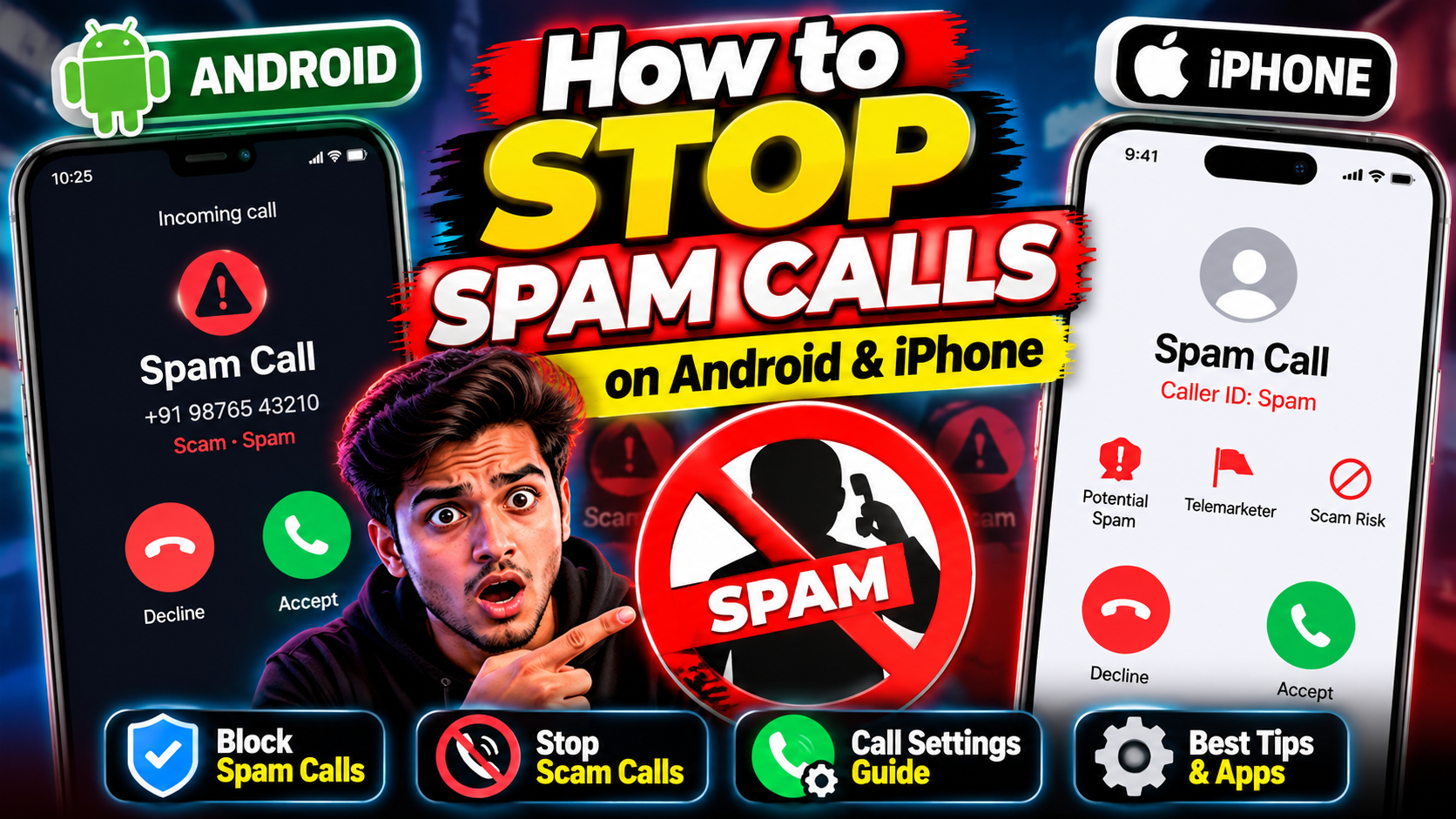
You know the drill. Your phone rings, it’s a number you don’t recognize, and some part of you already knows it’s junk before you even look. If you want to stop spam calls instead of just enduring them, good news: your phone already has most of the weapons. You just have to turn them on.
Here’s the full playbook for Android and iPhone — built-in filters first, then carrier help, then the habits that make the whole problem smaller over time.
Why Blocking Numbers One by One Barely Helps
Feels productive, doesn’t it? Block the number, done. Except the same spammer calls tomorrow from a different number.
That’s because spam operations rotate numbers constantly and can fake the caller ID on your screen. Chasing individual numbers is whack-a-mole. Filters that judge call patterns — behavior, reported numbers, carrier data — catch far more. So let’s set those up instead.
Stop Spam Calls on Android with the Built-In Filter
On most Android phones, the spam filter lives in the Phone app — Google’s Phone app has the most complete version, and it’s free on the Play Store if your phone shipped with something else.
- Open the Phone app and tap the three-dot menu, then Settings.
- Tap Caller ID and spam (on some phones it’s under “Spam and Call Screen”).
- Turn on See caller ID & spam — this warns you before you answer a suspected spam call.
- Turn on Filter spam calls — suspected junk gets silenced automatically instead of ringing.
Filtered calls still show up in your call history, so you can double-check nothing legit got caught. Google documents the whole feature on its Phone app help page.
Samsung owners: your Phone app has its own version at Settings > Caller ID and spam protection, with an option to block spam and scam calls outright. (We cover more Android essentials over in our Android apps section.)
Stop Spam Calls on iPhone: Silence Unknown Callers
Apple’s approach is blunt but effective: calls from numbers you haven’t saved simply don’t ring.
- Open Settings, tap Apps, then Phone.
- Scroll to Screen Unknown Callers and choose Silence — unsaved numbers go straight to voicemail.
- Prefer a middle ground? Choose Ask Reason for Calling instead, and your iPhone asks the caller to identify themselves before your phone rings.
One more layer: under Settings > Apps > Phone > Call Filtering, you can turn on the carrier-based spam filter, which silences suspected spam into its own list. Apple’s full rundown is here on Apple Support.
Fair warning: couriers, clinics, and job recruiters often call from unsaved numbers. Save the important ones to your contacts first, or check voicemail now and then.
Check What Your Carrier Offers
Your mobile carrier probably has its own spam-blocking service — most offer a free app or network-level filter these days. It’s worth five minutes: open your carrier’s app or website and look for “spam” or “call protection.” These work at the network level, so they catch junk before it even reaches your phone.
The Do Not Disturb Trick
Here’s a quieter option for people who get hammered at odd hours. Set Do Not Disturb to allow calls only from contacts during certain hours — say, overnight or during work. Your saved people get through; everyone else waits.
On Android: Settings > Sound > Do Not Disturb > People > Calls > Contacts only. On iPhone: Settings > Focus > Do Not Disturb > People > Allow Calls From > Contacts Only. Same idea, both platforms.
What NOT to Do When a Spam Call Comes In
Filters do the heavy lifting, but your own habits matter too. A few rules:
- Don’t answer unknown numbers. If it’s important, they’ll leave a voicemail. Answering confirms your number is live.
- Don’t press any numbers. “Press 1 to unsubscribe” is often a trick to confirm a human picked up.
- Don’t call back numbers you don’t recognize, especially international ones you never dialed.
- Never read back codes from texts to a caller. No legit company asks for that over the phone.
None of this makes spam vanish overnight — new numbers keep appearing. But between the built-in filters and these habits, most people watch the daily interruptions shrink to almost nothing. For more phone-taming walkthroughs, check our tutorials.
Related Reading
Keep exploring: Android apps and reviews.