How to Start a Blog in 2026: From Domain to First Post

Blogging in 2026 looks different than it did ten years ago — AI content flooded the web, social media stole attention, and yet good blogs are thriving. Why? Because readers are hungry for real expertise and human perspective. If you’ve been thinking about it, here’s how to start a blog in 2026, from zero to your first published post.
Step 1: Choose a Niche With Staying Power
The riches are in the niches, but only if you can sustain them. Pick the overlap of three things: what you know, what you enjoy, and what people search for. “Personal finance for freelancers” beats “finance.” “Budget Android tips” beats “tech.” Test it: can you brainstorm 50 post ideas? If yes, the niche has legs.
Step 2: Pick a Domain Name
Keep it short, memorable, and easy to spell. A .com is still king, but don’t obsess — content matters more than the domain. Avoid hyphens, numbers, and clever spellings people can’t guess. Check availability on any registrar (Namecheap, Cloudflare, Porkbun) and grab it for a year or two to start.
Step 3: Get Hosting (Don’t Overthink It)
For a new blog, affordable shared hosting is fine — you can upgrade later if traffic grows. Look for hosts with one-click WordPress install, free SSL, and decent support. Expect to pay a few dollars a month initially. Avoid the trap of buying the most expensive plan “just in case.”
Step 4: Install WordPress
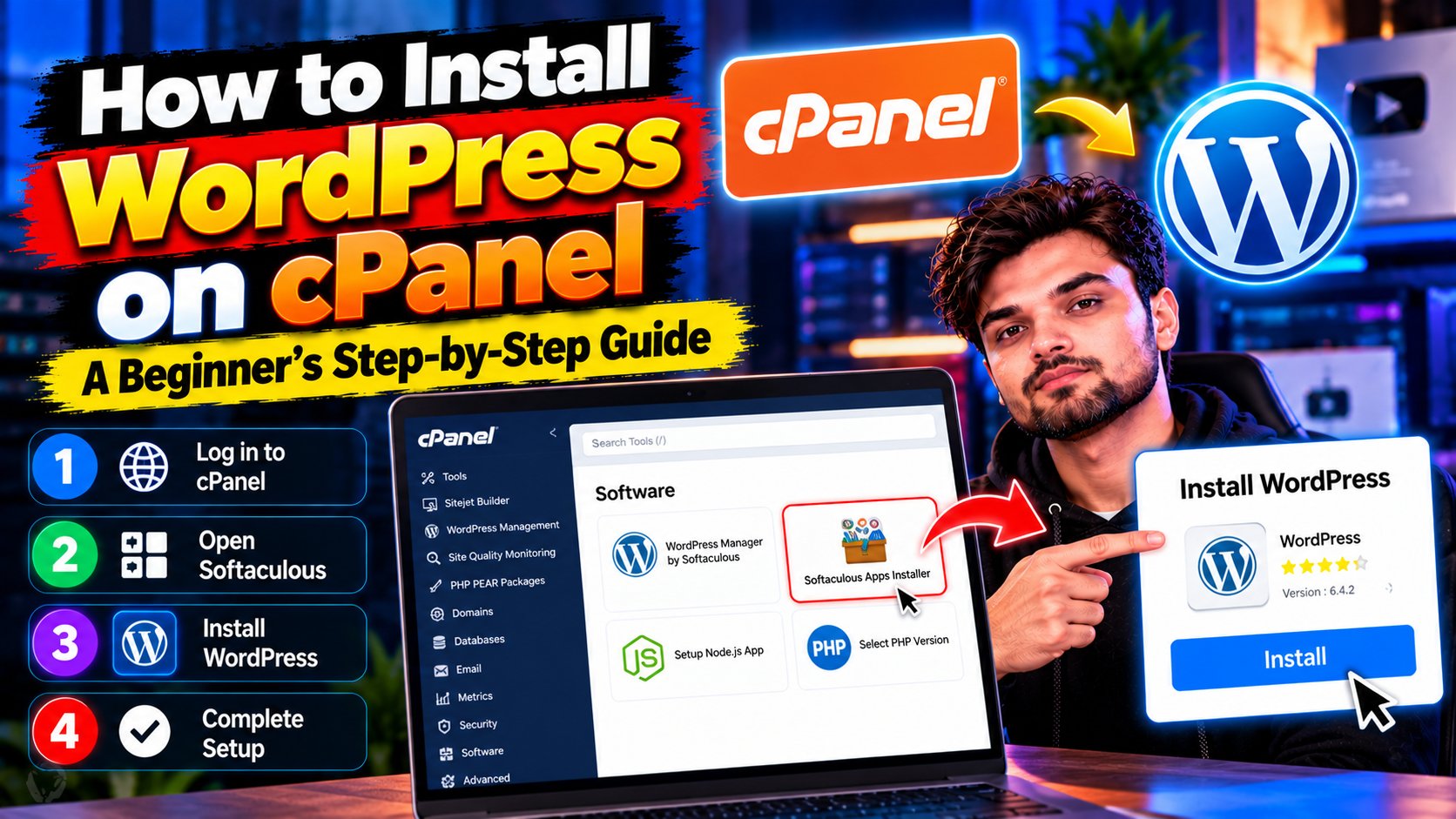
WordPress powers the majority of blogs for good reason: it’s free, flexible, and every problem you’ll ever have has already been solved by someone. Most hosts offer one-click WordPress installation from cPanel. If yours does, you’re five minutes from a working blog — see our detailed WordPress installation tutorial for the full walkthrough.
Step 5: Essential Setup (Do This Before Writing)
Five quick wins: set permalinks to Post name (Settings → Permalinks — critical for SEO), delete the default “Hello world” post and sample page, install an SSL certificate so your site uses HTTPS, pick a fast lightweight theme, and install just two plugins to start — one for SEO, one for security. Resist the urge to install 20 plugins.
Step 6: Write Your First 5 Posts Before Launching
Don’t launch with one post. Write five solid articles first — it gives new visitors a reason to stay and shows Google your site is serious. Make them your best work: in-depth, genuinely helpful, and better than what’s already ranking. Learn the fundamentals in our SEO basics guide.
Step 7: Publish and Promote
Hit publish, then tell the world: share in relevant communities, answer questions on Quora and Reddit with genuinely helpful responses (linking your post where relevant), and start an email list from day one — it’s the only audience you truly own. Traffic compounds; the first 1,000 visitors are the hardest.
Realistic Expectations
Blogging is a 12-month game minimum. Most blogs earn nothing for the first 6 months, then grow steadily if you publish consistently (2–4 quality posts a month beats 30 thin ones). Monetization comes later through ads, affiliates, or your own products. Start for the love of the topic; the money follows the audience.