
10 AI Productivity Hacks That Save Me 5 Hours a Week
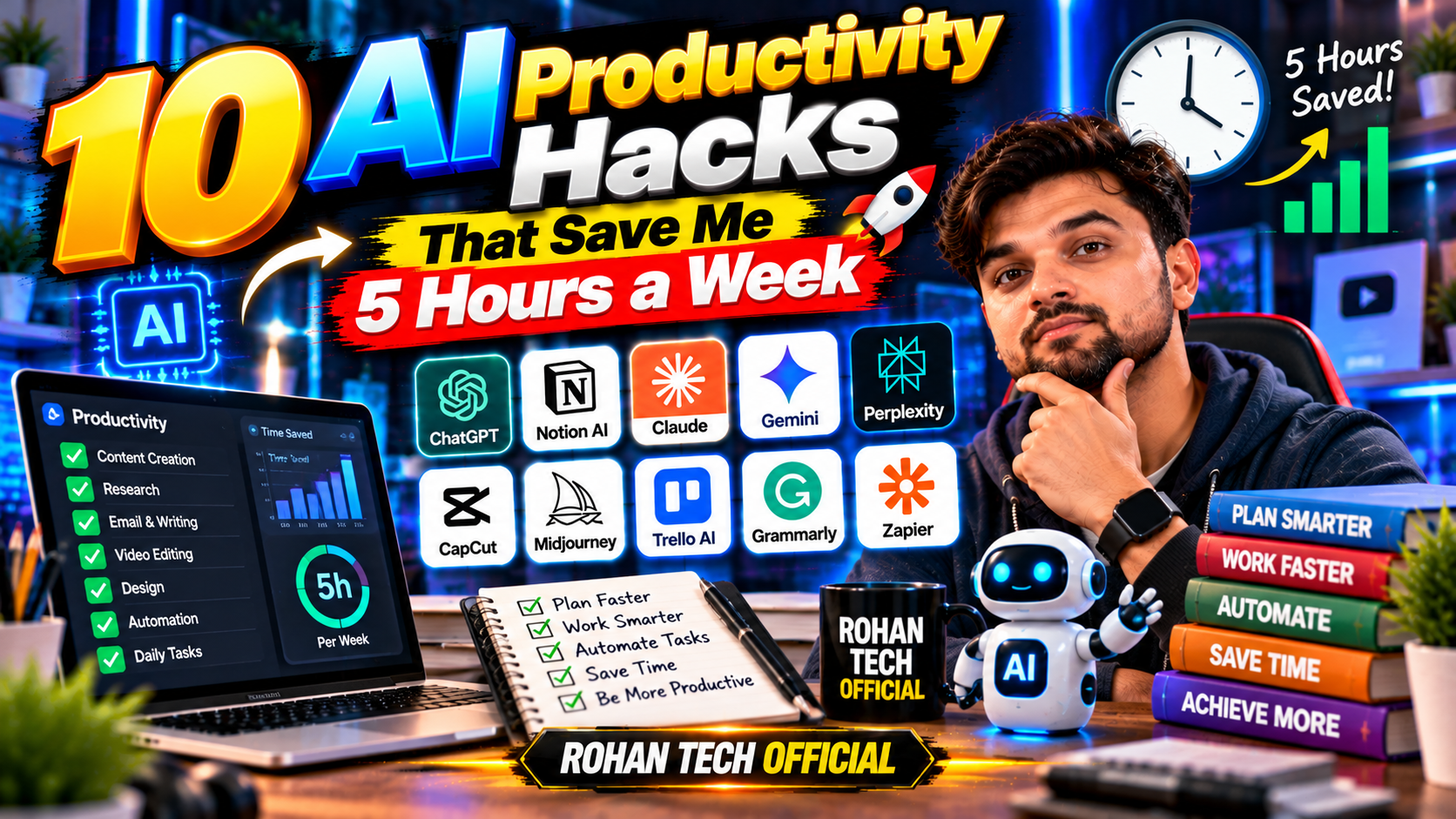
Build AI into your workflow properly and the time savings are real — people who do it commonly report getting back 5+ hours a week. Not from working faster, but from not doing things at all. Here are the 10 AI productivity hacks that consistently move the needle for people who actually use them. No fluff, just the ones worth adopting.
1. Email Triage in 10 Minutes
Every morning: feed the day’s important emails into AI (or use Gemini’s Gmail integration) and ask for a prioritized summary — what needs replying, what needs action, what’s noise. Inbox zero well before mid-morning instead of near lunch. The trick: don’t ask AI to write sensitive replies, just to sort and summarize. You stay in control; the sorting gets automated.
2. Meeting Notes That Write Themselves
Record (with permission), get transcript + action items automatically. Plenty of professionals haven’t hand-written meeting notes since switching. The real hack: ask for “decisions made and who owns what” specifically — generic summaries are useless, accountability extracts are gold. Your future self will thank you when there’s a dispute about what was agreed.
3. The 5-Minute Daily Plan
Each morning, dump the task list into AI and ask: “prioritize this for impact, flag what’s actually urgent vs. feels urgent, suggest what to drop.” It’s like a chief of staff who isn’t polite about bad priorities. Brutal, effective, and weirdly motivating.
4. First Drafts of Everything Boring
Reports, proposals, follow-up emails, project updates — AI drafts, you edit. The 80/20 rule applies: AI does the 80% that’s structure, you add the 20% that’s judgment. Boring documents go from 2 hours to 30 minutes. The editing is where your expertise shows; the drafting was never the valuable part anyway.
5. Research Summaries, Not Rabbit Holes
“Summarize the key arguments for/against X with sources.” What used to be 10 open tabs and an hour becomes a 5-minute brief. Then verify the important claims (always verify) instead of discovering them. The time saved isn’t just the reading — it’s avoiding the rabbit holes you never meant to enter.
6. Learning Anything in Half the Time
“Explain [concept] like I’m smart but new to it, then quiz me.” New tools, new domains, new client industries — the ramp-up time is halved. This compounds: faster learning means more skills per year. It’s the closest thing to a cheat code that adult learning has.
7. The Second Brain in Notion
Notion AI turns scattered notes into organized knowledge — summaries of long pages, action items from brainstorms, clean tables from messy lists. Notes finally work like a system instead of a junk drawer. The people who get the most from this are the ones whose notes were already plentiful but chaotic.
8. Automate the Recurring
Weekly report? Template + AI fill. Social posts from blog content? AI reformat. Invoice reminders? AI draft. Anything you do monthly should be a template with AI doing the variable parts. The first setup takes an hour; every repetition after that takes minutes.
9. Decision Journaling
Before big decisions, ask AI to steelman the opposing view — argue against the plan as convincingly as possible. Users say it’s caught expensive mistakes before they happened. The AI isn’t smarter than you; it’s just less attached to your ideas. That emotional distance is the whole value.
10. The Shutdown Ritual
End of day: “here’s what I did, here’s tomorrow’s list — what did I miss, what should I prep tonight?” Five minutes, and tomorrow starts without the 20-minute “wait, what was I doing” fog. Small ritual, outsized effect on mornings.
The Meta-Hack
The real productivity gain isn’t any single hack — it’s the mindset shift from “I’ll do it myself” to “can this be drafted, summarized, or sorted by AI first?” Apply that question to everything for a week. You’ll find your own 11th, 12th, 13th hack — and that’s when the hours really start compounding. One warning: don’t automate what you don’t understand yet. If you’ve never done a task manually, you won’t spot when the AI does it wrong. Automate the boring things you’ve mastered, not the important things you haven’t. Productivity is about leverage, and leverage multiplies errors too — so point it at well-understood tasks first. More systems in AI tools and tutorials.
Related Reading
Keep exploring: 5 Free AI Tools That Actually Save You Time Every Day, How to Use Google Drive Like a Pro: 9 Google Drive Tips That Actually Help, and How to Write Better ChatGPT Prompts: 7 Techniques That Actually Work.