
AI Headshot Generators Tested: 4 Tools, One Face, Honest Results
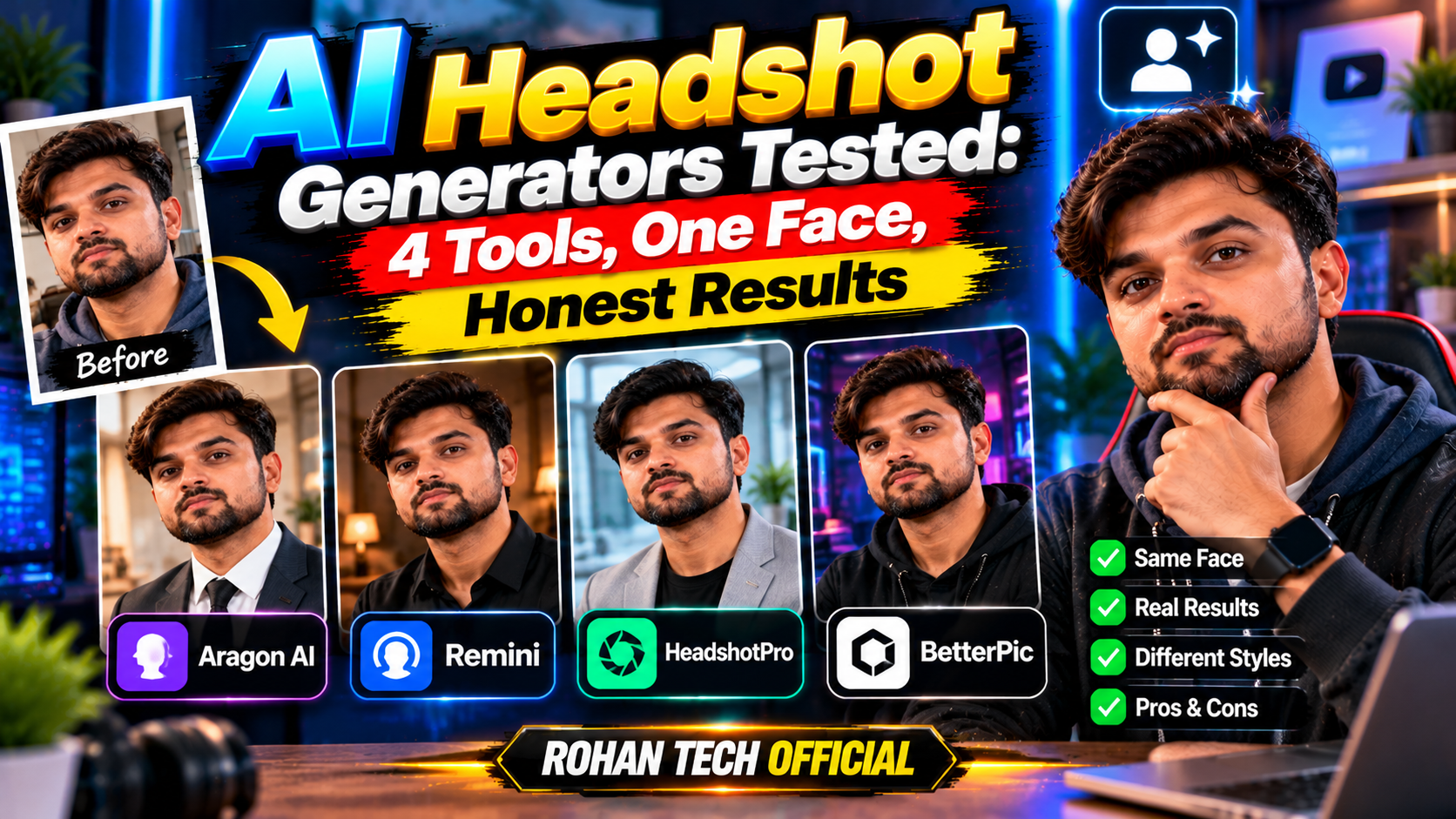
Professional headshots cost anywhere from $100 to $500, require scheduling, and involve a stranger telling you to “look natural” (impossible). AI headshot generators promise studio-quality portraits from your selfies for under $30. Four of the most popular ones, compared head-to-head on the same face. Here’s what comes back — the impressive, the weird, and the uncanny.
How the Test Worked
Same 12 selfies uploaded to each service — indoor lighting, no filters, the honest reality of a face. Judged on three things: does it look like the person, does it look professional, and would it go on LinkedIn without embarrassment. Same inputs, same criteria, four very different outputs.
1. Aragon AI — Best Overall
Aragon’s results were the most consistently usable — about 70% of the 100+ photos looked like a plausible professional version of the subject. Good suit renders, natural skin texture, believable office backgrounds. A few had the classic AI tells (overly smooth skin, slightly dead eyes), but the keepers were genuinely LinkedIn-ready. Turnaround was under an hour.
2. HeadshotPro — Most Professional Variety
HeadshotPro gave the widest range of settings and outfits — corporate, creative, casual. Its best shots were the best of the entire comparison: genuinely striking portraits. But consistency was lower; for every great shot there were two with subtly wrong ears or a jawline that wasn’t quite right.
3. Secta Labs — Fastest, Most Natural Skin
The surprise of the bunch. Secta’s photos had the most realistic skin texture — actual pores, believable imperfections — which paradoxically made them look more real than the “perfect” ones. Fewer total photos per order, but a higher hit rate. If you hate the airbrushed AI look, start here.
4. Remini — Best Budget Option
Cheapest of the bunch and it shows — slightly. Remini’s headshots are good enough for a WhatsApp profile or a small website bio, but side-by-side with the premium tools you can see the difference in detail and realism. For the price, though? Completely fair.
The Privacy Question
You’re uploading your face — a biometric identifier — to a company’s servers. Worth a moment of thought. Stick to established services with clear privacy policies: check how long they keep your photos, whether they use them for training, and if you can request deletion. Avoid random new apps with no track record, no matter how cheap. Smart practice: use a dedicated email for signups and delete your data from services you won’t use again afterward. Your face is the one thing you can’t change if it leaks — treat it accordingly. The reputable generators handle this fine, but “reputable” is doing heavy lifting in that sentence. Do the five minutes of homework. It’s the least glamorous part of this guide and the most important one.
Tips for Best Results
Outputs are only as good as inputs. Upload sharp, well-lit selfies with varied angles and expressions — no sunglasses, no group crops, no heavy filters. Include at least one smiling and one neutral photo. And here’s the uncomfortable truth: AI headshots work best on faces close to the training data’s average. If the results look “off,” it’s often the tool struggling with less-common features — try a different service before giving up. Good lighting matters more than a good camera; a well-lit phone selfie beats a dim DSLR shot every time.
Worth It?
For LinkedIn, resumes, and author bios: yes, with caveats. The best AI headshots pass casual inspection easily. But don’t use them where real identity matters (IDs, verification), and know that a sharp-eyed viewer can still spot the fakes. A sensible rule: AI headshot for online profiles, real photographer for anything that matters. More AI image guidance in our AI tools section and tutorials.
Related Reading
Keep exploring: 5 Free AI Image Generators Compared: Which Makes the Best Pictures?, 12 Best Free AI Tools in 2026 (No Credit Card Required), and How to Write Better ChatGPT Prompts: 7 Techniques That Actually Work.