
Telegram for Android
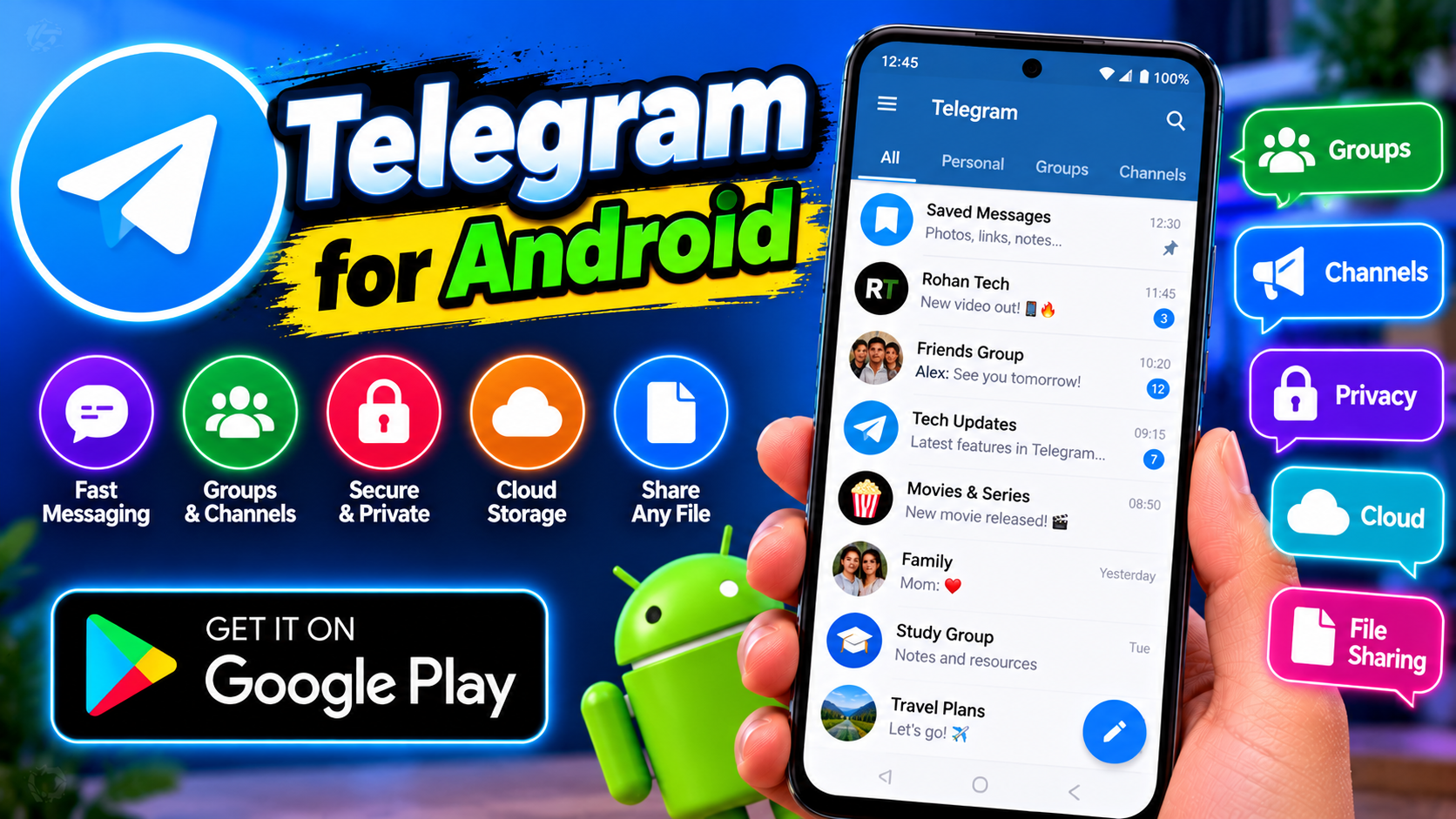
Telegram is the messaging app for people who’ve outgrown WhatsApp’s limits. Cloud-based chats mean your messages sync instantly across every device — start typing on your phone, finish on your laptop, never lose a thing. Groups support up to 200,000 members, and Channels broadcast to unlimited audiences, which is why news outlets, educators, and study communities run on Telegram. File sharing is the killer feature: send files up to 2GB each with no compression on documents, and everything stays in the cloud instead of eating your phone storage. Bots automate everything from file downloads to reminders to quizzes. The customization runs deep too — themes, chat folders, scheduled messages. Fast, private, and free without the usual catches. Premium exists, but the free version is the full experience.
Key features
- Cloud chats that sync across all devices instantly
- Groups up to 200,000 members and unlimited-audience Channels
- Send files up to 2GB each with no compression
- Free, fast, and packed with bots and customization
What it does and why people use it
Telegram is a cloud messenger first, and that changes how it feels day to day. Your chats, media, and files live in the cloud, so you can sign in on a new phone, a tablet, or a desktop and pick up exactly where you left off. For people who switch devices or work across a phone and a laptop, that alone is a reason to move.
It’s also a community platform, not just a private chat app. Large groups work for classes, teams, and fan communities, while Channels let one author or team broadcast to any number of subscribers. News outlets, teachers, and study groups use Channels to share updates without the noise of a group chat, and subscribers just read along.
Then there’s the file side. Sending a large video, a full document set, or a study pack without shrinking it is a real workflow advantage, and because files stay in the cloud, you don’t have to keep every attachment on your phone. Bots round it out: small automated helpers inside chats that can fetch files, set reminders, run quizzes, or manage a group.
Key features explained in detail
Cloud chats that sync across devices. Open Telegram on your phone and your laptop and the same chats, in the same order, are there on both. That means you can start a long message on the go and finish it at a keyboard, and you can search old messages from any device without a backup restore.
Groups and Channels. Groups are for conversation, with admins, pinned messages, and folders to organise them. Channels are one-way broadcasts: the owner posts, subscribers read, and there’s no group-chat chatter. If you run a class or a community, a Channel for announcements plus a group for discussion is a clean setup.
Large file sharing. Files up to 2GB each can be sent, and documents are not compressed, so what the receiver gets is the original file. That matters for PDFs, presentations, and video clips where quality or exact formatting counts. Keep an eye on your own downloads folder, though — cloud storage doesn’t mean your phone has to keep every file locally.
Bots and customization. Bots live inside chats and respond to commands or buttons. Useful ones handle reminders, downloads, polls, and quizzes; less useful ones just spam, so only add bots from sources you trust. Customization covers themes, chat folders, scheduled messages, and notification settings per chat, which helps when you’re in dozens of groups.
How to download and install safely from the official store
Get Telegram only from the Google Play Store, using the official link at the end of this article, or from telegram.org. Check the developer name on the listing — copycat messengers are a known problem, and a fake app asking for your phone number and code is exactly how accounts get taken over. Install from the store, sign in with your own number, and never share the login code Telegram sends you, with anyone.
After sign-in, turn on two-step verification in the app’s privacy settings and review active sessions to see which devices are signed in. If you see a device you don’t recognise, end that session from the settings. Those two steps protect a cloud account far more than any other setting.
How to use the main features
To chat, search for a contact or username, open the chat, and type — messages sync as you go. To share a file, use the attachment option in a chat and pick the file; for documents, choose the file option rather than the gallery option so it isn’t compressed. To join a group or Channel, use an invite link or search, then check the group’s pinned message for its rules.
To organise a busy account, use chat folders to split work, study, and personal chats, and mute groups that post all day while keeping their notifications for mentions only. If you need a simpler, phone-number-based messenger for everyday contacts, our guide to Instagram for Android covers DMs too, and for large-file handling on the device itself, Cx File Explorer for Android pairs well with files you download from Telegram.
Tips for getting the most out of it
- Turn on two-step verification and check active sessions after you sign in on a new device.
- Use folders and per-chat mute settings — they turn a chaotic list of groups into something usable.
- Pin important chats and use Saved Messages as your own private note-to-self space.
- Send documents as files, not photos, when the original quality matters.
- Schedule messages for study groups or work chats instead of sending them late at night.
- Only add bots from trusted sources, and remove any bot that asks for codes or passwords.
Frequently asked questions
Is Telegram free? Yes, the core app is free, as the original post notes, and the free version is described there as the full experience. Premium is an optional extra.
Do my chats sync to a new phone? Yes, cloud chats sync across devices, so signing in on a new device brings your chats with you.
Can I send large files? Yes, files up to 2GB each can be sent, with no compression on documents, according to the original features.
What is the difference between a group and a Channel? A group is for many people to talk together; a Channel is a one-way broadcast from its owner to subscribers.