Google Play October 2026 Update: 5 New Features Explained
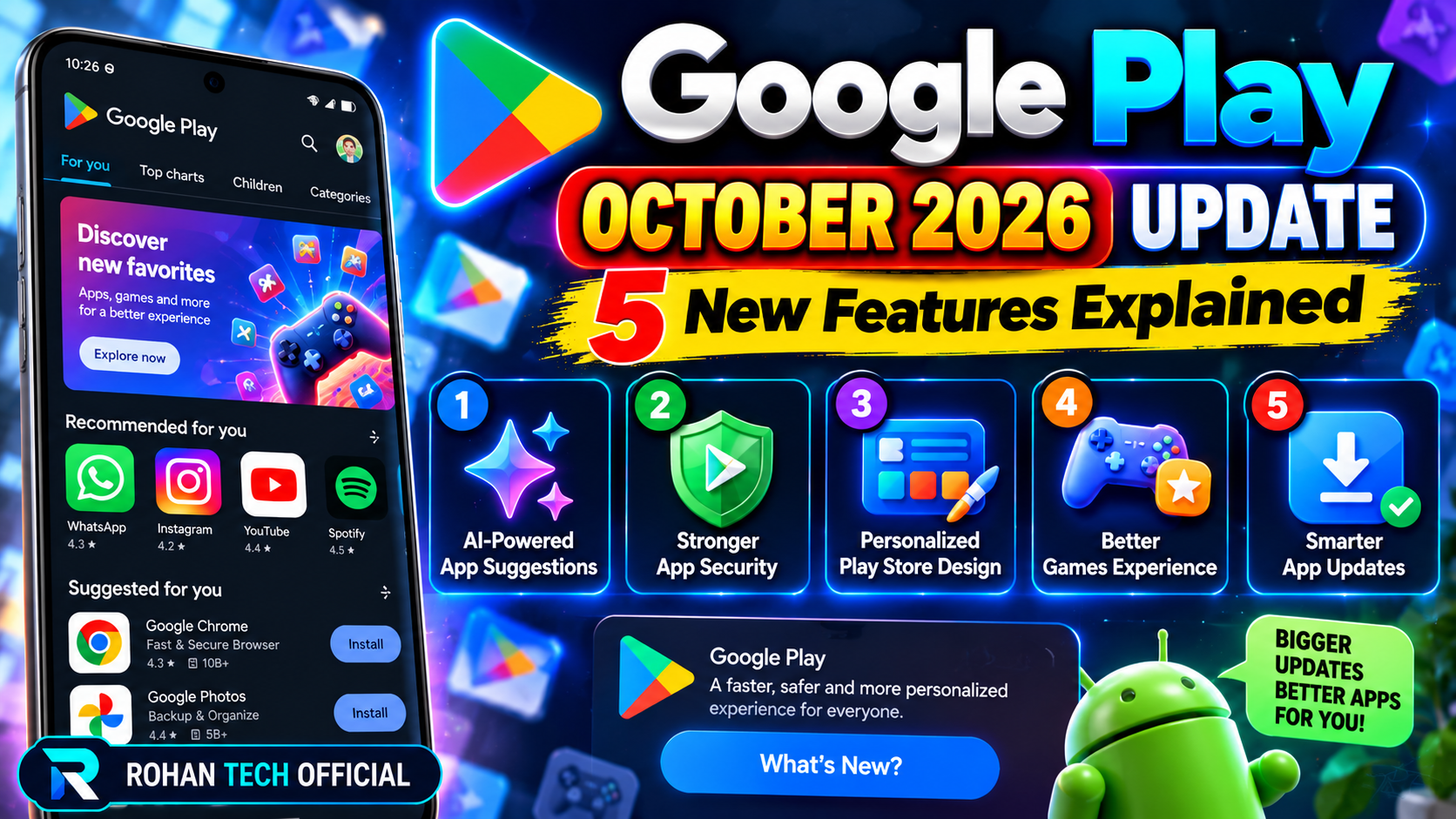
Google’s October 2026 Play updates arrive in two releases dated October 26: Play Store version 53.8 and Play Services version 26.42. They cover app discovery, gameplay sharing, and device pairing. Not every feature will show up on every phone at once, so treat this as a rollout guide, not a switch you can flip today.
Ask Play now gives video answers
Ask Play, Google’s AI helper for finding apps and games, can now include relevant videos with citations and timestamps in its answers, per the TechRepublic report on the release notes. That lets you jump to the part of a video that answers your question instead of judging an app only from its description and reviews. Google has not explained how it picks or checks the videos it cites, so use this as a starting point and still read the listing.
Playbacks saves the last 30 seconds of gameplay
Playbacks, inside Google’s in-game overlay Sidekick, records the previous 30 seconds of gameplay and stores the clip locally on your device. You can save a moment after it happens instead of remembering to hit record first. Sidekick itself rolled out to select devices from October 13, so how far this reaches depends on your device — having the new Play version does not guarantee it.
Play Shorts can now be shared outside Android
Play Store 53.8 adds shareable links for Play Shorts. People who get the link can watch the video on Android, other platforms, or the web, without needing an Android phone just to open it. For developers, this is a new way for people to find a game or app outside the store. For you, it means fewer “you need this app to watch this” dead ends.
Two quiet pairing changes
Play Services 26.42 adds phone pairing support for Android XR glasses, and background pairing for true wireless earbuds that connects without changing your notifications, audio, or vibration settings. Google has not published a compatibility list for either, so do not assume your glasses or earbuds support it yet. The same update also improves Google One storage-management loading and the presentation of earthquake and crisis alerts.
How to check your versions
To check your Play Store version, open Google Play, tap your profile picture, then Settings, then About — the version shows there, with an option to update it. For Play Services, open Settings, then Apps, then Google Play services. Menu names can differ by phone maker. If a feature is still missing after updating, it is most likely a staged rollout, not a fault with your phone.
None of these five changes is flashy on its own. Together they make the Play Store a bit more useful before you install anything — and a bit less annoying when a new device joins your phone.
Sources: Google Play, TechRepublic report
Related: Android Tips and Tricks: 10 Useful Features to Try in 2026, How to Stop Apps From Draining Your Android Battery