Windows 11 26H2 Is Here: What’s New and Should You Install It?
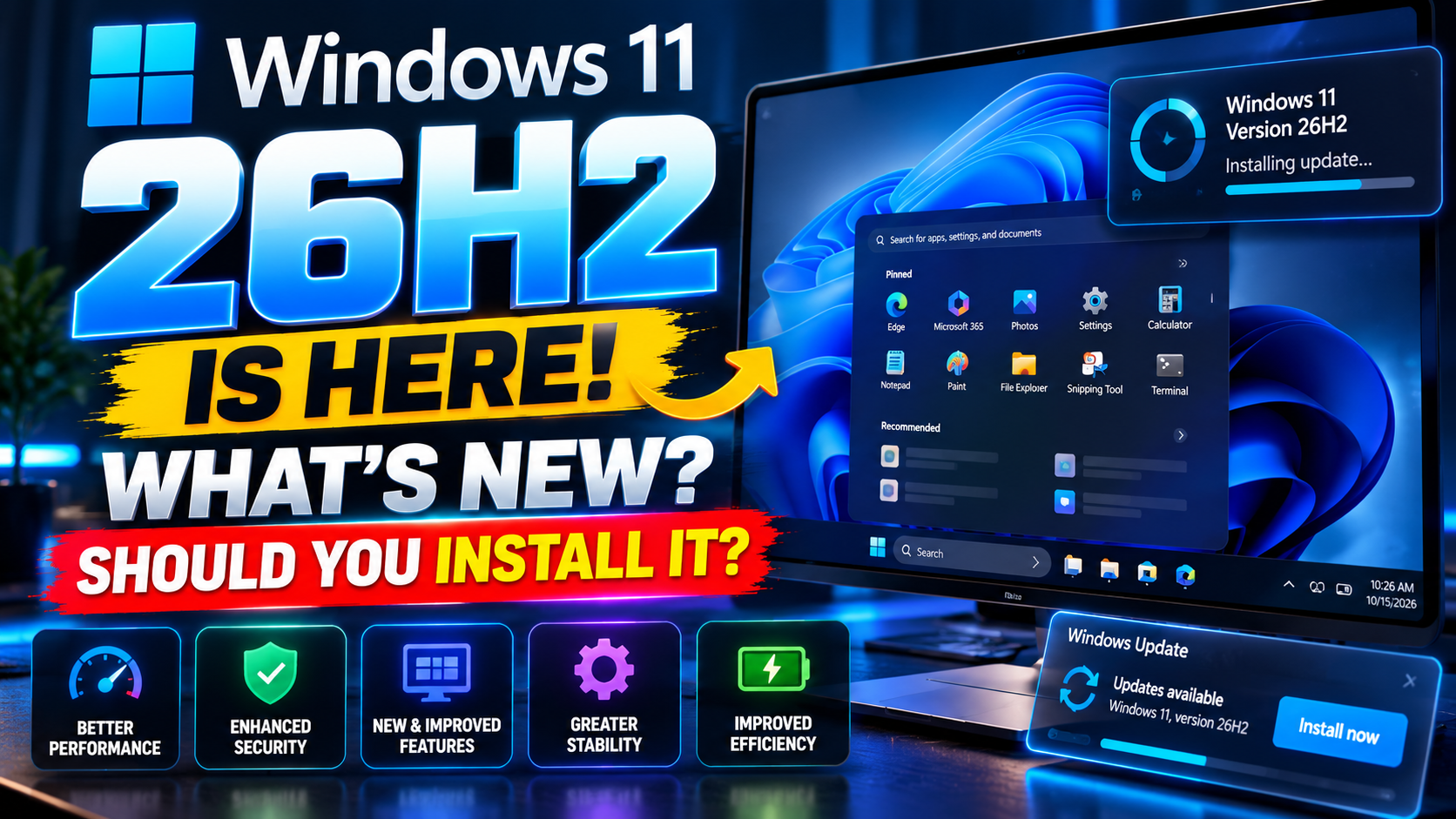
Windows 11 26H2 is here. Microsoft started rolling it out on September 29, 2026, and if your PC runs a recent version of Windows 11, picking it up is refreshingly painless. But should you install it the moment it shows up — or sit this one out for a while? Here’s the thing: this isn’t one of those scary, hour-long upgrades of the old days. It’s small, quick, and mostly about switching on features your PC may already have.
In this guide, you’ll find what’s actually new in Windows 11 26H2, how to get it, and an honest take on whether it’s worth installing right now. For more Windows coverage, keep an eye on our Tech News section.
What Is Windows 11 26H2?
Windows 11 26H2 — also called the Windows 11 2026 Update — is this year’s annual feature update. But here’s the twist: for most people, it arrives as a tiny “enablement package” rather than a full OS reinstall.
What does that mean in plain English? If your PC is already on Windows 11 version 24H2 or 25H2, most of 26H2’s code has already landed on your machine through regular monthly updates — just switched off. The enablement package simply flips the switch. The result: a short download and a single restart, not an afternoon of staring at a progress bar.
There’s no new hardware requirement either. If your PC runs 24H2 or 25H2 today, it can run 26H2. One caveat: Microsoft is rolling it out in phases, so not every PC gets offered it on day one. If you don’t see it yet, that’s normal — more on that below.
What’s New in Windows 11 26H2
Since 26H2 shares its foundation with 24H2 and 25H2, many of its headline features have been trickling out over the past year. This update gathers them up and turns a few more on by default. Here’s what actually matters:
Administrator Protection. This is the big security win. Windows now separates admin privileges from your everyday account, so malware has a much harder time making system-wide changes. Think of it as a bouncer standing between your daily browsing and the keys to the castle.
Stronger Windows Hello sign-in security. Sign-in security gets tougher, including support for third-party fingerprint readers. Fewer passwords, fewer headaches.
Point-in-time restore. A new recovery option that rolls your PC back to an earlier state when something goes sideways. Every Windows user has wished for this at 2 a.m. at least once.
Windows settings backup — on by default. Your settings (and Microsoft Store app list) get backed up automatically, which makes moving to a new PC far less painful.
Improved Windows Search and taskbar customization. Search gets smarter and the taskbar gets more flexible — small quality-of-life upgrades that add up fast.
AI actions in File Explorer. Right-click smarts: edit supported images or summarize documents without opening another app. Some of the deeper AI tricks tie into Microsoft 365 and Copilot licensing, but the basics are there for everyone.
Multi-app camera support. Finally — your camera can serve more than one app at a time. Video call plus recording app? No more “camera is in use” errors.
For the full official rundown, Microsoft keeps the details on microsoft.com/windows.
How to Get Windows 11 26H2
Getting it is simple:
1. Open Settings > Windows Update.
2. Turn on “Get the latest updates as soon as they’re available.”
3. Hit Check for updates.
If 26H2 is offered, install away. If it isn’t? Don’t panic — and don’t go hunting for sketchy “update assistants” on random websites. The rollout is phased, and Microsoft also uses safeguard holds to pause the offer on PCs with known compatibility quirks. It’ll reach you when your machine is ready. Microsoft’s own support site has troubleshooting steps if an update ever misbehaves.
Should You Install Windows 11 26H2 Right Now?
Short answer: if Windows Update offers it to you, yes — go for it. It’s a quick install, a single restart, and the security improvements alone (Administrator Protection, tougher Windows Hello) make it worthwhile. This is about as low-risk as Windows feature updates get.
Longer answer: there’s no prize for being first. If you’re in the middle of critical work, wait for a quiet moment — that’s just common sense with any update. And if your PC hasn’t been offered it yet, patience beats force-installing. The phased rollout exists for a reason.
One tip before any update: back up the files you can’t afford to lose. It takes ten minutes and saves a hundred headaches. Then install, restart, and enjoy the new toys. For more ways to keep your PC in shape, browse our PC Software picks.
Related Reading
Keep exploring: How to Make Windows 11 Faster: 9 Settings to Change Right Now, 5 Free Antivirus Programs Tested: Which One Is Actually Worth It?, and How to Clean Install Windows 11: The Complete Step-by-Step Guide.