WhatsApp Is Working on a New Settings Menu for Android: What We Know So Far
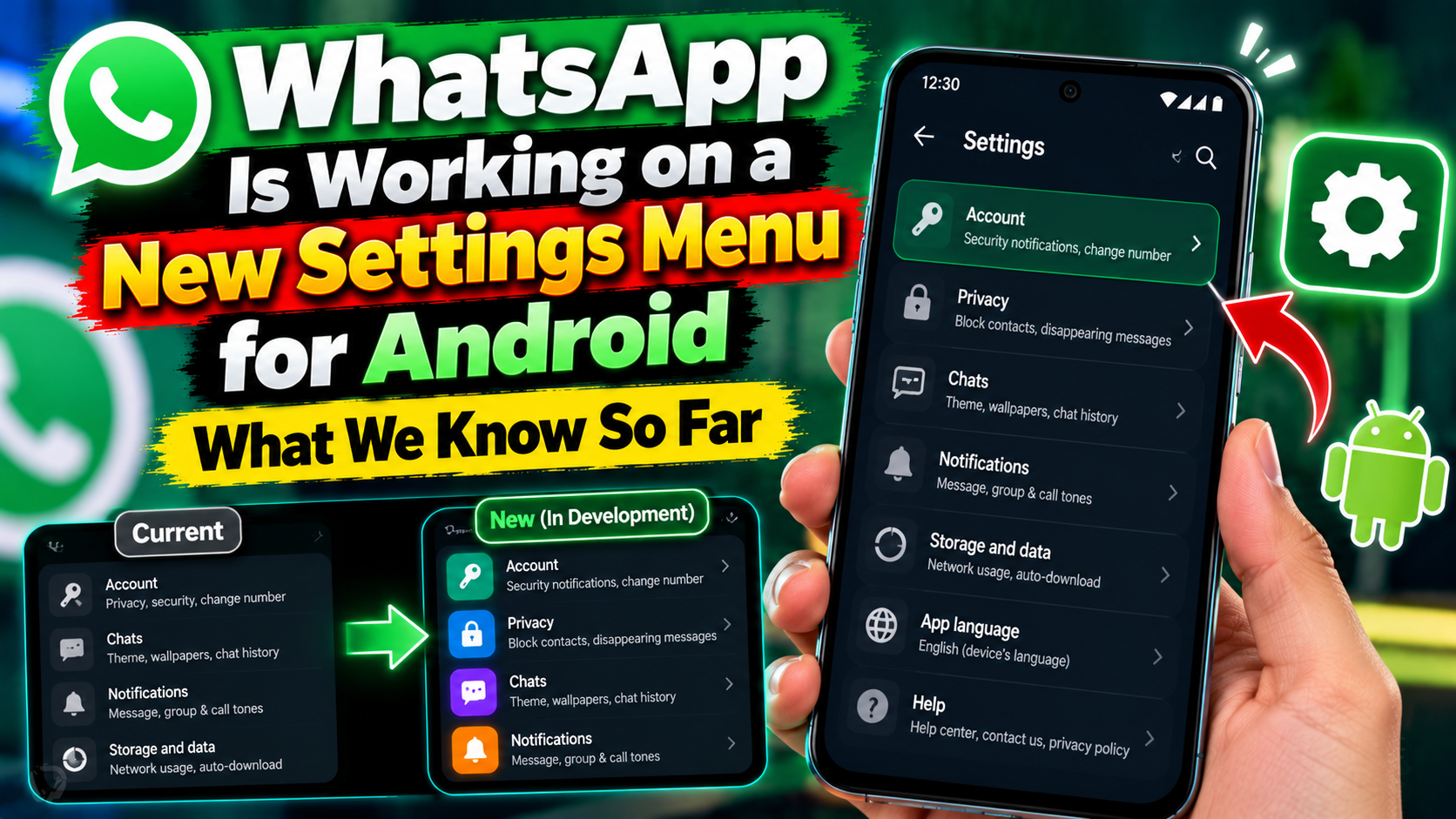
WhatsApp is reportedly working on a new settings menu for Android users. That word — reportedly — matters. This is based on reports about work in progress, not an official announcement with a release date, so treat the details below as early signs, not a finished feature you can switch on today.
What has been reported
Reports say WhatsApp is reworking how its Android settings are laid out, so finding a setting takes fewer taps. No official screenshots, rollout date or full list of changes has been confirmed in the reporting so far. If a post online claims an exact date or shows a settings screen, check whether it comes from WhatsApp itself or from a beta teardown before you believe it.
How WhatsApp usually rolls out changes like this
WhatsApp normally tests a change with a small group of beta users first, then widens it over weeks. Your app version, your phone and your region can all change when you see it. That is why two people on the same phone can have different settings screens. If you do not see a new menu yet, it does not mean your app is broken.
What to check on your phone right now
Open WhatsApp, tap the three-dot menu, then Settings, and look through the sections you already have: Account, Privacy, Chats, Notifications and Storage. Those are the areas a redesign would touch first. Before any update, make sure your chats are backed up under Chats settings, so a redesign — or any app hiccup — never costs you your history.
What not to do
Do not install a modified WhatsApp app from outside the Play Store to get a new menu early. Unofficial versions can get your number banned and put your chats at risk, and they are not worth it for a settings layout. Wait for the official update in the Play Store, and keep your app updated there.
A cleaner settings menu would be a welcome change, but for now it is a report to watch, not a feature to chase. When WhatsApp confirms it, the real test will be simple: can you find the setting you need in fewer taps than before?
Sources: WhatsApp and WhatsApp Help Center. Related: Android Tips and Tricks: 10 Useful Features to Try in 2026 and How to Stop Apps From Draining Your Android Battery.